10.1.15.12-06212024
Create Dataset by the Updating by Intent Method
As the ADT dataset can be updated by diagnosis logic Update ADT Dataset in intent, a new type of data source is provided for ADT: Update by Intent. The data of this type can only be added by intent and cannot be manually added/deleted. Building dataset by this method is recommended when you need to use ADT dataset to capture special network status such as multicasting tree with specific criteria, and the results will be used for reference by features such as Auto Intent. 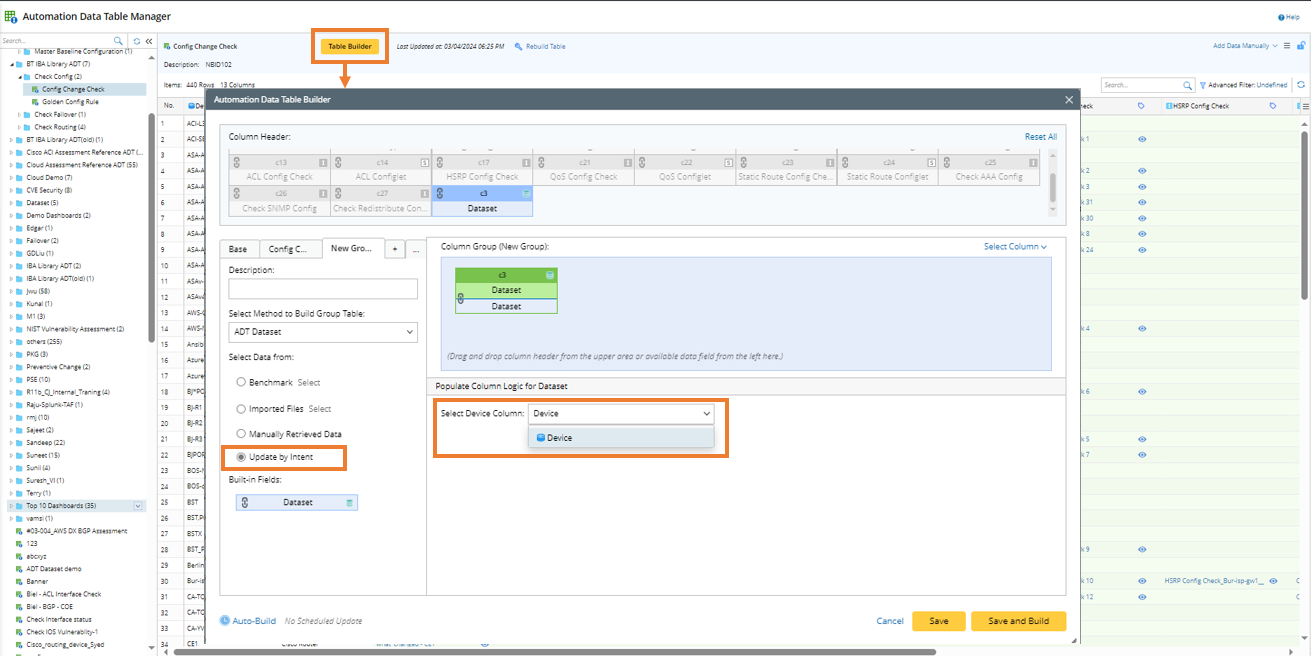
To use the Update ADT Dataset method to create ADT dataset, follow the steps below.
- Go to the Automation Data Table Builder, create a Base table, then create a new group and name it (for example, Dataset_update_by_intent) Intent as data source.
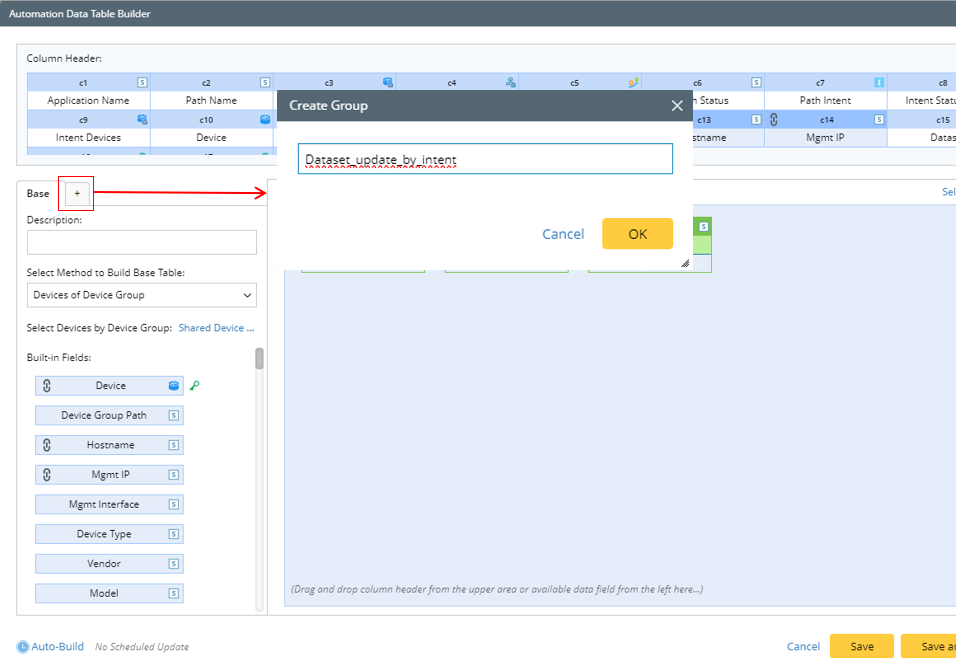
- In the left pane of the new group tab, define the following settings:

- Description: Input descriptions for the column group to describe its use and function, e.g., "Update data by intent".
- Select Method to Build Group Table: Select ADT Dataset.
- Select Update by Intent as the source for building dataset column.
- In the right pane, select a device column in the ADT to decide which data will be added to which device row based on the device information in this selected device column.

- Mapping available fields to Column Group: Drag and drop the available fields to the column group definition. When the dataset column is built via ADT Dataset method, the built-in field is Dataset.

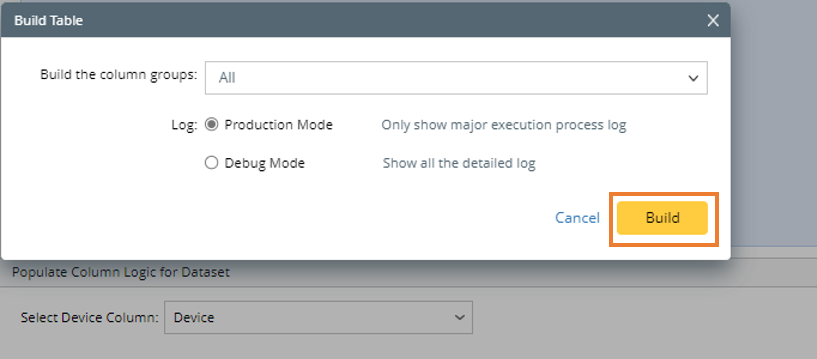
- Click Save and Build, the Build Table dialog will display.
- In the Build Table dialog, select the column groups to be built and select a log mode. Then click Build.
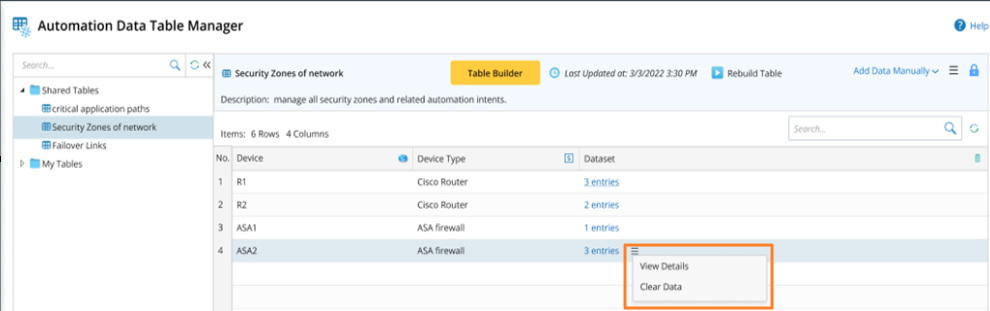
You can perform the same operations on this type of dataset as on others: “View Details” and “Clear Data”.