10.1.15.12-06212024
Manage Domain Online Users
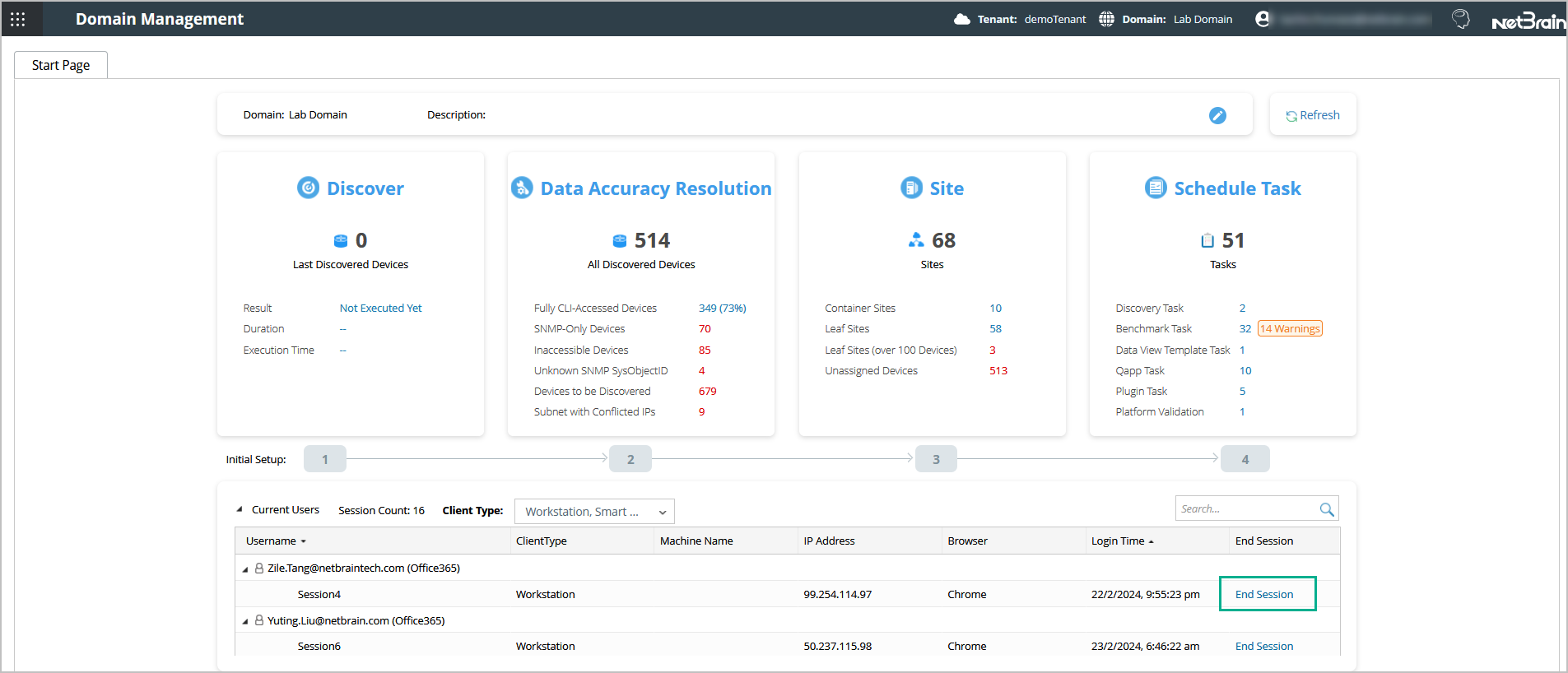
- Log in to the Domain Management page. The Start Page is displayed by default, and all online users in this domain are listed.

Tip: The login time indicates the local time of users depending on their location. - To end a user session, click End Session in the related entry. Then the user will be asked to log in again.
See also: