R12.1 JA-2025July15
Register App
The Microsoft identity platform performs IAM only for registered applications. Therefore, an App must be registered in the Azure portal to establish a trusting relationship between NetworkBrain and Azure.
Follow these steps to register an App for the NetworkBrain System:
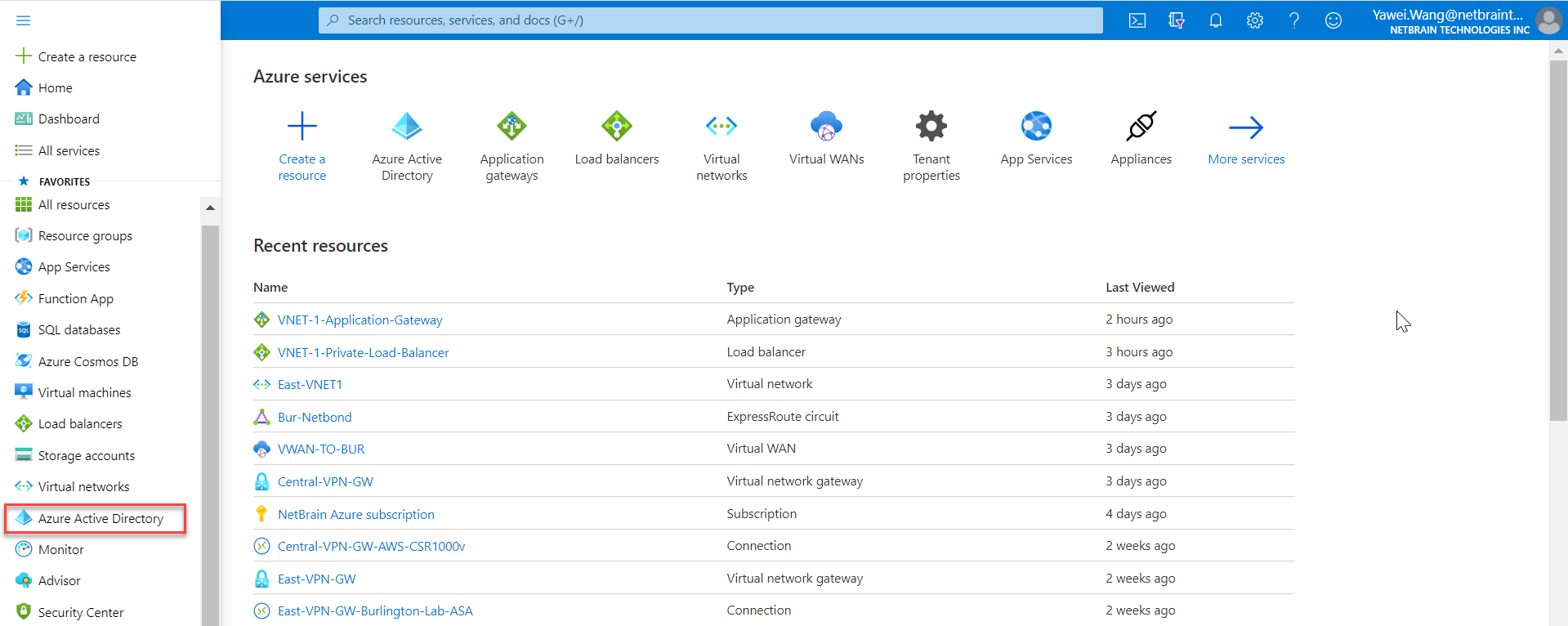
- Go to Azure Active Directory in Azure Portal.
- Go to App registrations and click New registration.
- Define an App name, select the account type Accounts in this organizational directory only (Single tenant), and then click register.
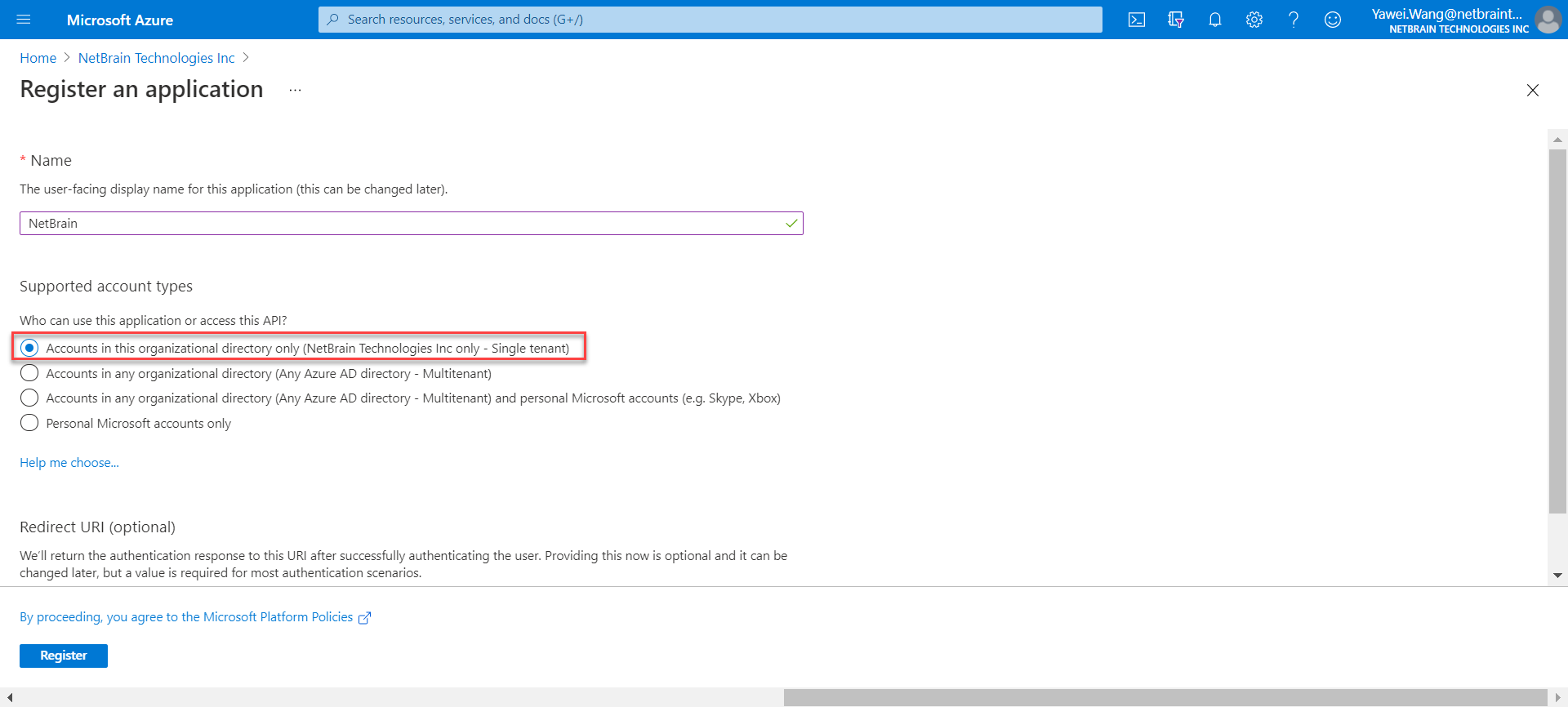

Note: NetworkBrain only fully supports the “Single Tenant” account type.
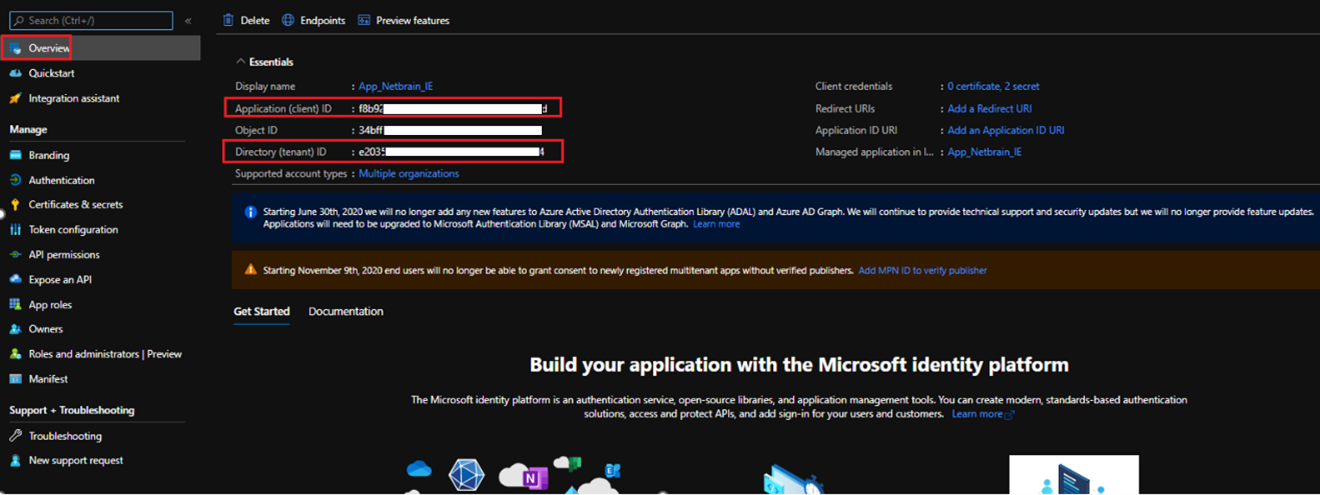
- Go to the Overview page of the newly registered App. The Application (Client) ID and Directory (Tenant) ID information will be used to set up the NetworkBrain external API server later.
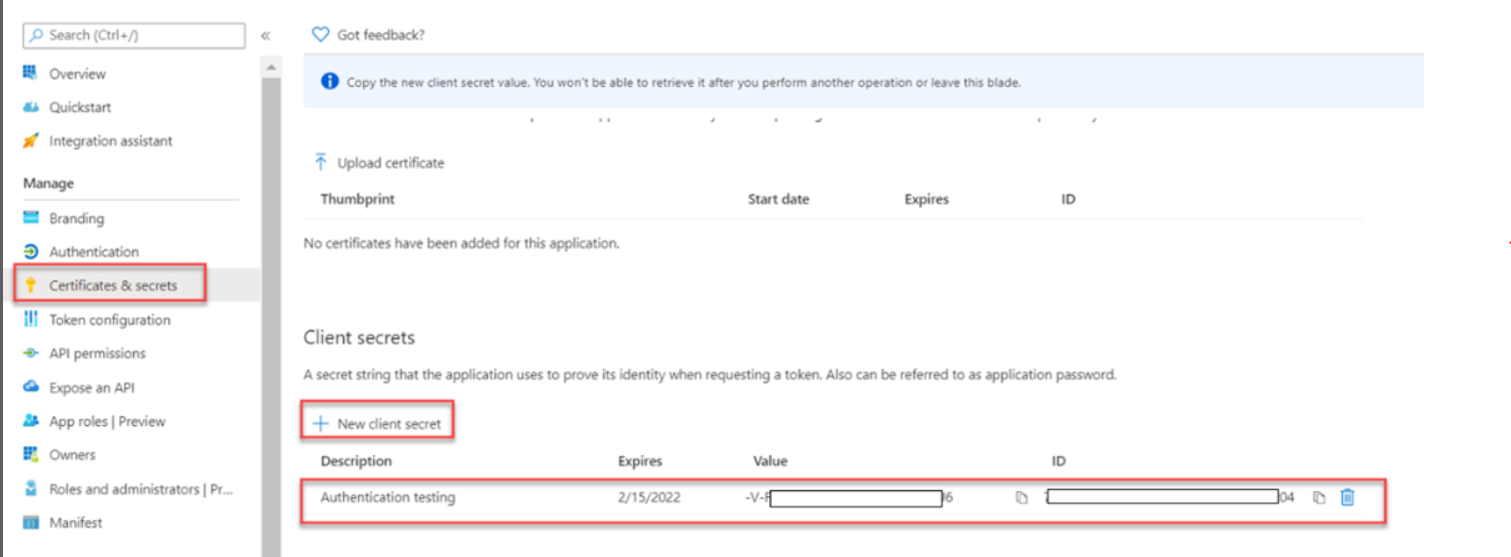
- Go to Certificate & secrets within the created App to add a new client secret. The value of the newly created client secrets will be used to set up the NetworkBrain external API server later.