R12.1 Project Publication-2025Dec23
Edit Installed Automation
To edit an intent in the Preventive Automation Manager:
-
Click
 , scroll down and select Preventive Automation Manager from the menu.
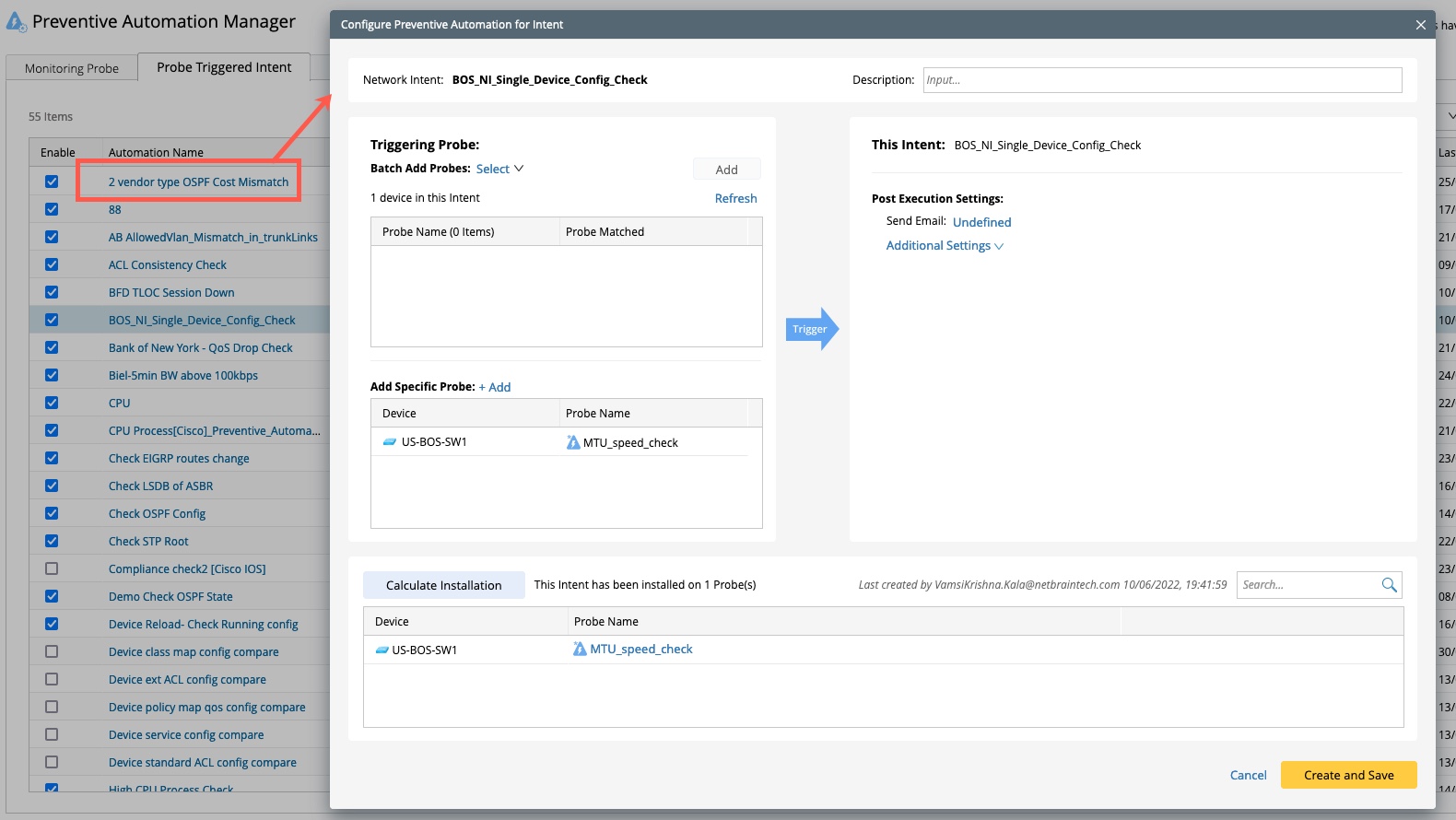
- Navigate to the Triggered Intent tab.
-
Click the automation name to edit any installed triggered automation.