R12.1 Project Publication-2025Dec23
Published Intents
- In the NI View mode, click the
 icon and select Publish Intent.

Note: When this intent is published, it is marked with an icon. 
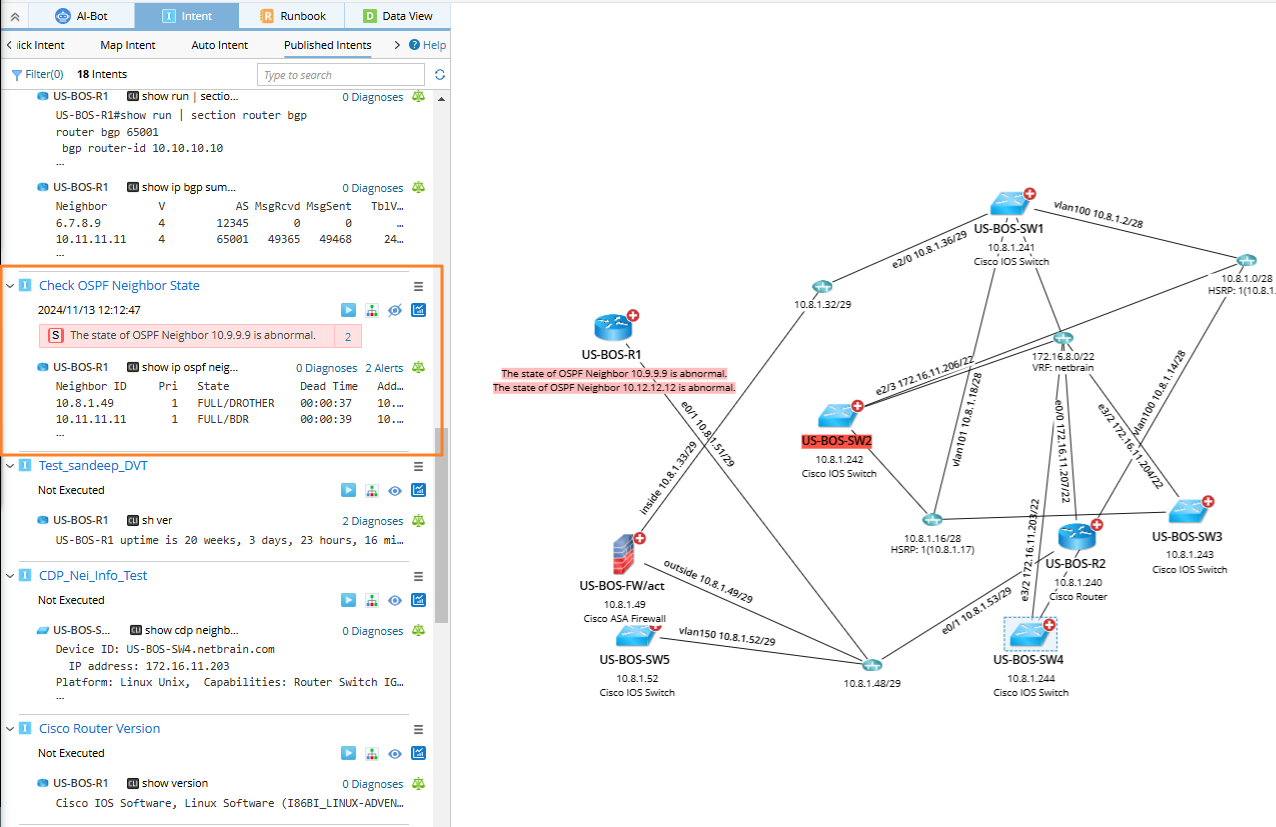
- Open a map and view this intent in the Published Intents tab of the Intent pane.
- You can filter the published intents if needed.
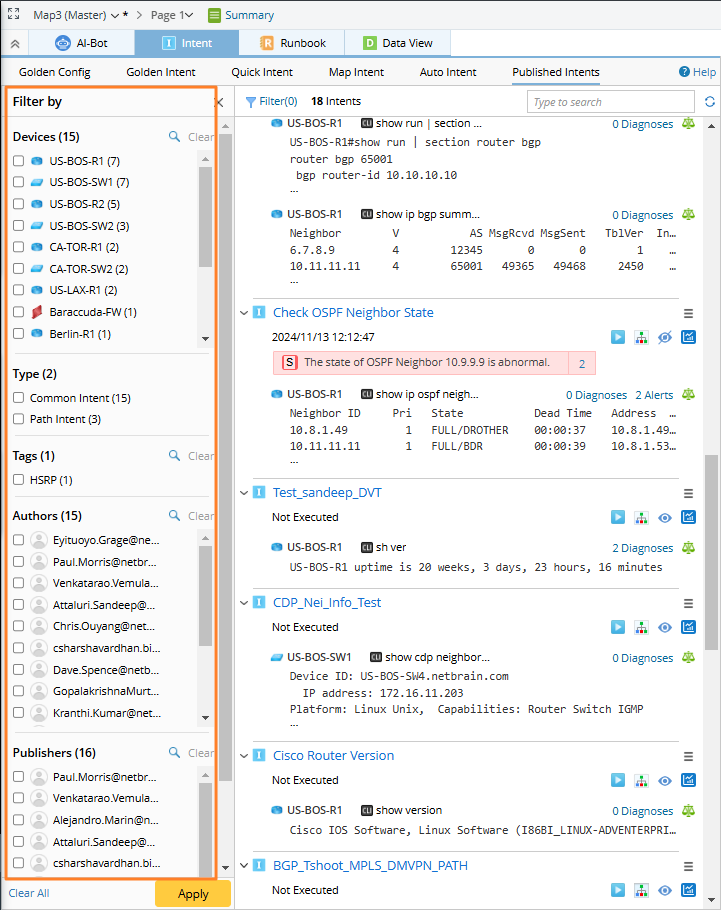
Note: You can select an Intent to do more operations, such as viewing its results via the diagnosis tree and running this Intent.