R12.3-2026Apr21
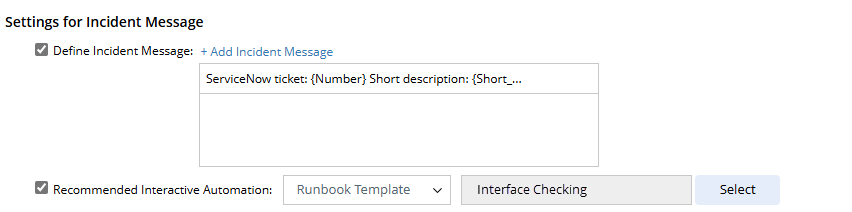
Define the Incident Message
You can define the settings to:
- Append a message to the corresponding incident;
- (Optional) Append a recommended Guidebook or Runbook template for interactive troubleshooting.
Besides the text, you can insert data field from the category, built-in fields ({Incident Type}, {source}, {category}, and {triggered time}), and hyperlink into the message.

|
Note: GuideBook is a deprecated feature and is removed from the Recommended Interactive Automation drop-down to simplify the user interface. Administrators can enable it from System Management > Advanced Settings, if required. |
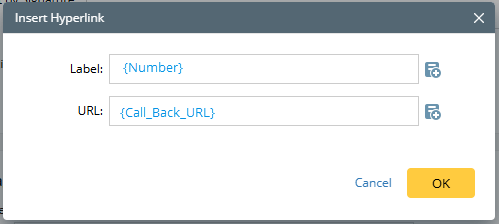
Define a label and URL before inserting a hyperlink. Besides the manual input, you can insert the data field and custom variable in both fields.