R12.3-2026Apr21
Discover Networking Resources
Follow these steps to discover Google Cloud other resources except networking resources via APIs:
- Log in to your system.
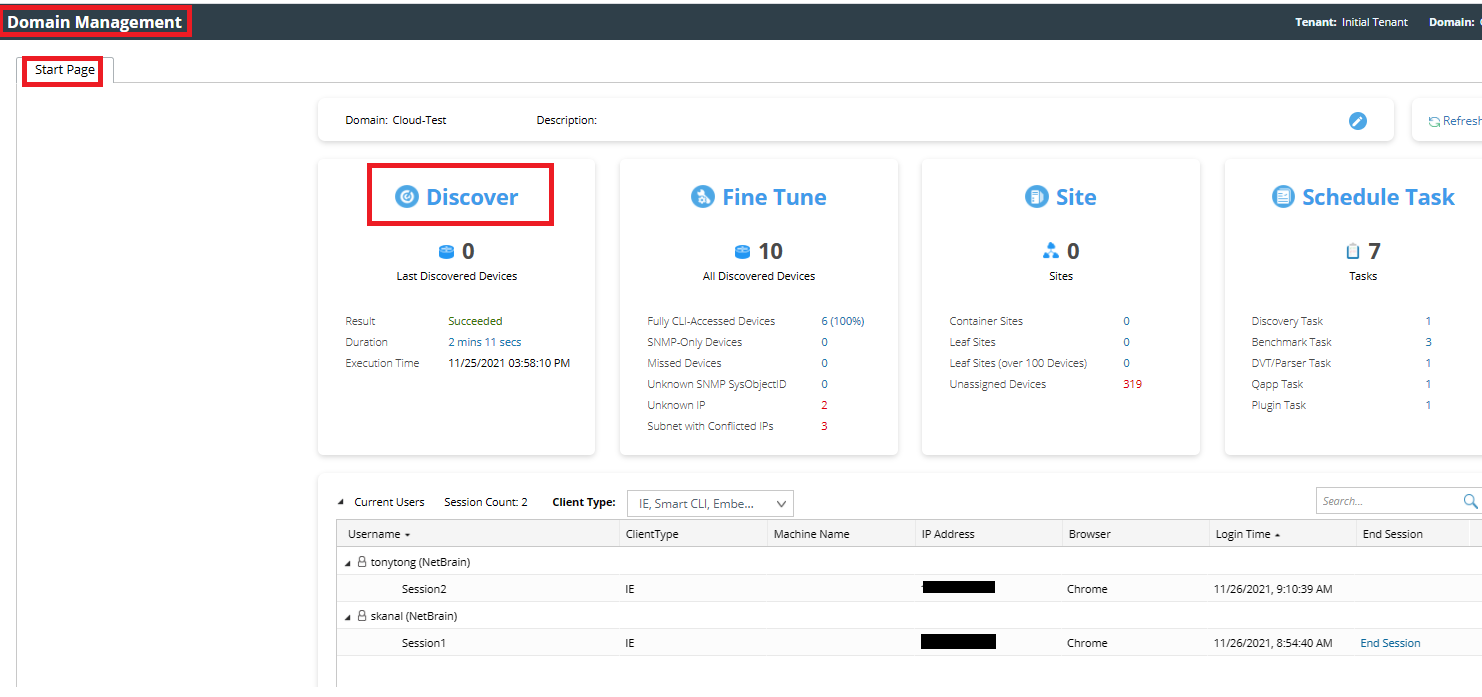
- Click Discover on the Domain Management page.
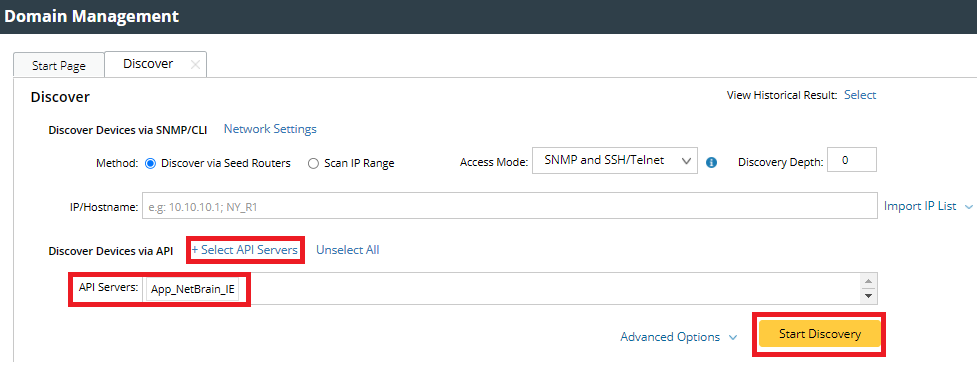
- Click + Select API Servers. Select the GCP API Server that you created. Click Start Discovery to start the GCP discovery.
After the discovery finishes, the number of discovered objects will be displayed.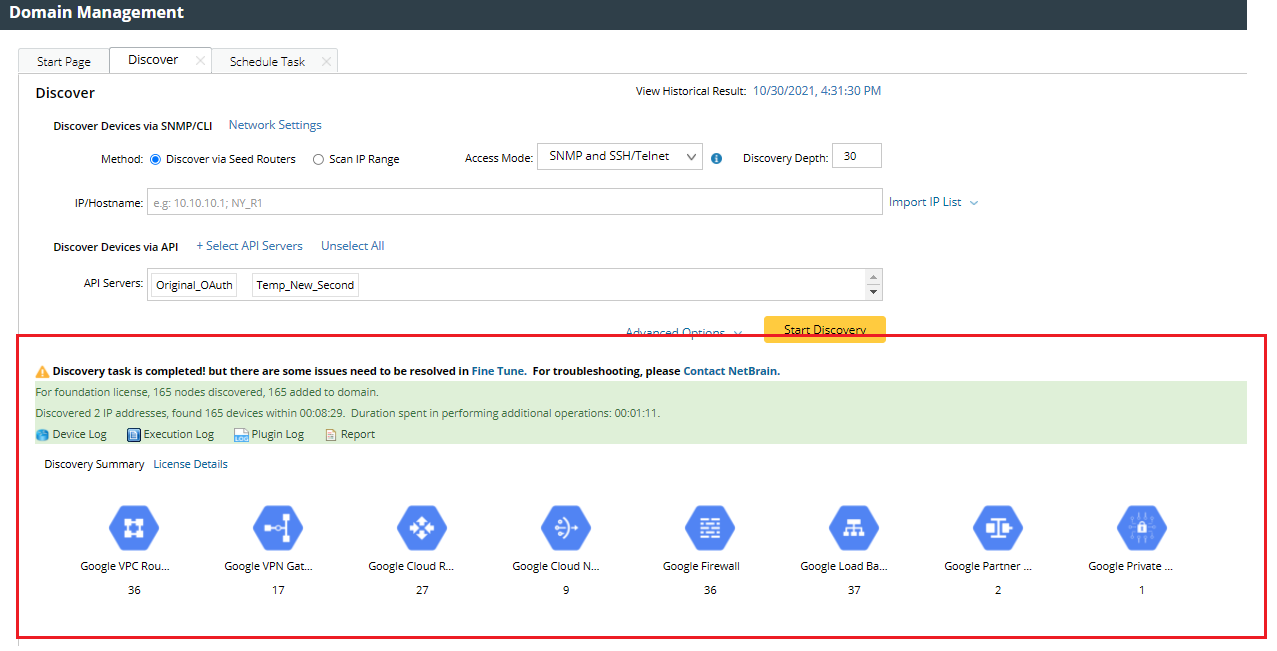
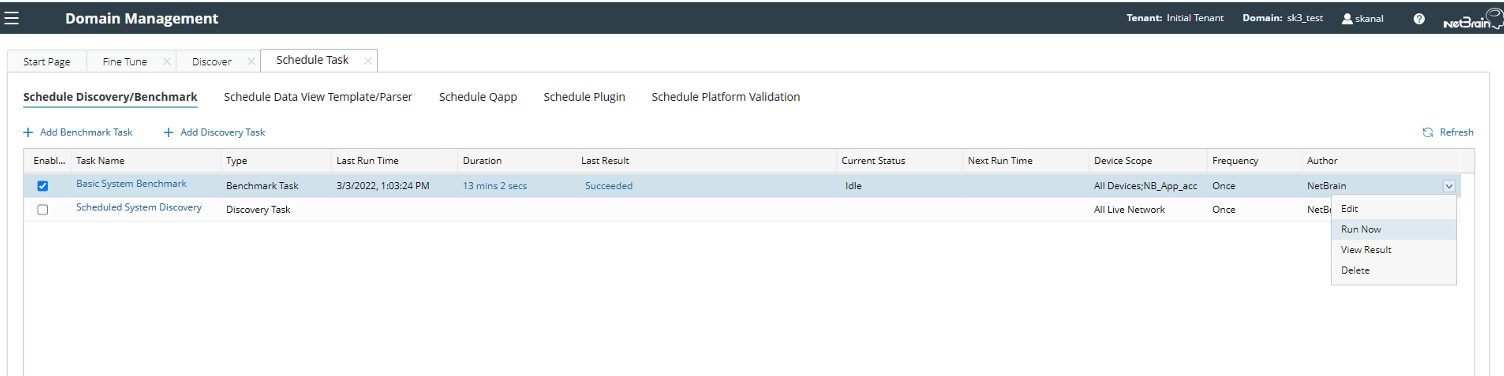
- Click the Scheduled Task tab and run the Basic System Benchmark.
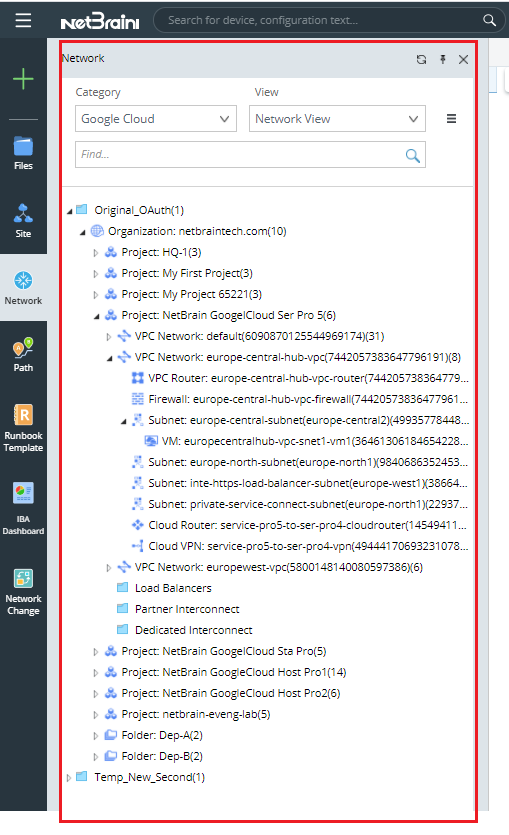
- Open the network tree and select Google Cloud in the Category field to view the GCP resource. Select Network View in the View field.
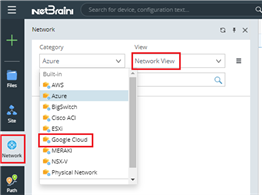

The Network View is only visible after the successful execution of the Basic System Benchmark.
All GCP resources discovered are displayed on the network tree. In addition, you can click a resource to open its context map.