R12.3-2026Apr21
Filter Recommended Automation
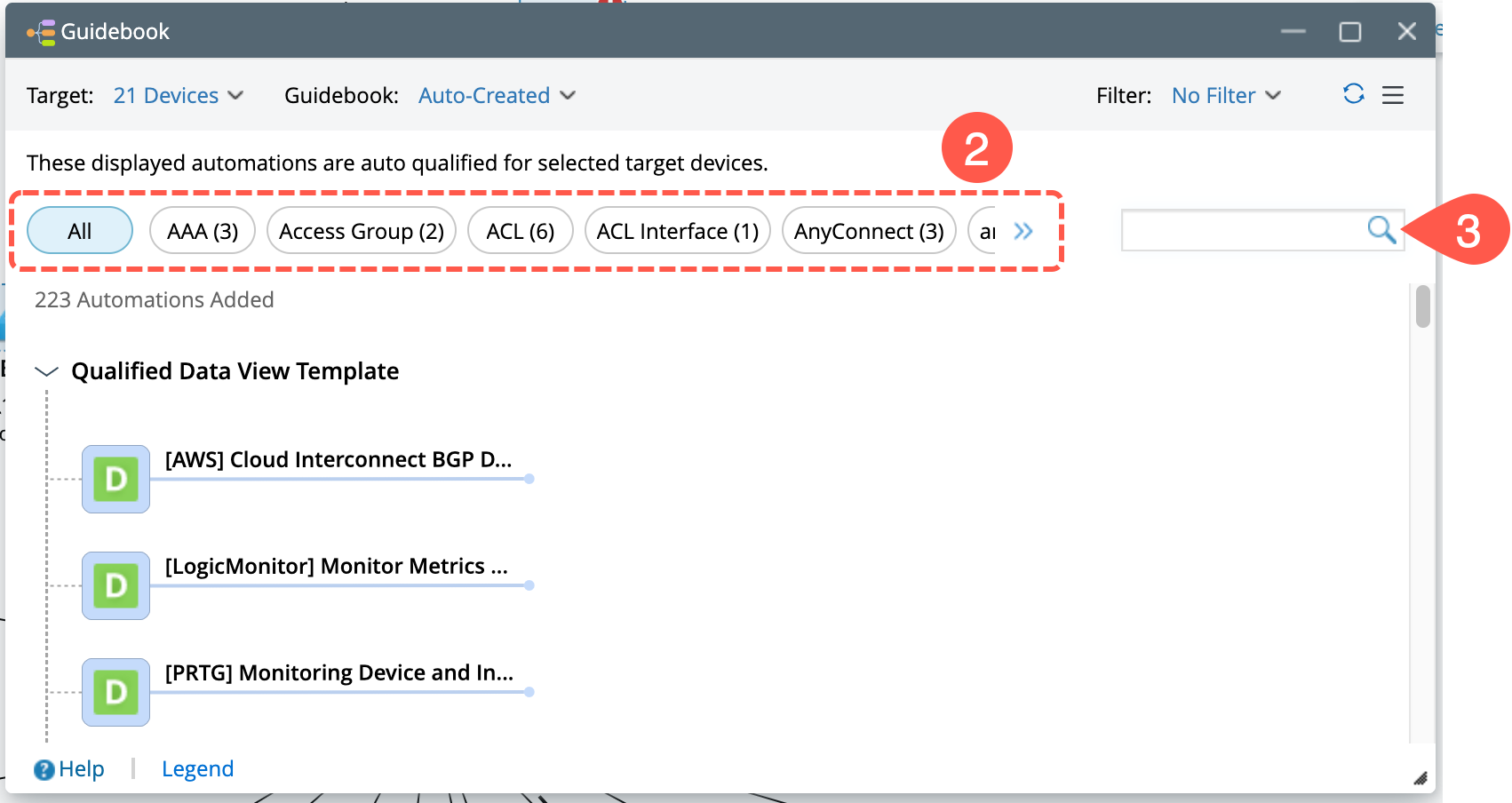
You can use the following types of filters to narrow down the list of the desired recommended Automation (s):
-
Type: You can filter recommended automation tasks by type.
-
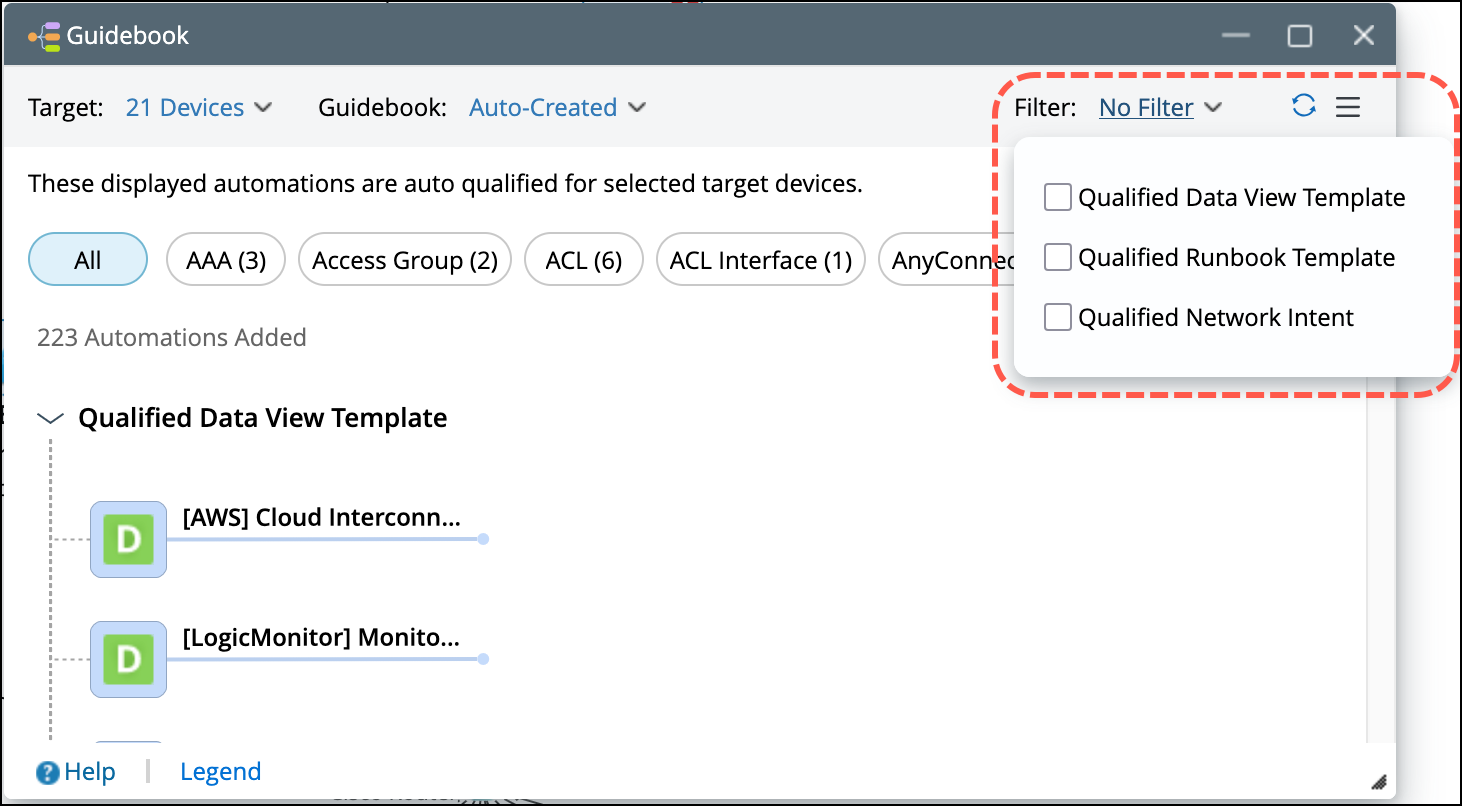
If Auto-Created Guidebook is selected: It displays qualified recommended Automation. You can select from Qualified Data View Template, Qualified Runbook Template and Qualified Network Intent.
-
If a manually defined Guidebook is selected: You can select from Hypothesis and Data View Template.

-
Tag: If tags are assigned to the Data View Template, Runbook Template, Network Intent and Network Intent Cluster, you can leverage tags to filter matched recommended Automation.

Note: by default, the system selects All to display all recommended Automation (s) regardless of whether it has assigned tags. -
Keyword: You can input keywords to match the Data View Template, Runbook Template, Network Intent, Network Intent Cluster and Hypothesis.