R12.3-2026Apr21
Select Seed Intent
Select the seed intent for intent replication and choose the applicable replication mode.
-
Click Select and choose a seed intent from the dialog box, and the intent name and last modified time will be displayed.
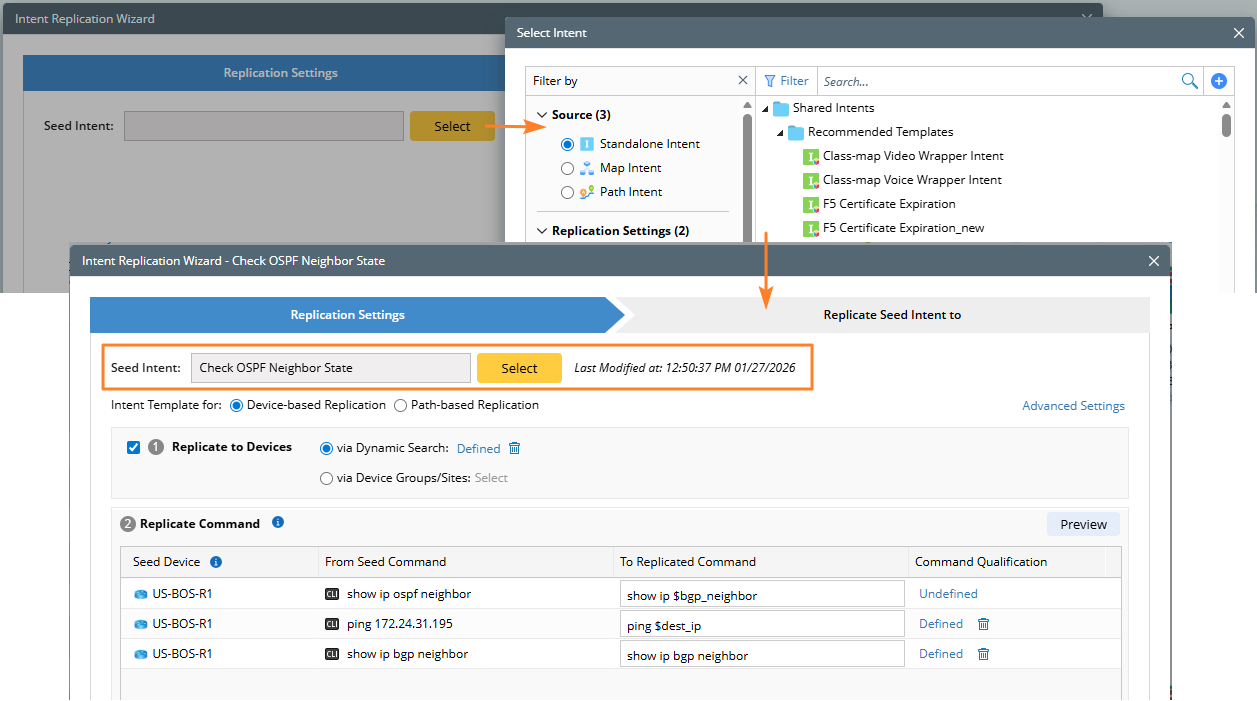

Note: If you access the Intent Replication Wizard from any of the following locations, the current intent will be automatically used as the seed intent:
NI Editor
NI View
Path Intent tab of a map
Map Intent tab of a map
Published Intent tab of a map
Search results
NI (Edit Mode) > Replication Logic
-
Select the replication mode: In the Intent Template for field, select what replication mode the intent template applies to. Intent templates are separated into two types based on replication logic definition: Device-based Replication and Path-based Replication.
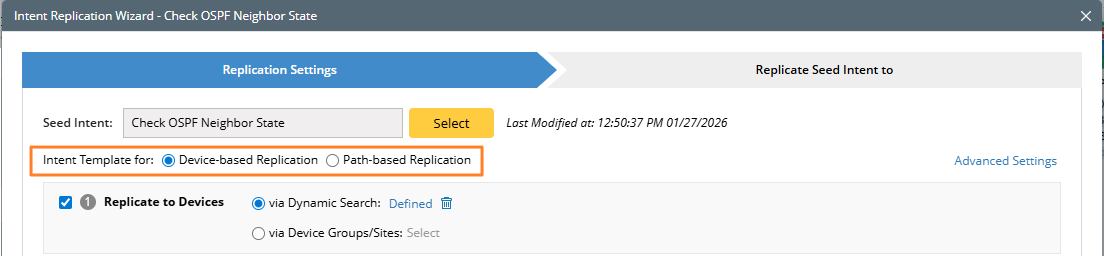
- Device-based Replication: In this case, target devices are defined via dynamic search or device group/site.
- Path-based Replication: In this case, the target devices are defined via command qualification.