R12.3-20260213

Select NI/NIT Dialog

The Select NI and Select NIT dialogs have the following advantages for user convenience:

  • A clean UI with only a single layer: The filter UI is shown as a left-side pane, allowing you to view NI tree changes while adjusting filter conditions.
  • Consistent UI: A uniform interface is maintained across the Select NI and Select NIT dialogs. 

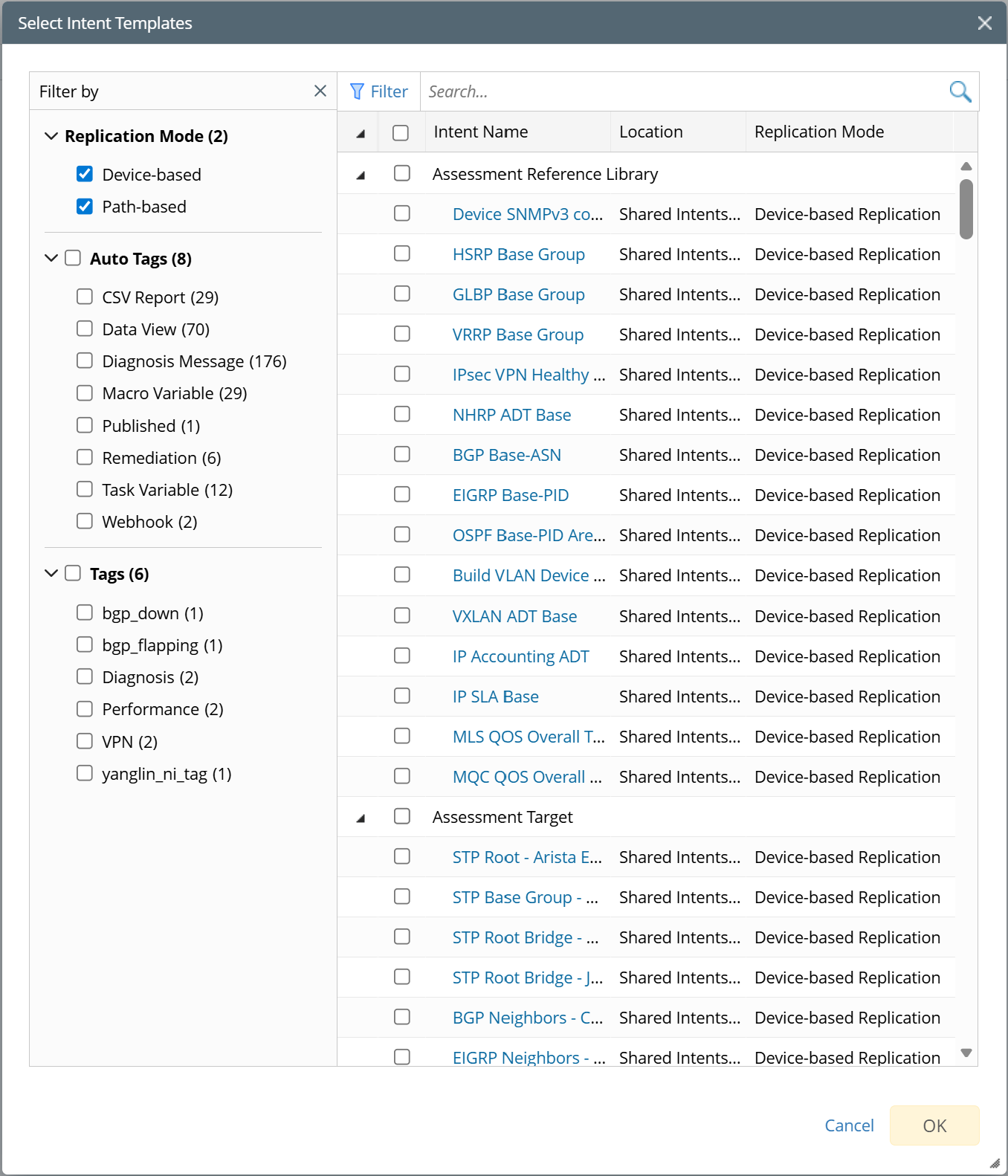
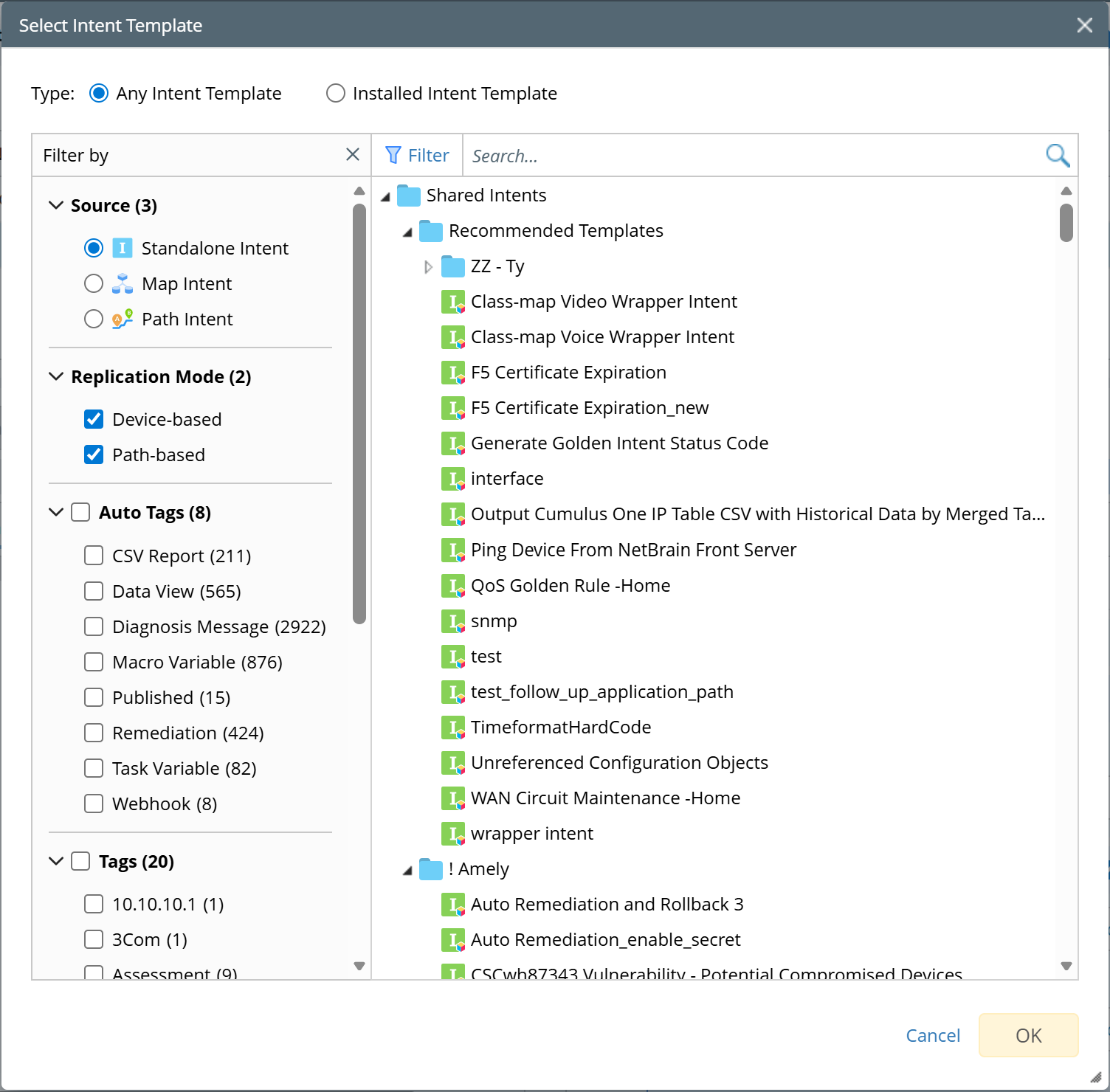
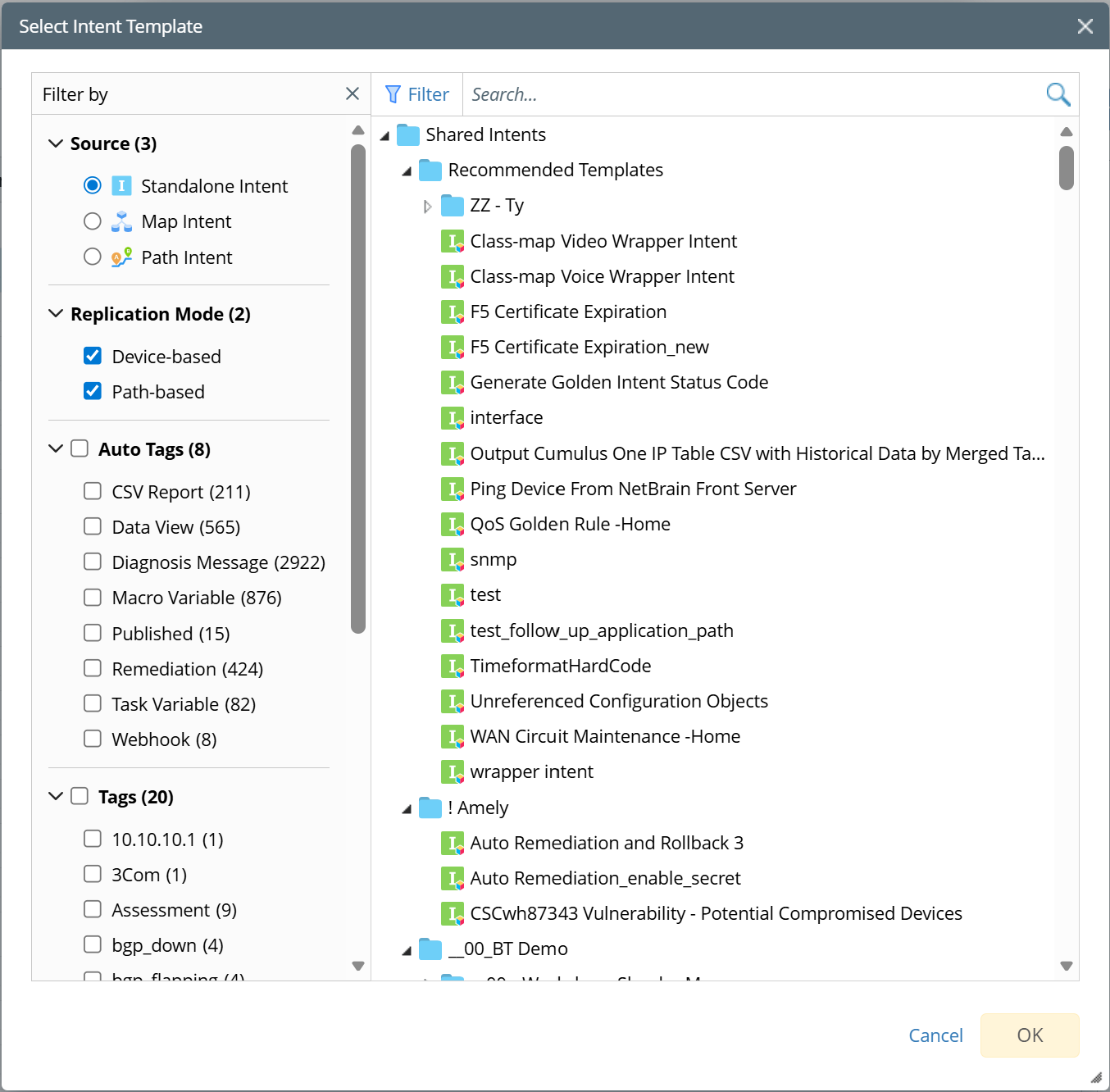
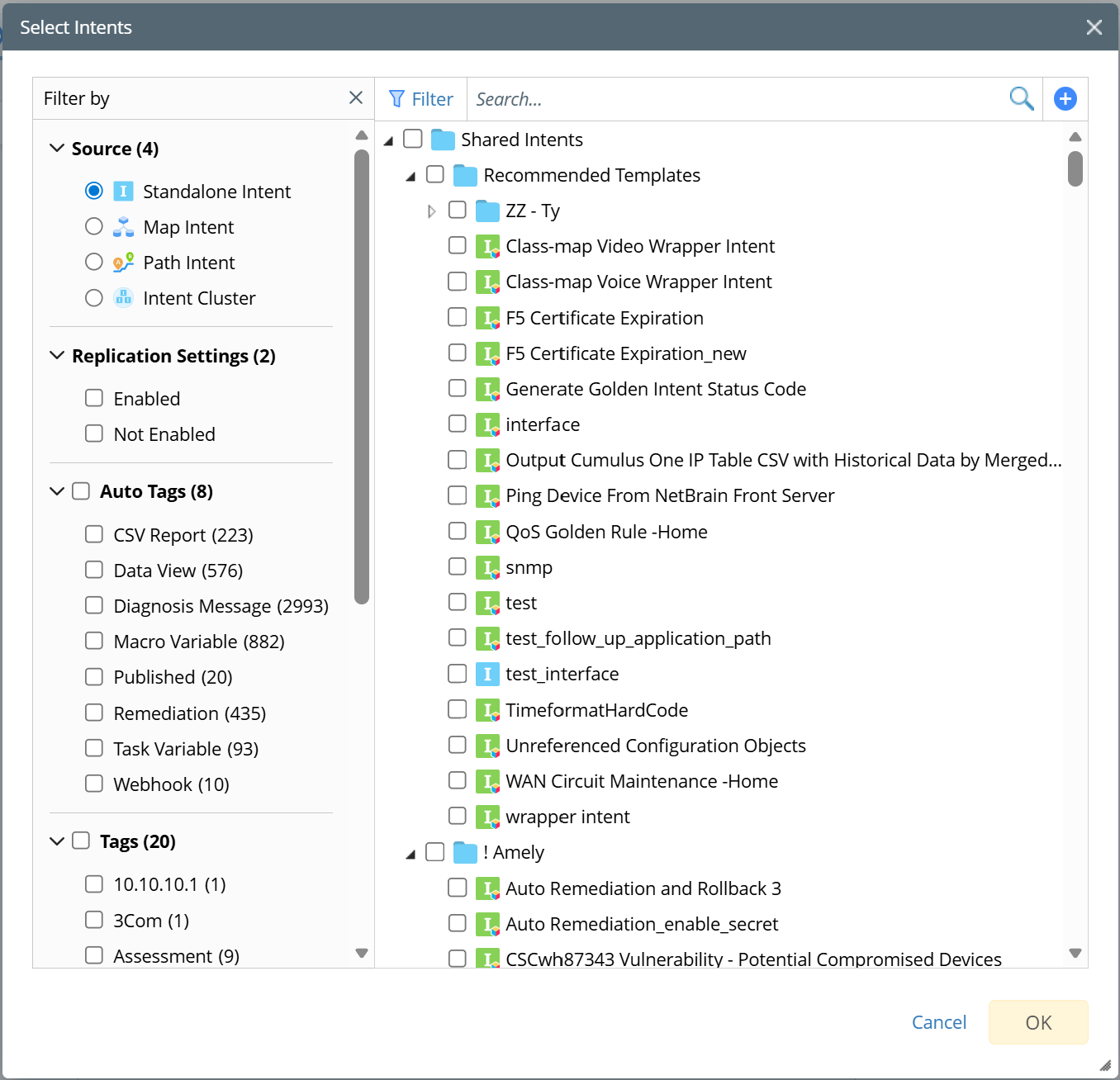
This function UI has four distinct variations, summarized below:

Use CaseMain UIDescription

Fully-Featured Select Intent Template


  1. Used by ADT Table Builder
  2. Used by follow-up Intents
  3. User can select ‘Any Intent Template’ or ‘Installed Intent Template’, set to ‘Installed Intent Template’ by default.

Select Uninstalled Intent Template

  1. Hide the type selection radio above and show ‘Any Intent Template’ for users to select.
  2. Used to Install an Intent Template in the IBA Center.
Select Installed Intent Template
  1. Hide the type selection radio above and only show ‘Installed Intent Template’ for users to select.
  2. Used to add Installed Intent Template to Auto Intent Folder.
Select Intent


  1. Hide the type selection radio above and show all Intents for users to select, including common intents, map intents, path intents, etc.
  2. Used to select intents to run.