R12.3-2026Apr21
View Azure Resources
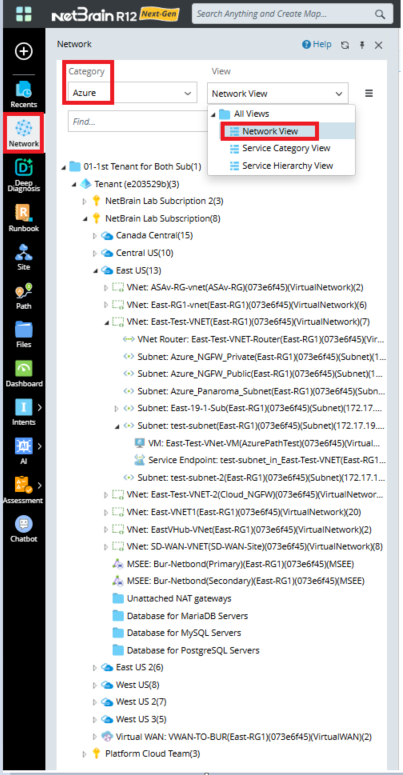
- Open the network tree and select Azure in the Category field to view the Azure resource. Select Network View or Service Hierarchy View or Service Category View in the View field to view the discovered resources in different view options.
- The three Network Tree View Comparison:
| Network View | Service Hierarchy View | Service Category View | |
|---|---|---|---|
| Show Networking Resources | Yes | Yes (Partial) | Yes (Partial) |
| Show Other Resources | No | Yes | Yes |
| Show API Server, Tenant | Yes | Yes | Yes |
| Show Subscription, Region | Yes | Yes | No |
- Network View: Displays networking resources in a cloud network–centric hierarchical tree view, including Tenants, Subscriptions, Regions, and Networking Resources.
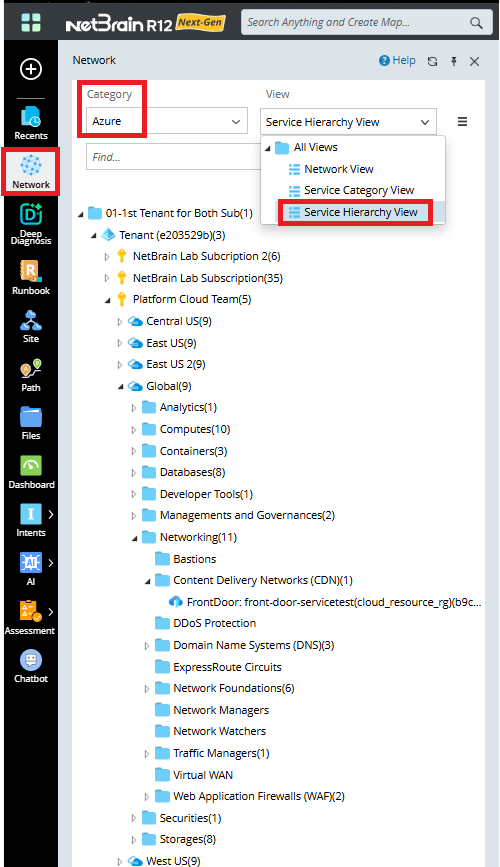
- Service Hierarchy View: Displays other cloud service resources excluding networking services in a cloud service–centric hierarchical tree view, including Tenants, Subscriptions, Regions, and other Resources.
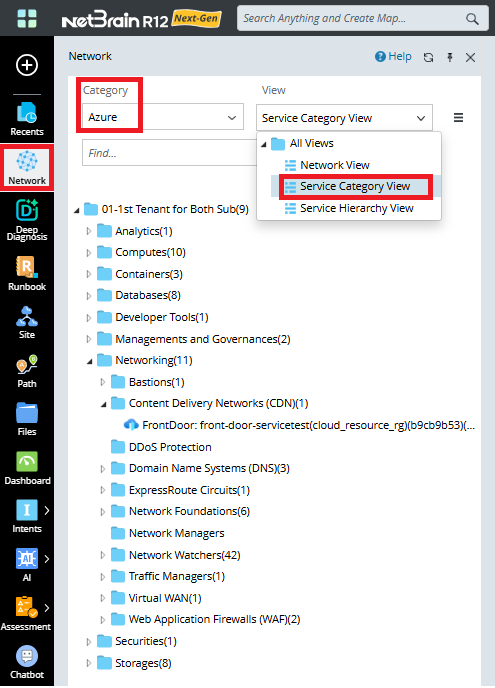
- Service Category View: Displays other cloud service resources excluding networking services in a cloud service type category–centric hierarchical tree view, including Services Type and Services Nodes.
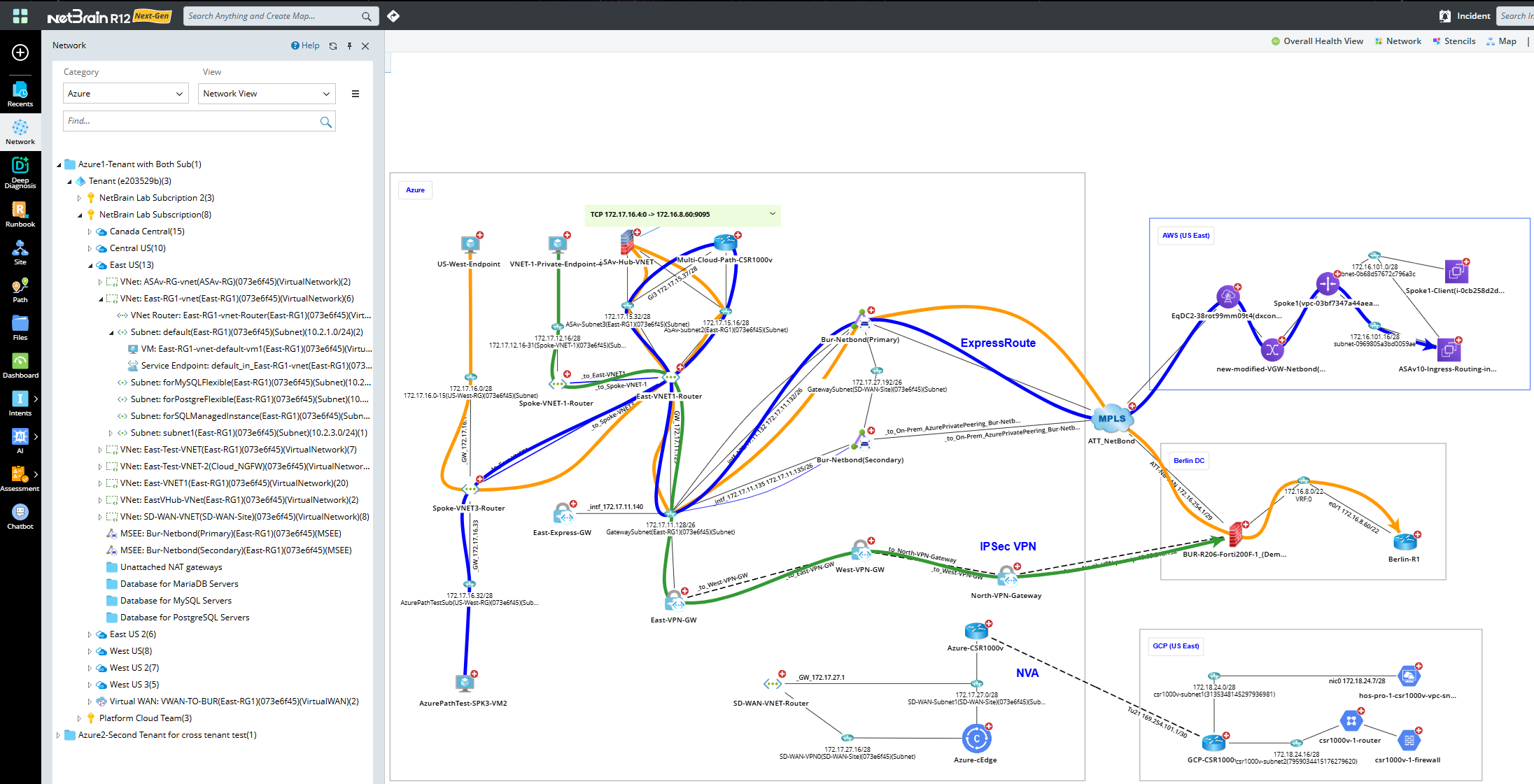
All Azure resources discovered are displayed on the network tree. In addition, you can click a resource to open its context map or draw map and expand its neighbor to customize your own dynamic map. Sample map is shown below.