R12.3-2026Apr21
View Intent Result on Map
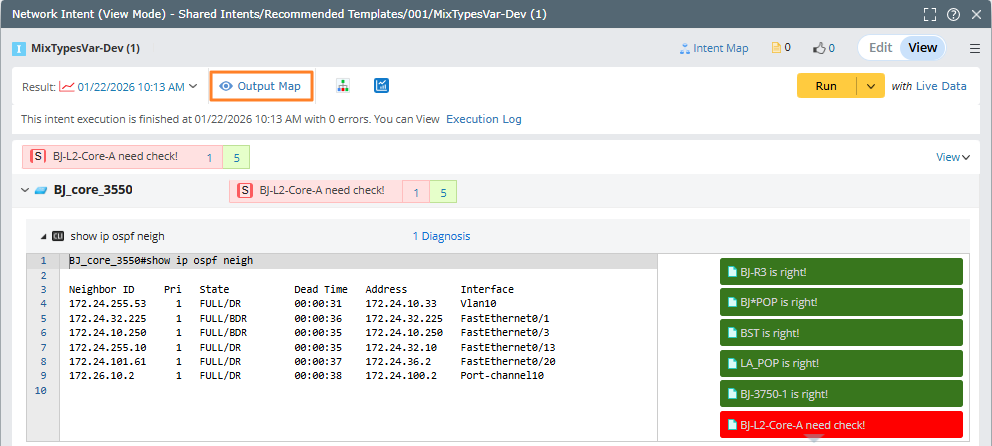
- Enter the NI View Mode and click Output Map to view the intent result on the current map.

Note: If there is no data defined in the intent, the following notification will be displayed and no map will be open. 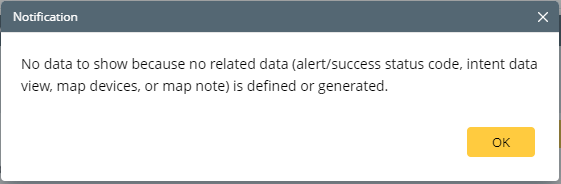
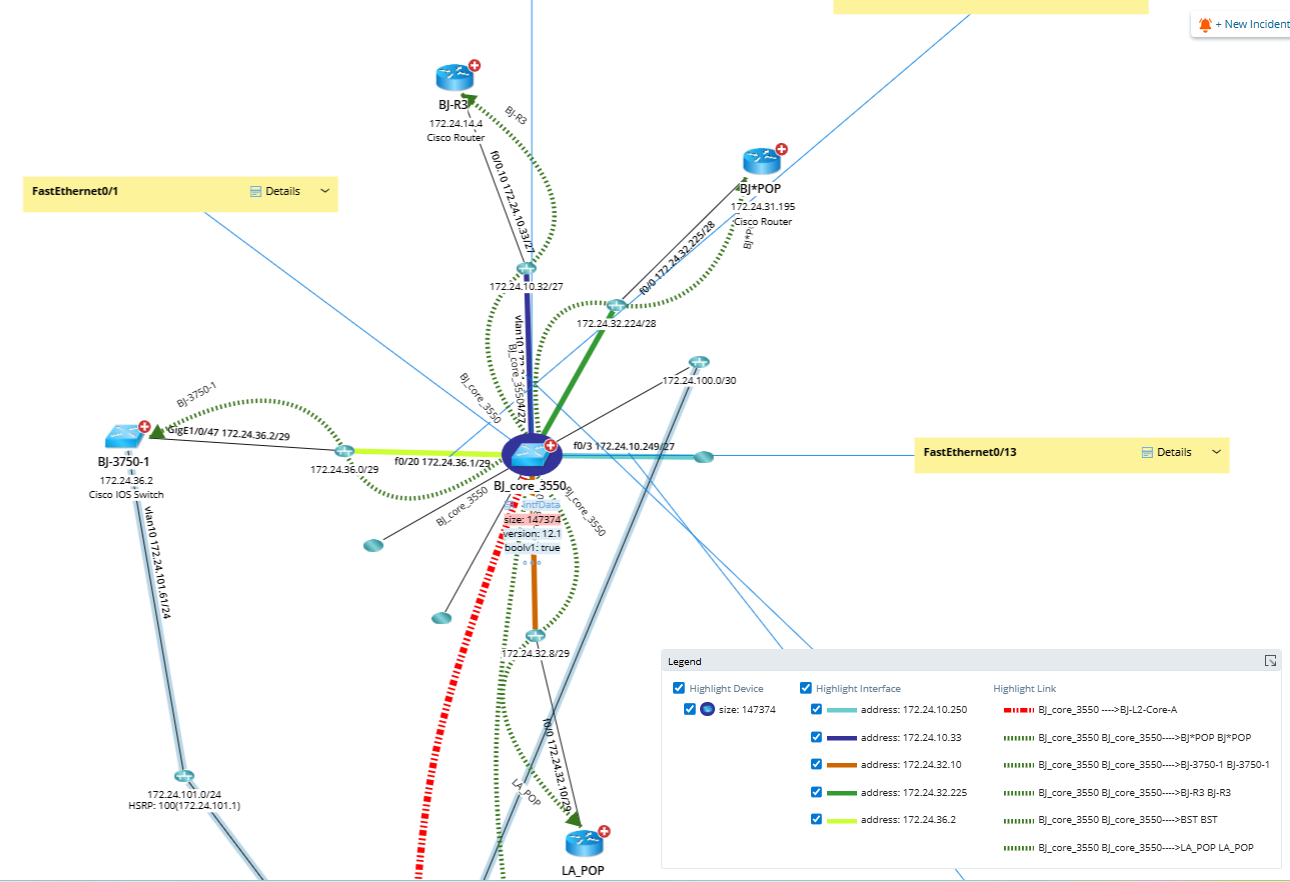
- You can view all the related devices and information (such as intent data view and diagnosis message) on the map.
- Click the diagnosis message to open the Diagnosis Details and Compare pane for more inforamation.
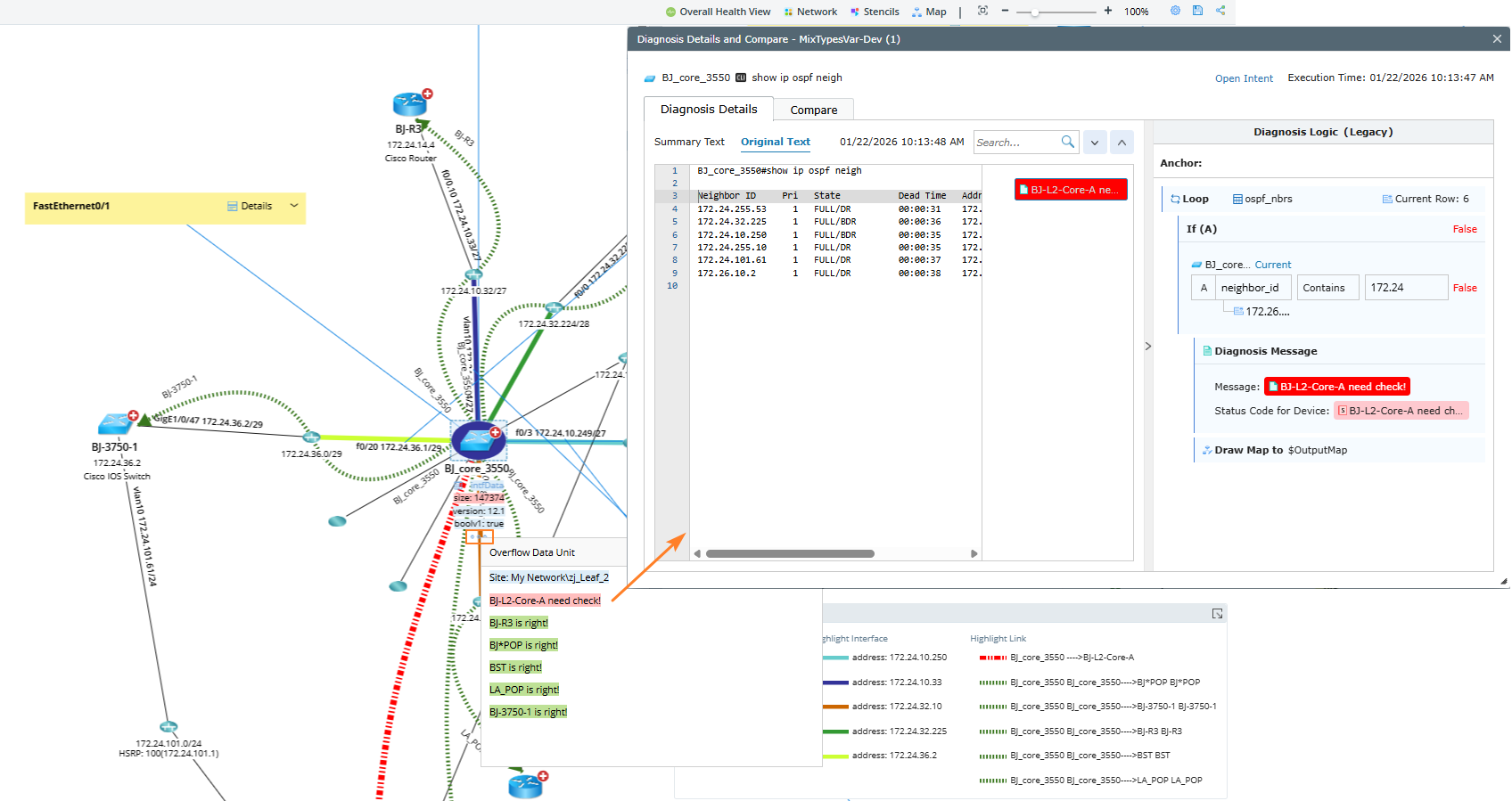
- (Option) If the intent has been executed multiple times, clicking on the data unit will open a historical trend chart showing detailed execution data.
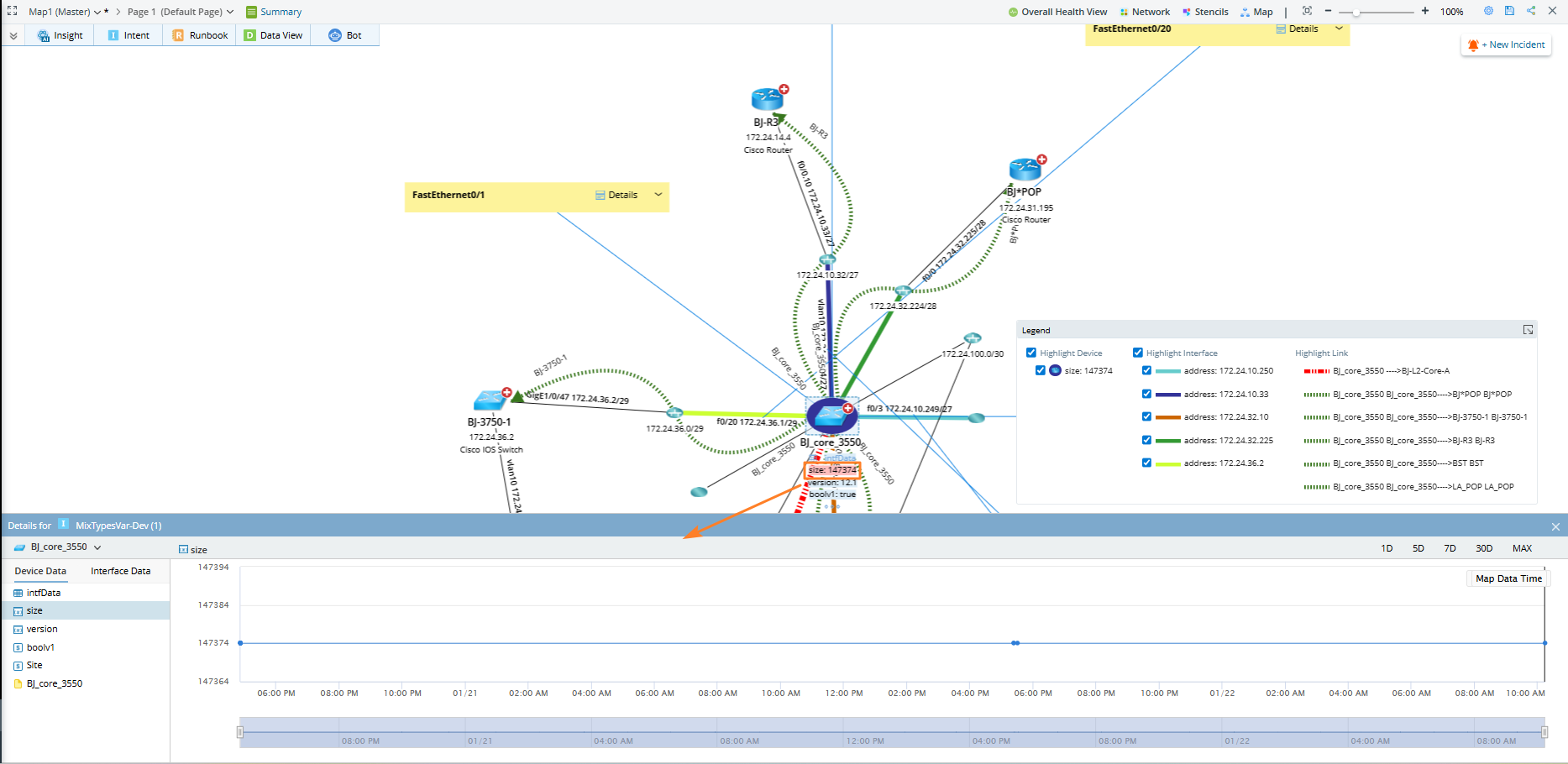
Note: All records, including both manual and scheduled runs from each entry, are included.
Note: For data views generated by NI, when viewing table data on a map through pop-up dialogs, the following formats are automatically rendered as hyperlinks:
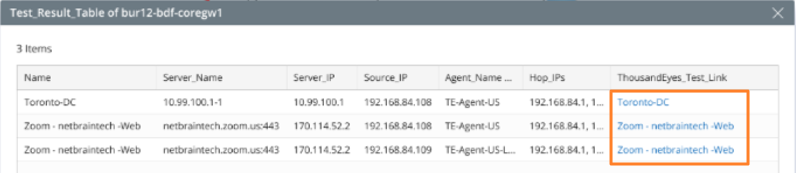
- If a cell value matches standard URL format, display it as a hyperlink
- For Markdown-style formatted text: [display text] (https://example.com)
- You can choose to only show alert or success status code in the intent data view.