R12.3-2026Apr21
View L2 Topology for a specific device
- Click Data > Data Accuracy Discovery on the left Menu Bar from the Desktop.
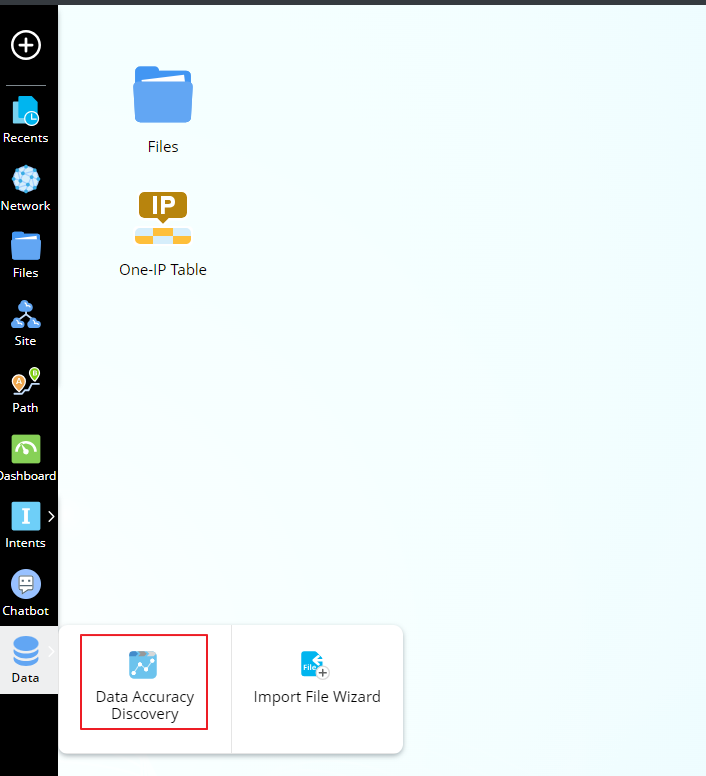
- Click
 after the Device Name, and search for the device you want to view.
- Click the Topology tab and then click L2 Topology.
Under the L2 Topology Tab, the table shows all the L2 Neighbors that belong to the current device.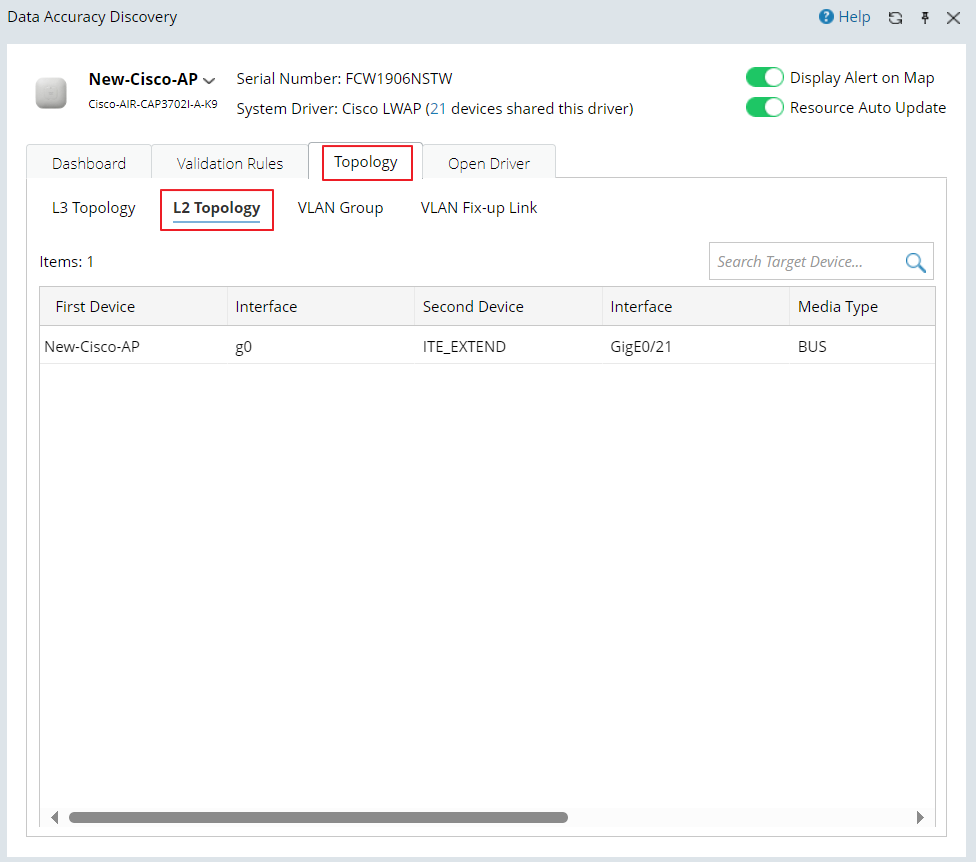

Note: For multi-ports connections, this table will display them via several port-to-port links.