R12 Publication-2025July16
Other Tools
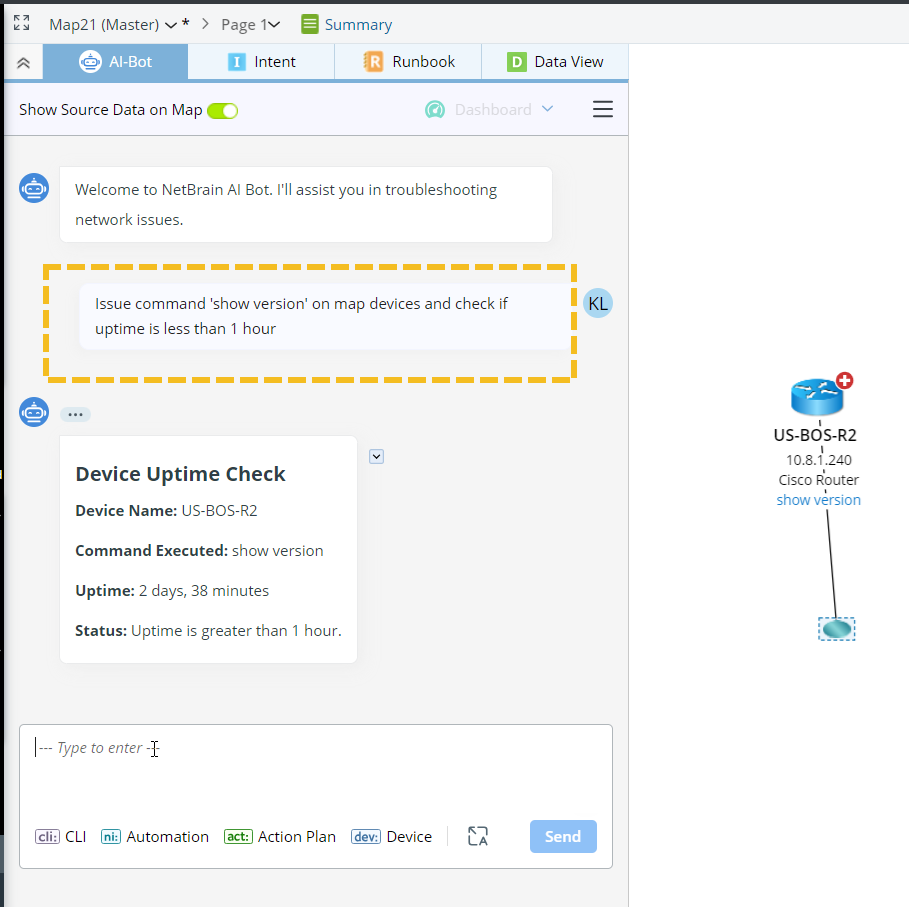
The following tools are also orchestrated by the agent to handle user’s queries. These tools are ready for use, with no configuration required.
- IP Lookup Tool. Translates IP to device and interface if matched. When an IP is listed as an end system in the One-IP table but not configured on the device interface, the tool will return L3 and L2 gateway devices.
- Neighbor Device Retriever. It retrieves the list of neighboring devices for a given device, including connected interface and neighbor type. The tool supports L3 Topology, L2 Topology, and golden neighbor in GES (Golden Engineering Studio).
- Draw Device Tool. It draws devices and optionally interfaces, neighbors, device notes and arrows on the map.
- Draw IP Tool. It draws device associated with the IP to map.
- DNS Lookup Tool. It translates a string of DNS name to an IP address.
- Device and Interface Property Retriever. It accesses and retrieves device and interface properties.
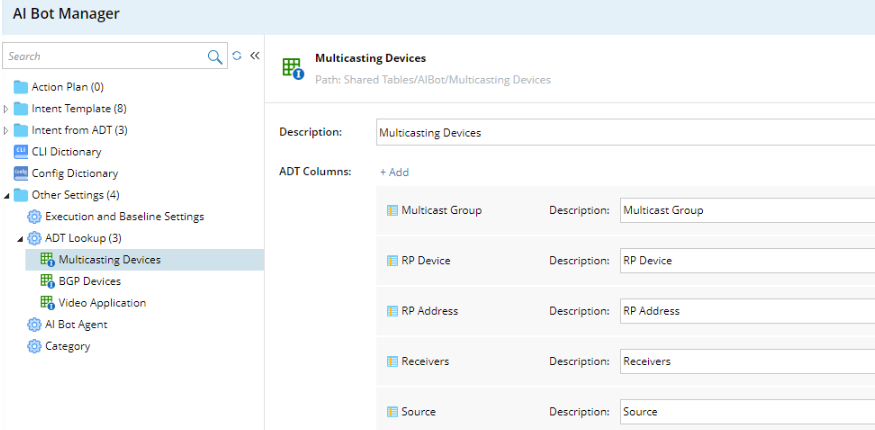
- ADT Data Lookup Tool. It provides data translation among data fields inside an ADT table. It extracts data from an ADT table to answer user’s queries. The tool needs to be set up in the AI Bot manager for it to work.
- Draw Path Tool. It draws a live/cached path from the source device/IP to the destination device/IP.
- Read Context Map. It gets the list of devices and visible interfaces on the map.
- Mac to IP Lookup Tool. It retrieves the corresponding IP address based on a given Mac address.
- Remove from Map Tool It removes devices, interfaces, notes, arrows or paths from the map.