10.1.9 JA Publication
Adjust ADT Column Order
After an ADT is created, you are enabled to change the order of its columns. Further, the columns can be set to be invisible to only display essential column data.
- Click the
 icon to the right of the column headers.
- In the Column Setting dialog, define column configurations:
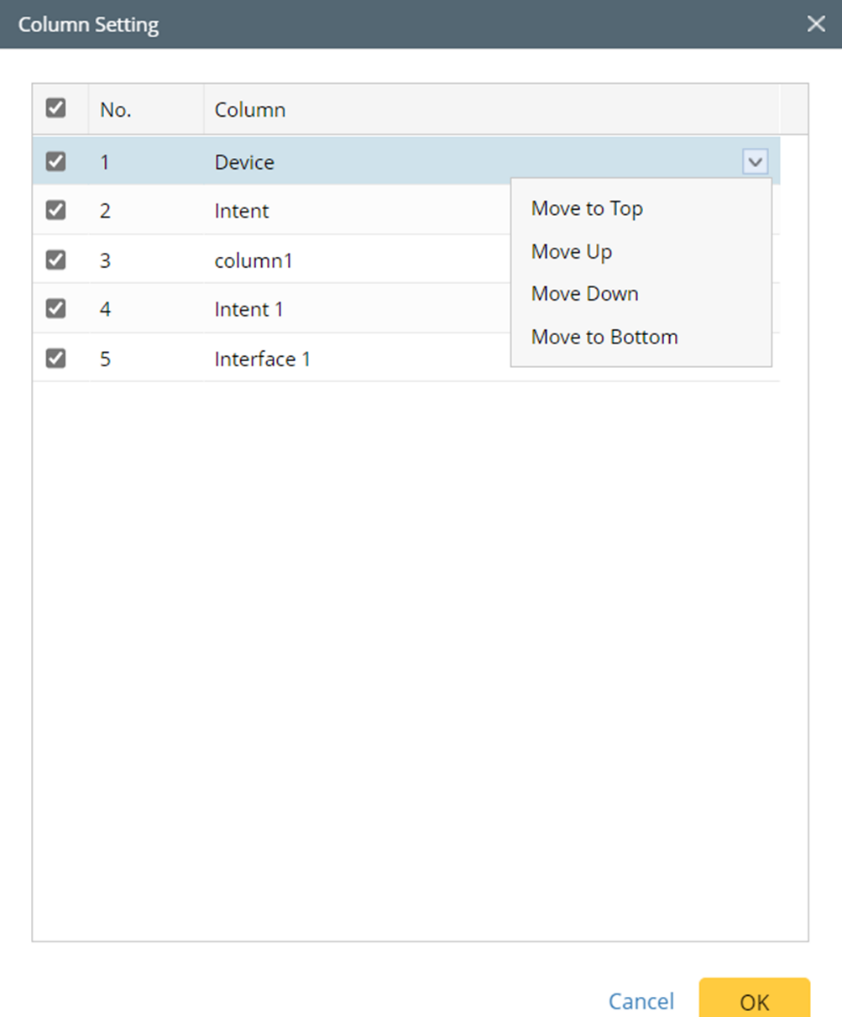
- Unselect the checkbox of a column to make the column invisible.
- Click items listed in the drop-down menu of a column to change their order.
- Click OK.