10.1.9 JA Publication
Creating AWS Access Policy in Amazon Console
The AWS access policy defines the minimal scope of permissions that enables NetworkBrain to retrieve the data to build the data model and use the CloudWatch API to monitor the services running in your AWS account.

|
Note: You can create and use the policy anytime when enabling NetworkBrain to access your AWS account. |
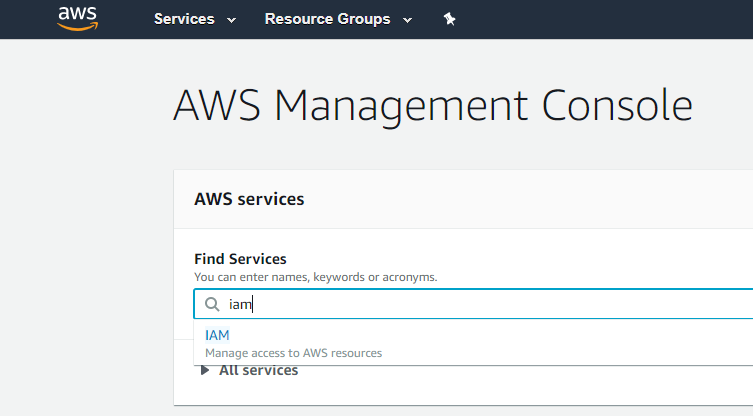
- Go to Policies and click Create policy.

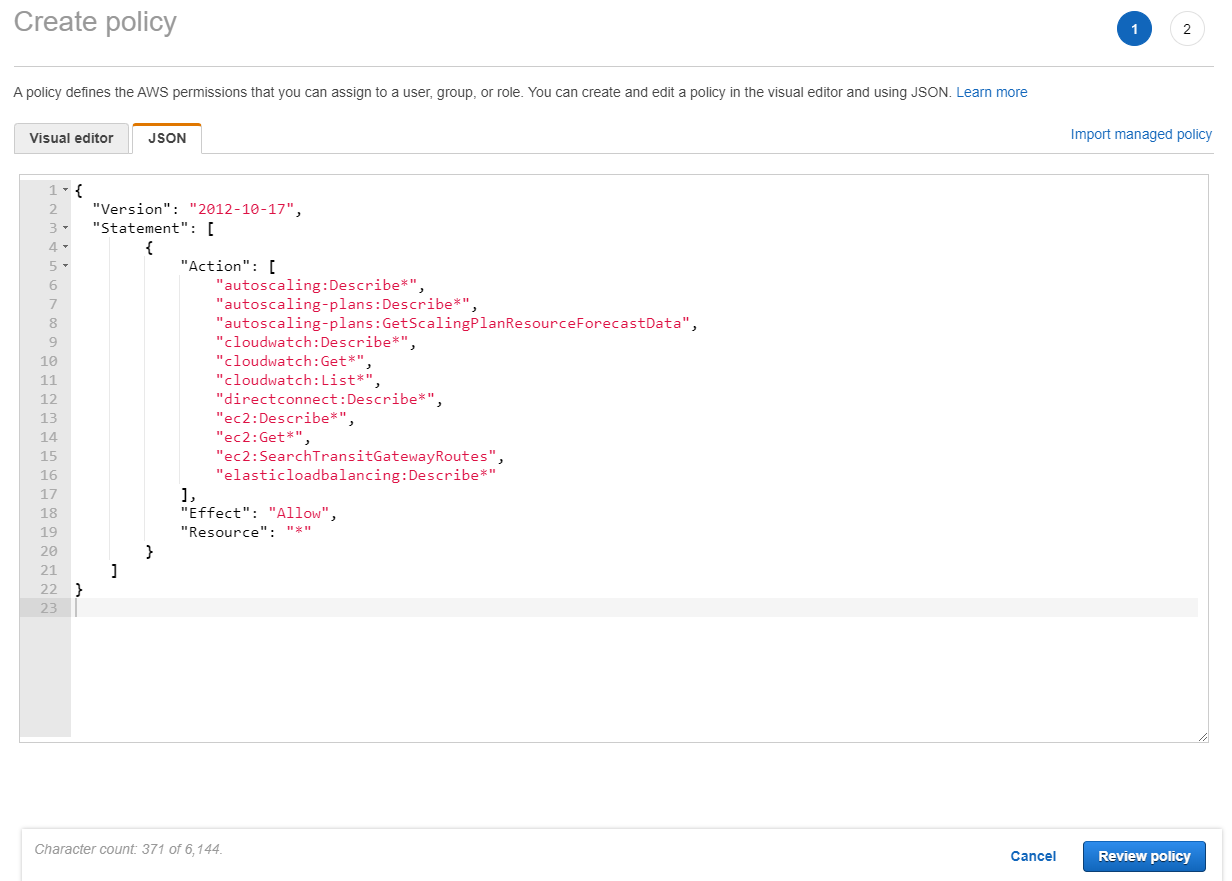
- Select the JSON tab, and paste the predefined policy in JSON as sample follows. To get the latest required minimum AWS IAM permission, refer to Online Help: NetworkBrain Required AWS Minimum IAM Permissions.
- Click Review Policy and enter the policy name in the Name field (i.e., NetworkBrain_access_policy).
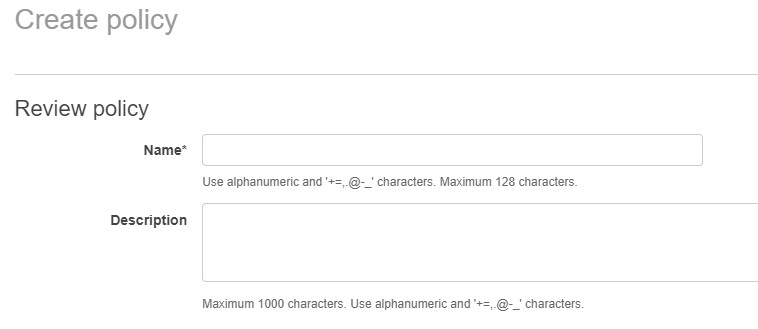
- Click Create policy.