10.1.9 JA Publication
Discover vCenter Data in NetworkBrain
Before visualizing a VMware vCenter network, you must first discover the network data model in a NetworkBrain domain, including VSS/VDS, VM Host, and ESXi Hosts.
- Click the Start Menu (
 ) in the upper-left corner of your NetworkBrain desktop and select Discover from the drop-down menu.
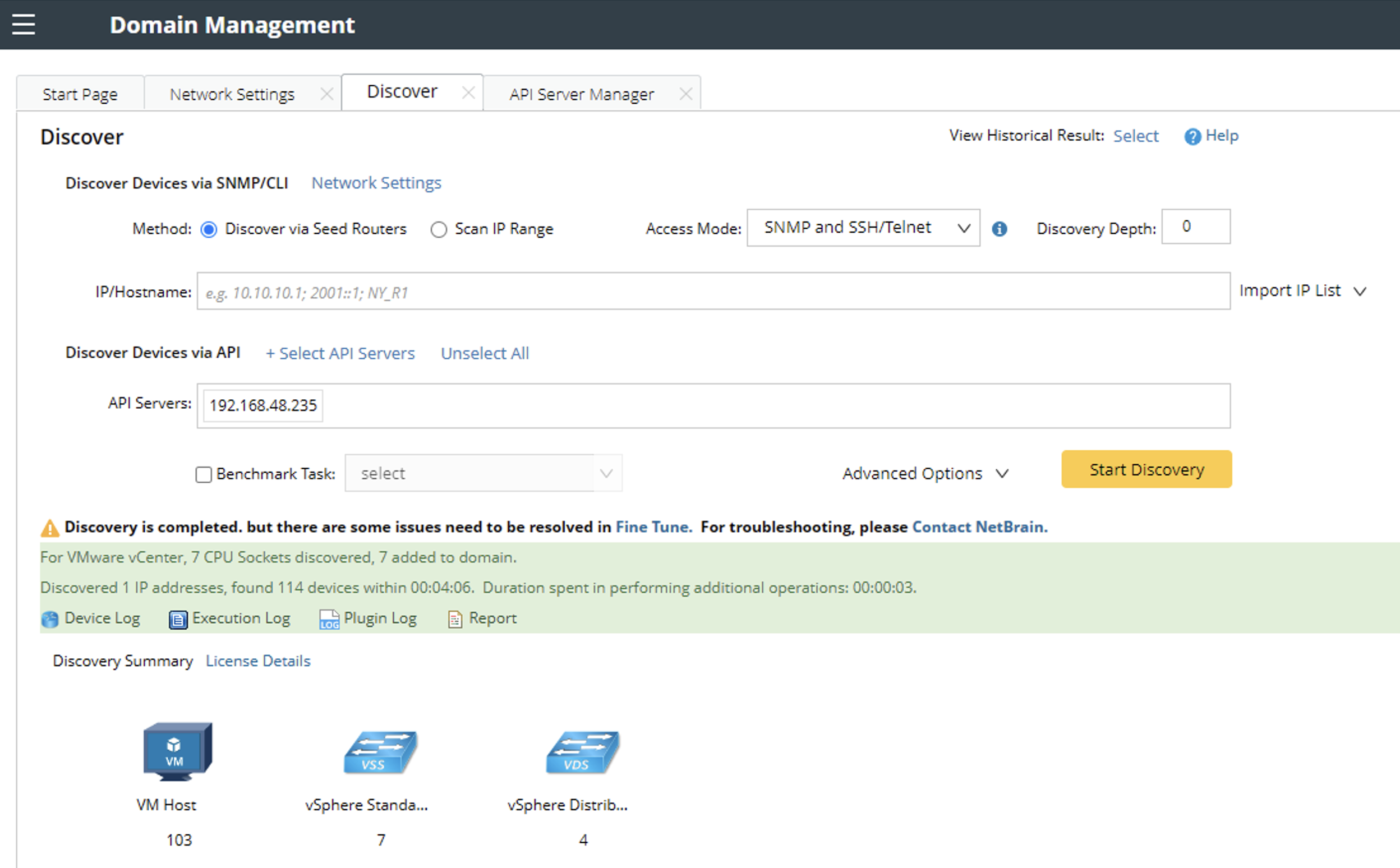
 - Click Select API Servers and select Venter1 that you have configured.
- Click Start Discovery.

Note: If the URL of the vCenter Controller entered in the Endpoints field contains a domain name, you must enter the domain name here for discovery.
Note: The discovery for your vCenter network only retrieves basic data of your network. After the discovery, you need to execute a benchmark task to retrieve all data and build all components, including visual spaces and data views. See Auto-Update vCenter Data in NetworkBrain through Benchmark for details.