10.1.9 JA Publication
Log in to Your Domain
As an end user, you can follow the following steps to log in to your domain:
- In your web browser, navigate to http(s)://<Hostname or IP address of NetworkBrain Application Server>/.
- On the login page, enter your username or email address and password.

Note: If you use SSO (Single Sign-On), click the hyperlink of the SSO server to redirect to the login page of your Identity Provider. After your credentials are verified, you will directly log in to the system, and you can skip steps 3 and 4.
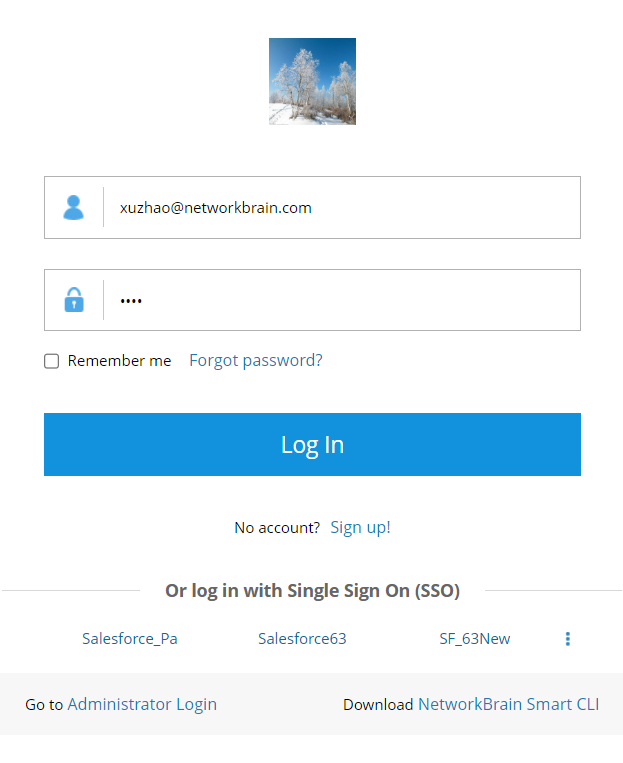
Tip: Click the Forgot password? link if you forget the password. 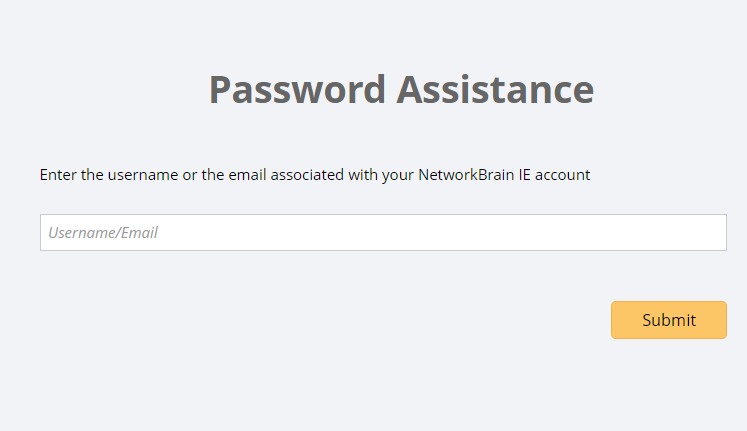
Tip: To go to the administrator login page, click Administrator Login.
- Click Log In.
Note: It is not recommended to use the same web browser to log in to the system with multiple user accounts. Only the last logged-in user will be recognized as the current user. - Please change the initial password if it is your first-time login. See Change Password for more information.
- Click the start menu
 at the upper-left corner and you can find Domain Management at the bottom of the menu.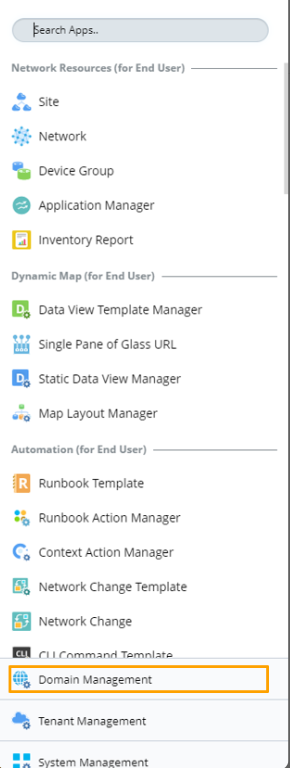
|
|
Note: It is not recommended to use the same web browser to log in to the system with multiple user accounts. Only the last logged-in user can be recognized as the current user. |
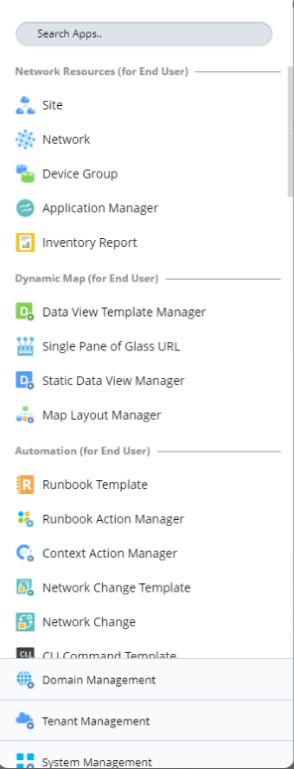
- You can also access other frequently used functions from the start menu:
Note: It is not recommended to use the same web browser to log in to the system with multiple user accounts. Only the last logged-in user can be recognized as the current user.