2023-Nov-03-R11.1a
Adding Device Image
Each device has an assigned system built-in image to show its main physical appearance in the system.
To add more images or customize images, do the following:
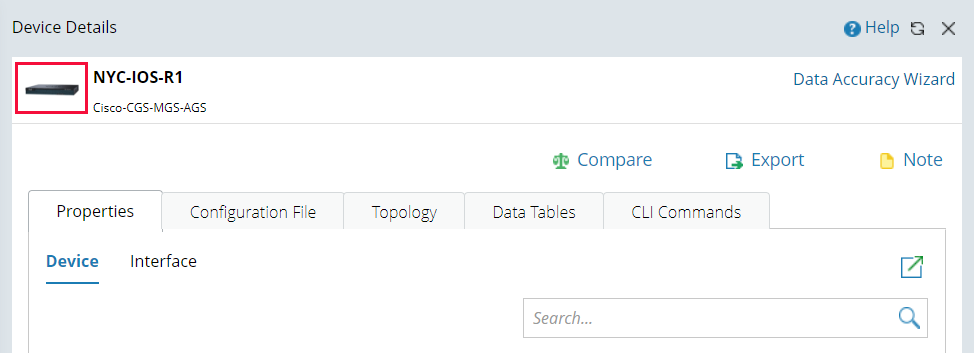
- In the Device Details pane, click the image at the upper-left corner.
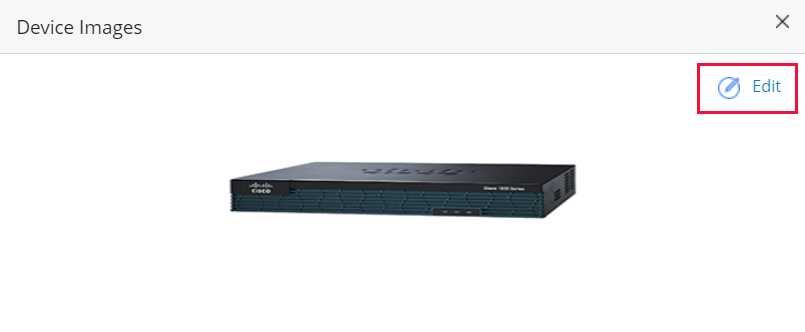
- Click Edit.

|
Tip: The supported formats of image files are .bmp, .jpg, and .png. |
|
|
Note: It's not allowed to delete the built-in system image or apply the built-in system image to other devices.
|