2023-Nov-03-R11.1a
Define Task Variable
-
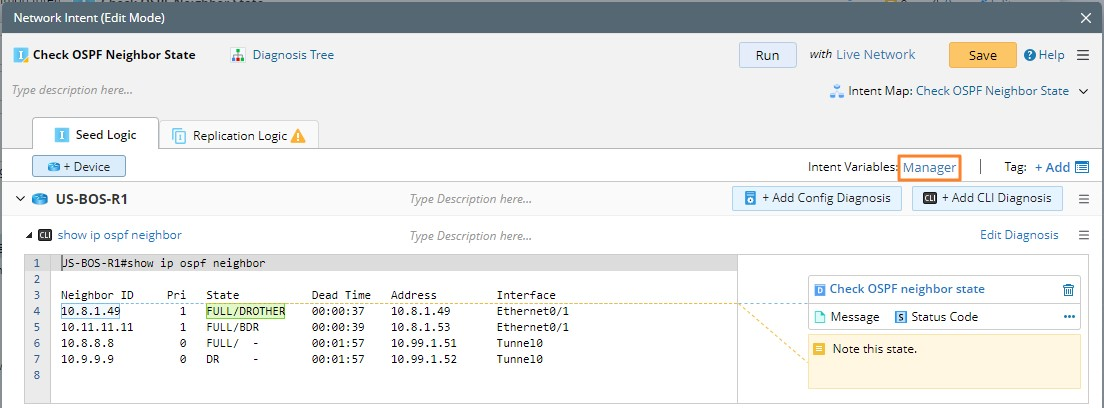
Enter the NI Edit Mode, and click Manager in the Seed Logic pane.
-
Switch to the Task Variable tab in the Intent Variables for Seed Logic dialog. Then click Task Variable Manager.
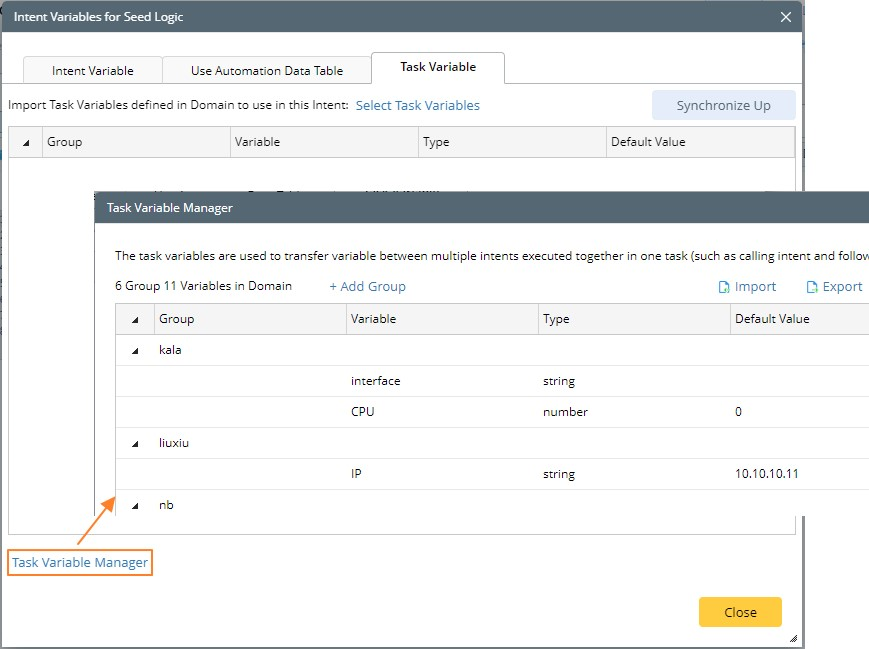

Note: Only the users with the Shared Resource and File Management privilege can view the entrance of Task Variable Manager.
Note: If there are task variables defined in this intent, the Task Variables node is displayed and you can directly click it to enter the Task Variable tab. 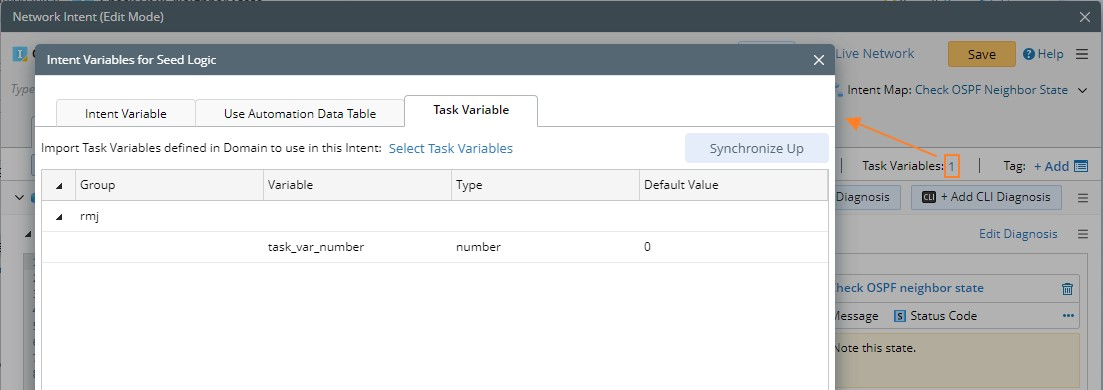
- In the Task Variable Manager, define task variables and manage them.
-
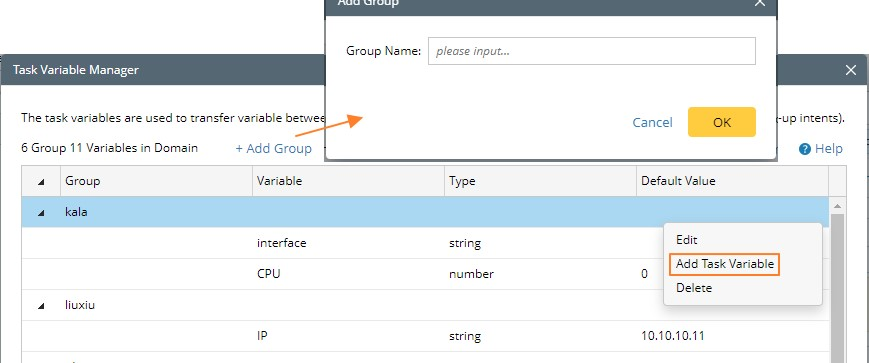
Right-click an existing task variable group to add a task variable under this group. Or you can add a new task group to classify your task variables.
-
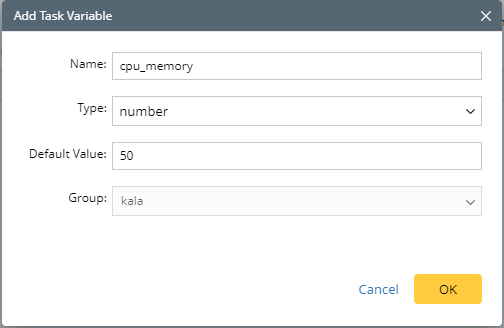
In the Add Task Variable dialog, define the task variable, such as name, type, and default value.
-
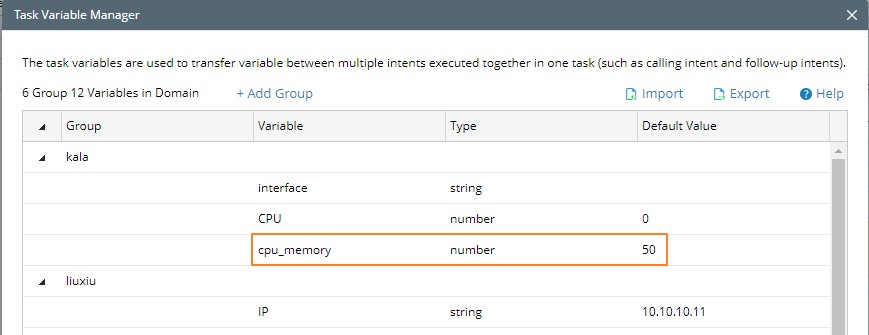
Click OK.
-