2023-Nov-03-R11.1a
Disable a Topology Link
To avoid displaying a topology link on any maps, you can disable it manually.

|
Note: Only use this function when necessary because it may impact other features, such as extending neighbors, building sites, and rediscovering network devices. The disabled links cannot be diagrammed on any maps even if the topology is rebuilt with retrieved live data. |
- Log in to the Domain Management page.
- On the Domain Management page, select Topology Link Manager from the
 start menu.
 - In the Topology Link Manager, click the hyperlink in the Total Topology Link column of the topology type.
- Point to the topology link in the table, and then click the
 icon to select Disable from the drop-down menu.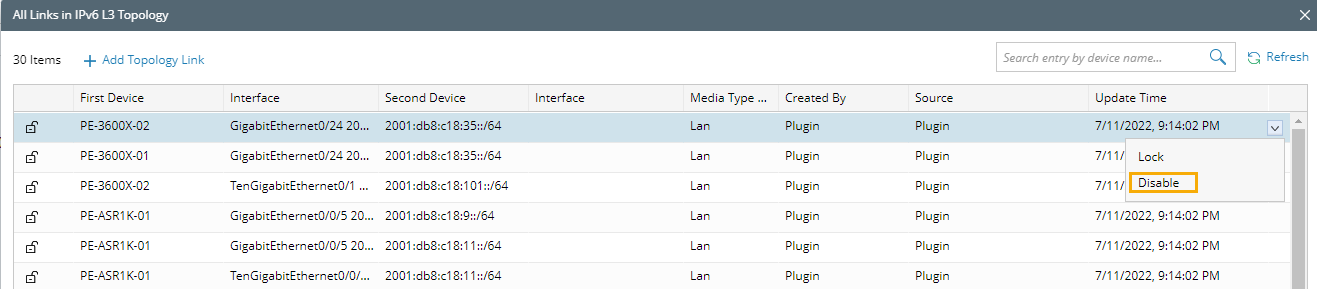
Tip: To enable a topology link, remove it from the Disabled Topology Link table and then rebuild the topology type. See Rebuilding Topology for more details.