2023-Nov-03-R11.1a
Searching for Sites
There are 2 ways to search for Sites: from Global Search, and from the Site taskbar.
From Global Search:
- Enter keywords of the Site in the Global search bar, and click Enter to start searching.

Note: Global Search doesn’t support Site Name search, but supports Site device name search. 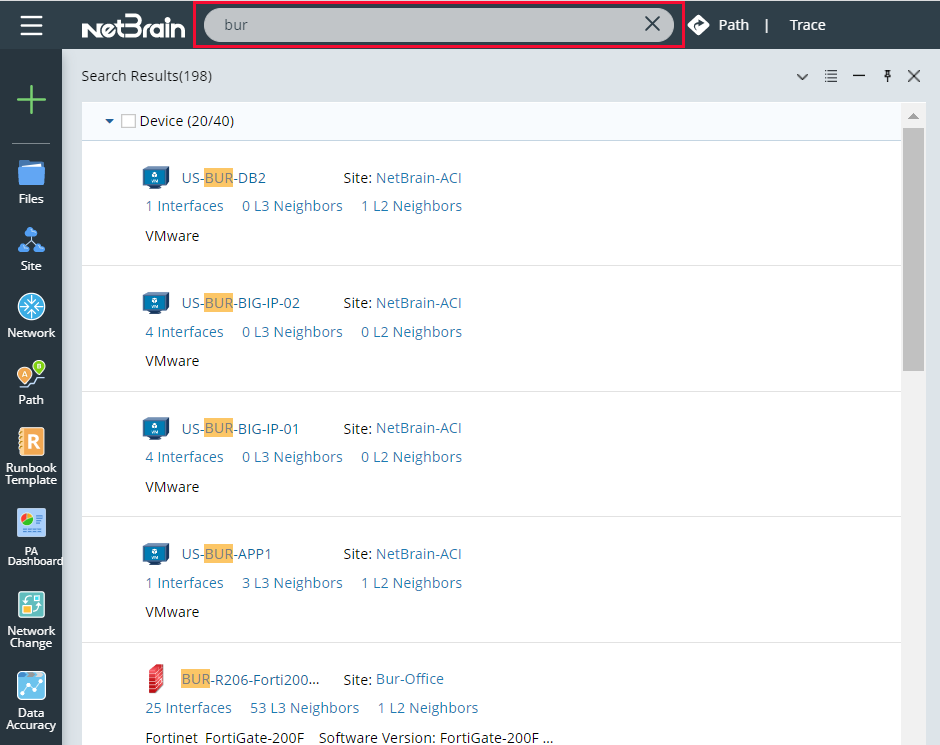
- By default, device results will be shown first. Click
 to close the dropdown list and open the Site dropdown list
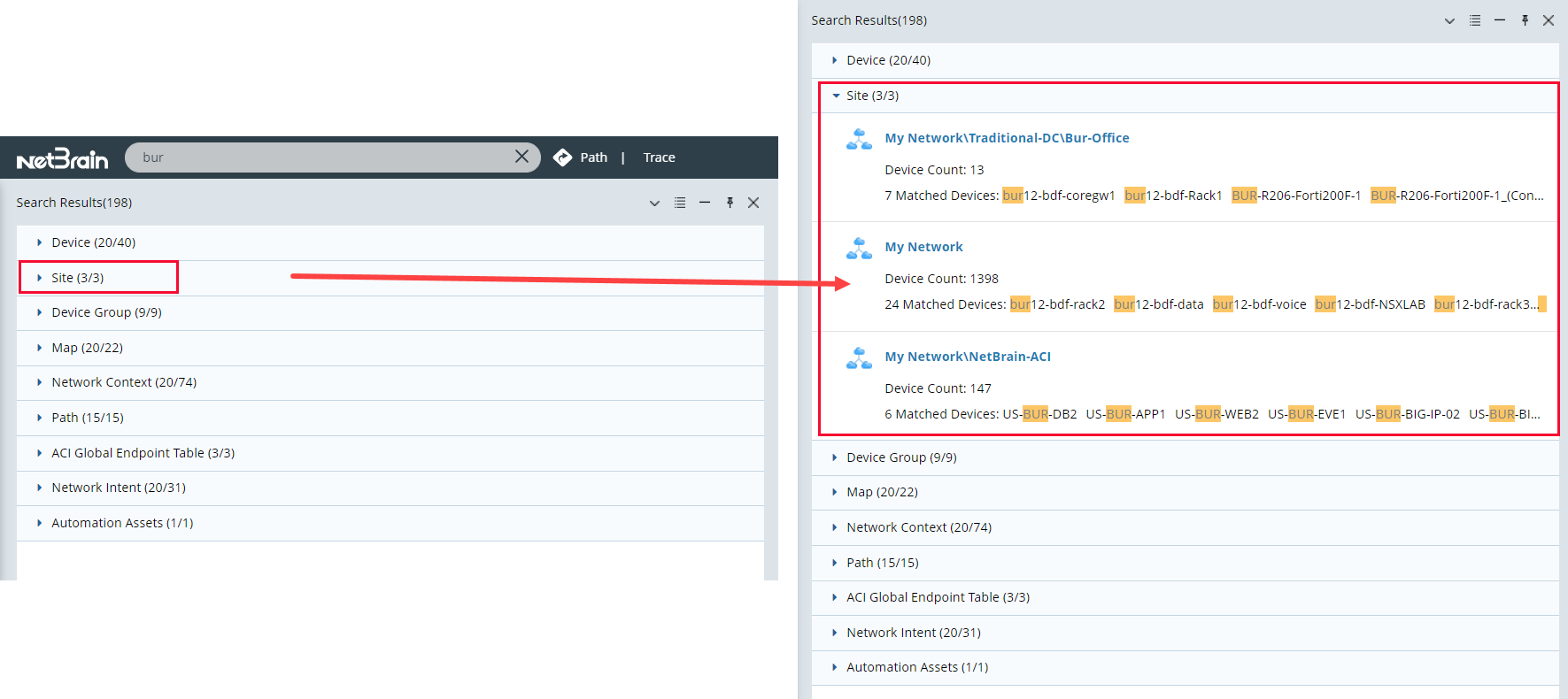
From Site Taskbar.
- Click the Taskbar and open Site.
- Enter a Site name in the Site search bar to locate a site.
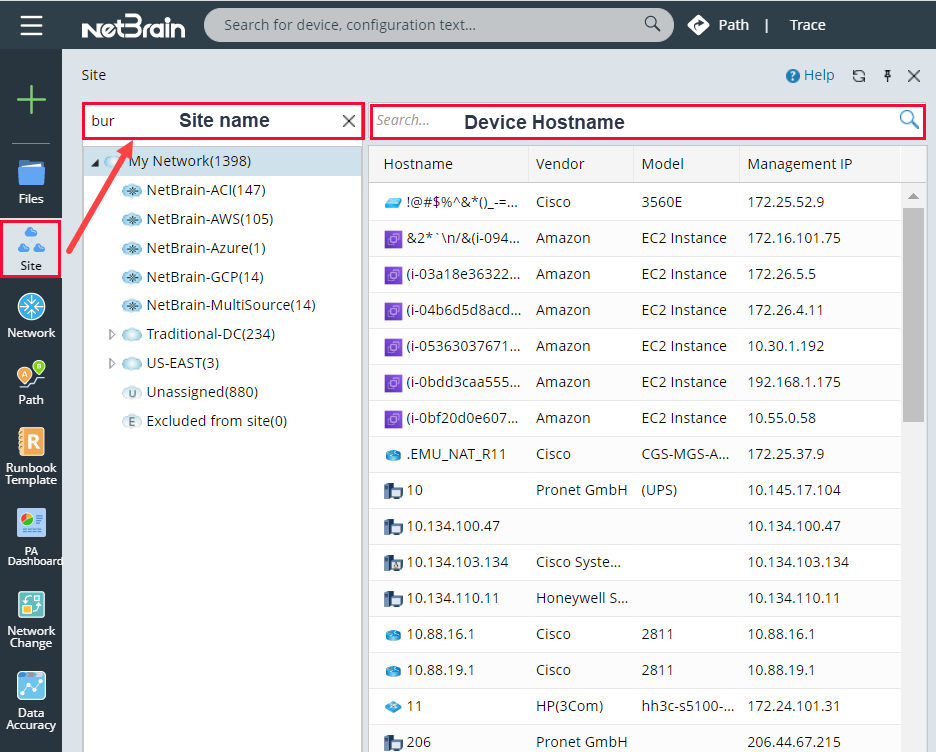
Tips: if you want to search a device by the hostname, enter the partial or full hostname in the Search Bar at the top of the devices (right pane). - Press the Enter key on your keyboard to start searching. The search results are displayed with the matched keyword highlighted.