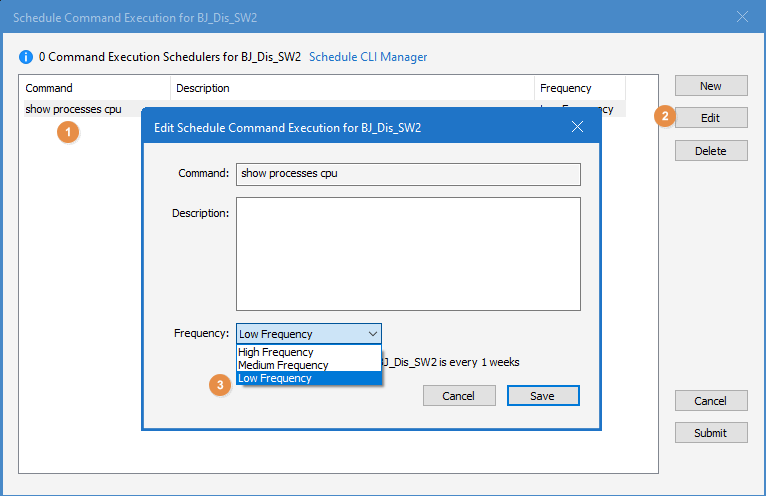
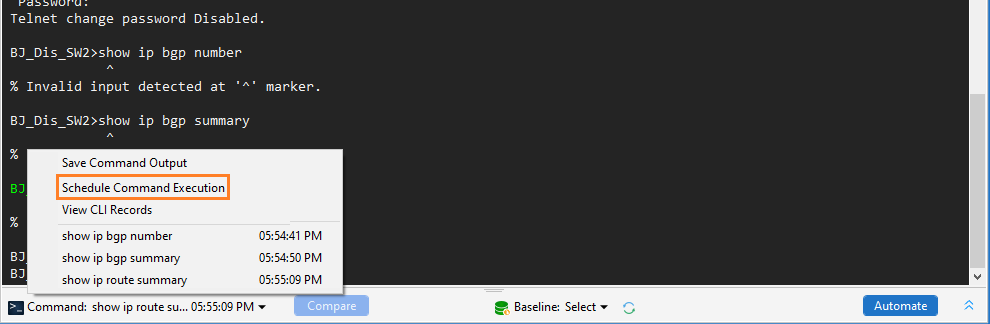
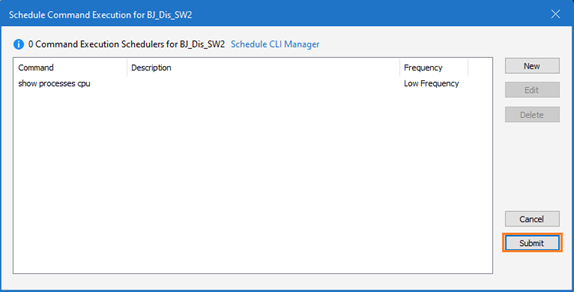
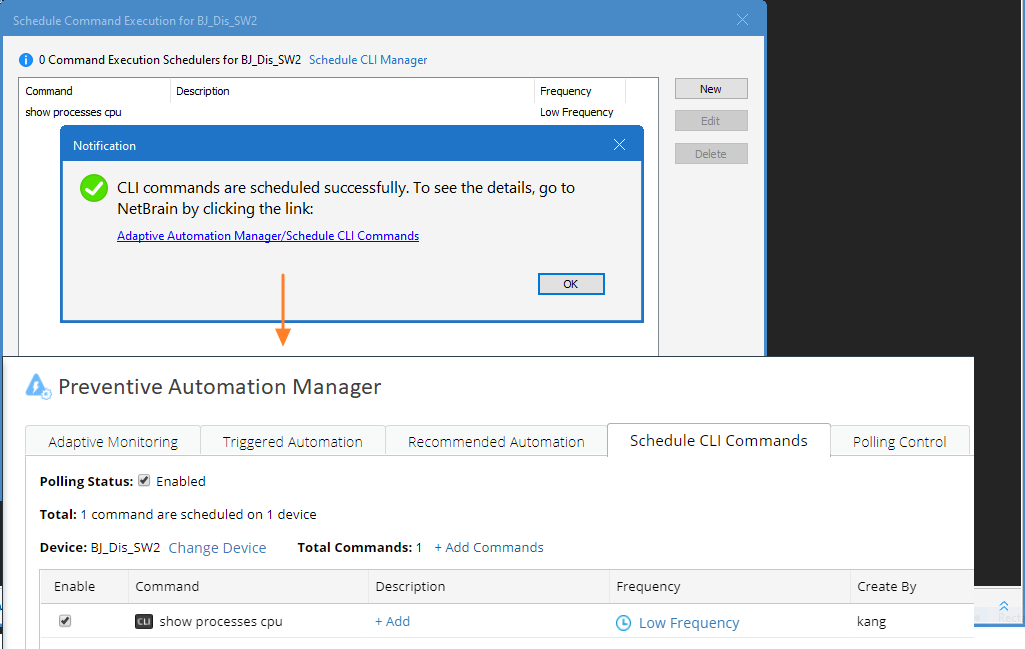
R11.0a-March2023 Schedule Command Execution in Smart CLI Click the Command area, then click Schedule Command Execution.Click Submit. By default, this command is scheduled to be executed once a week. Note: You can also reset the frequency by selecting the command and clicking Edit. Click the following link to open the IE page for scheduled details.