R11.0a-March2023
Sign Up
As an end user, you can complete the following steps to sign up for the NetBrain system.
- In your web browser, navigate to http(s)://<URL of NetBrain Web Server>/. For example, https://unicorn-new.netbraintech.com. You can also type IP address instead of URL, such as http://10.10.3.141/.

Note: If SSL is enabled in the IIS Manager, you need to use https. For example, https://10.10.3.141/. - On the End User Login page, click Sign up.
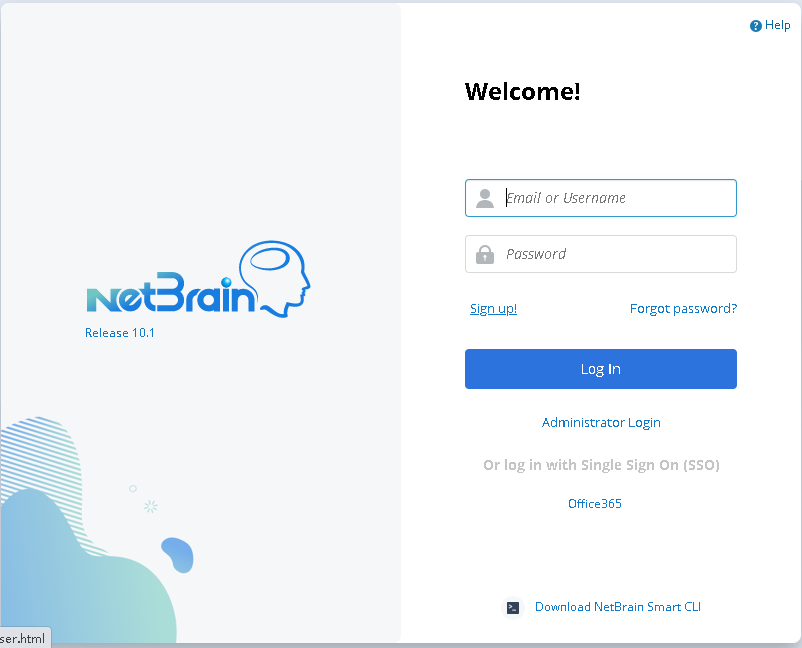
- On the Create Account page, enter the required information, such as email address, first name, and last name.
Note: The username cannot be modified once it is created. - Click Submit. Your request will be submitted to the system administrator for approval. Afterward, you will receive a Welcome email in your registered email box.
- Follow the instructions in the email to activate your user account.