R11.0a-March2023
Test and Save the Triggered Diagnosis
- Click Test in the Install Intent for Diagnosis window.
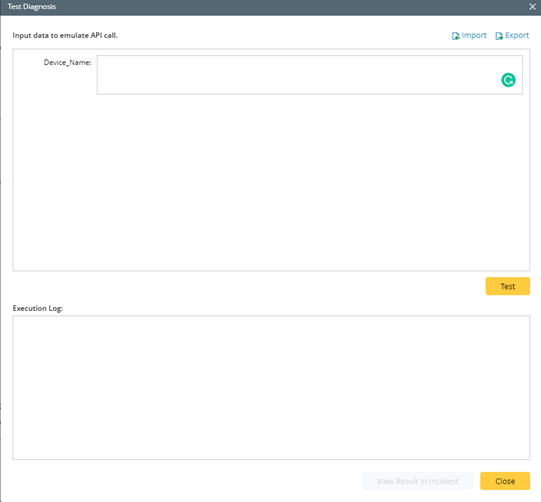
- In the Test Diagnosis window, Input the data fields to emulate the API call, and the system prints out the execution log with the following output:
- The results of Incident type.
- Matched triggered Diagnosis.
- Matched member NIs for NIC triggered Diagnosis.
- NI execution results if execution mode includes the execution of NI.
- The message “Created map incident message.” if the execution mode includes the Intent Map. Likewise, the map note is displayed if the corresponding option is selected.
- Incident devices if Set Incident Device option is set.
- Incident message if the option is enabled.
- Whether the incident message is successfully created by the Guidebook or Runbook template if the corresponding option is selected.
- Whether the subscription to preventive automation is successfully enabled if it is configured.
A View Result in Incident button is provided to view the Incident for this incoming call.