Deleting Relationship from Other Devices

Contents
The Delete Relationship from Other Devices function allows you to delete the selected relationship from other devices. If a relationship is no longer suitable for your troubleshooting tasks, you can use this function to delete the relationship from other devices and the function of ‘delete relationship’ to delete the relationship from the current device. As a result, this relationship will be deleted from the domain.
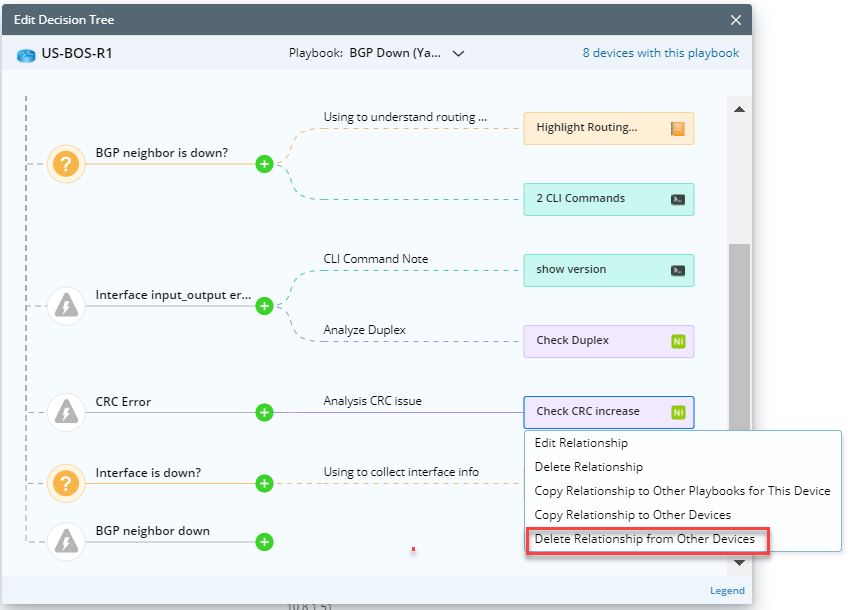
1.Click the automation and select Delete Relationship from Other Devices.
2.In the Delete Relationship From Same Playbook With Other Devices window, define a device list to qualify the devices from which you want to delete the relationship(s).
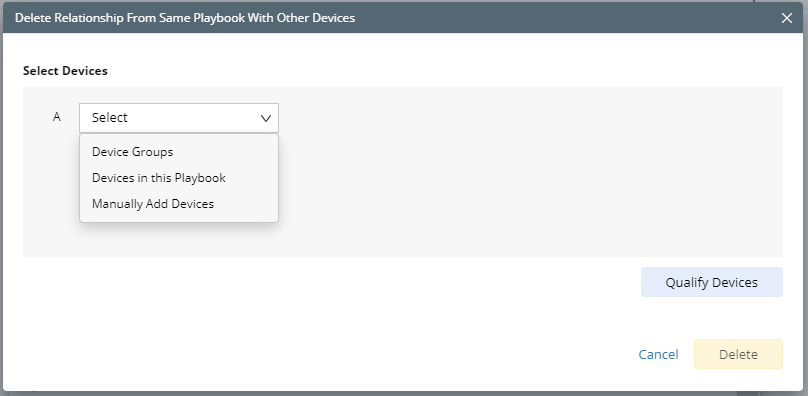
Tip:Similar to the ‘copy relationship to other devices’ function, you can use device group, devices in this playbook or manually added devices to define this device list.
3.Click the Qualify Devices button to qualify the devices that have this specific relationship within this playbook.
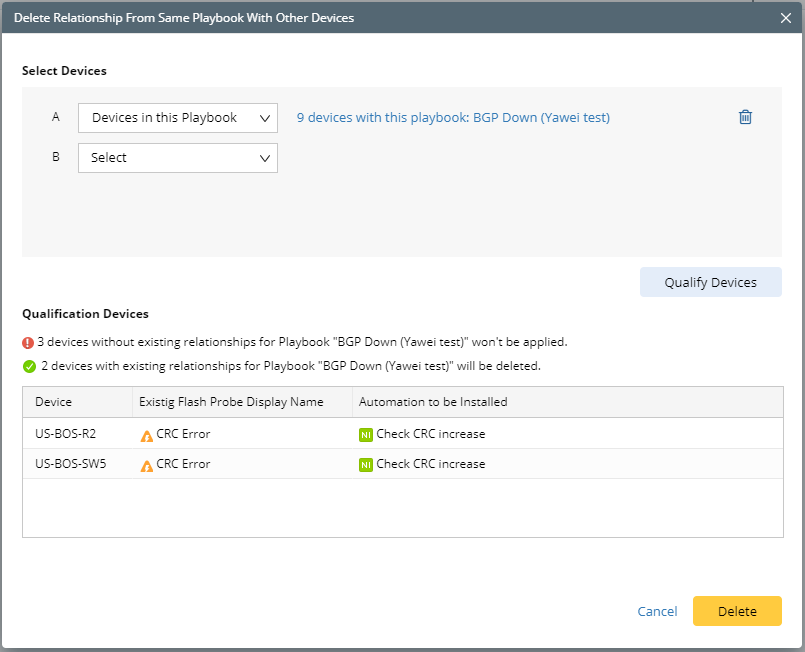
4.Click Delete button to delete the relationship from these qualified devices.
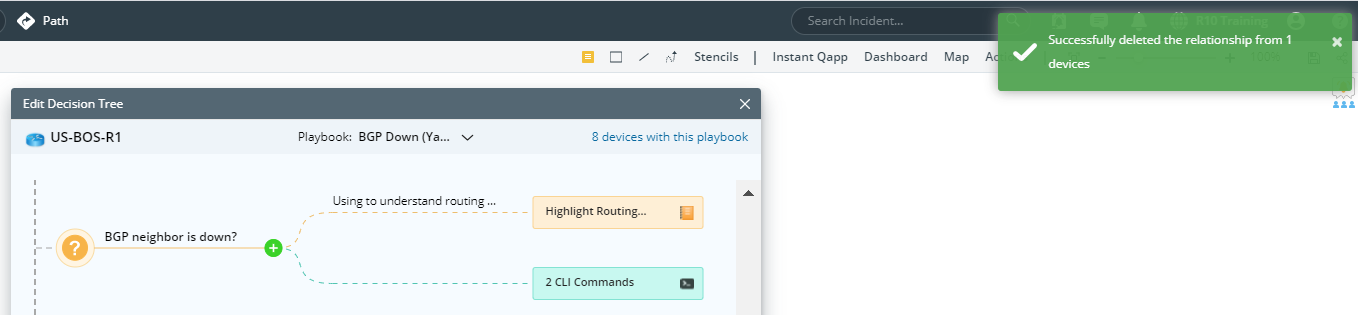
5.When the steps above are completed, a delete confirmation message will prompt as below.