Searching for Maps

Contents
1.Enter one of the following search terms in the search bar:
▪Map name
▪Map page name
▪Device hostname or management IP address
▪Interface name or IP address
▪Map note
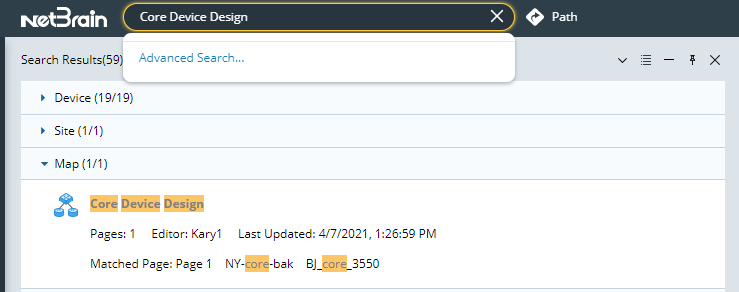
2.Press the Enter key on your keyboard to start searching. The search results are displayed with the matched keyword highlighted.
Note: Container maps cannot be searched, such as overview map and site map.
3.Point to a map result and then click the  icon to preview the map.
Tip: To open the map directly, point to a map result and then click the  icon to select Open.
Tip: To share the map, point to the map entry and click the icon to select Share. See Sharing a Map for more details.