R12.1 JA-2025July15
End Users Add Insight Node
On map, end users can add the insight node to a runbook to view all automation results for map devices in one place.
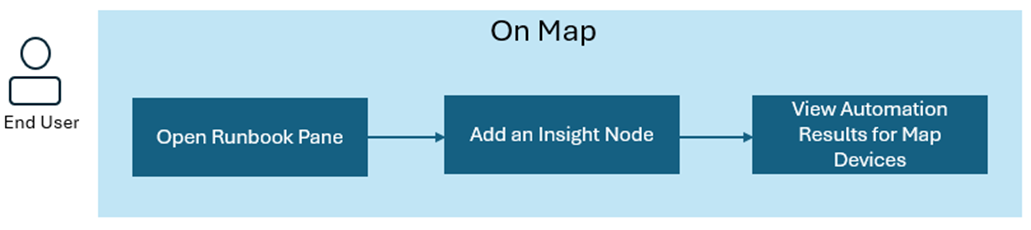
- On the current map, open the runbook pane.
- After adding an insight node to the runbook, you can view the map devices’ automation results. The automations are grouped by category.
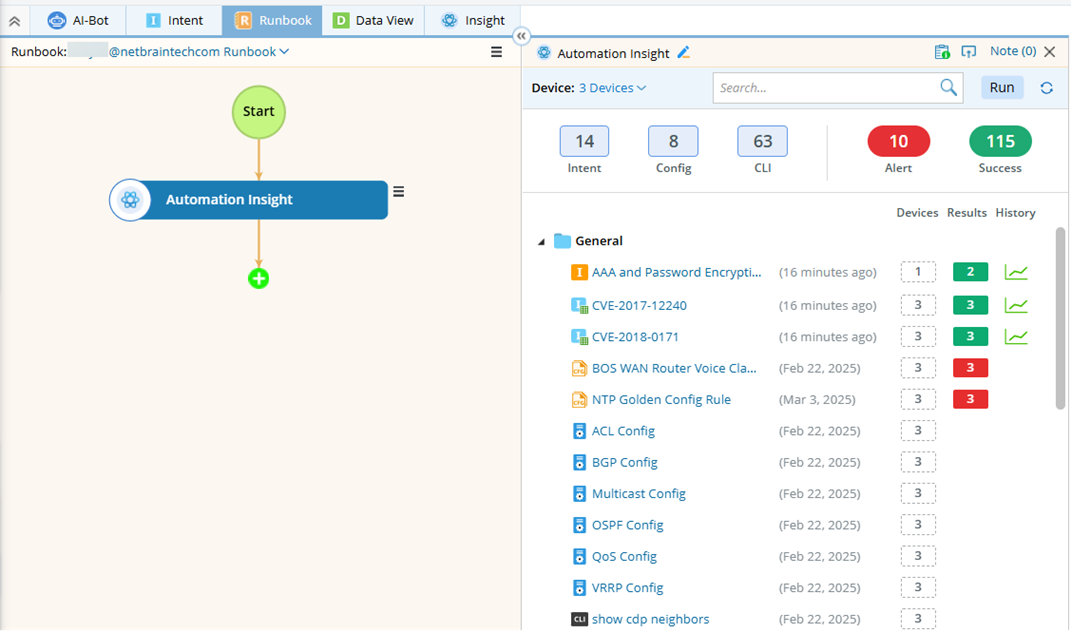

Note: Only automations enabled in Insight Manager can be displayed here.
Note: You can group automations by defining their category in Insight Manager.
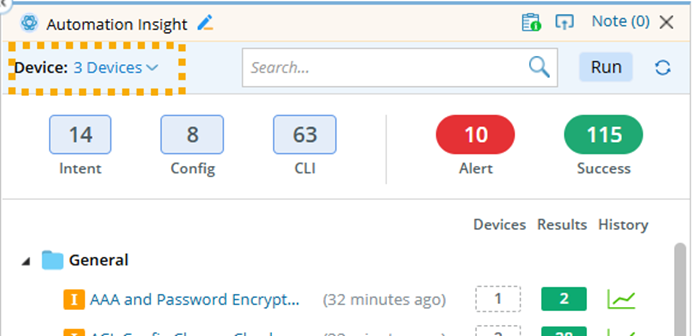
Tip: Users can execute the displayed automations by clicking Run. - (If necessary) You can also view results of non-map devices by selecting them.
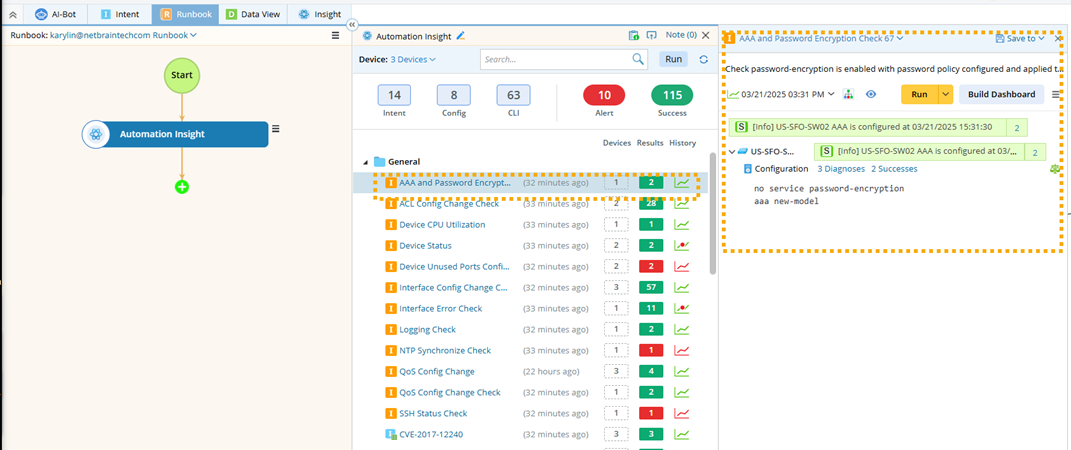
- Click the automation to see its detailed results.
Tip: Refer to View AI Results on AI Insight Tab for more details on viewing the results.