R12.1 Project Publication-2025Dec23
Lock and Editing Rights in Auto Intent Wizard
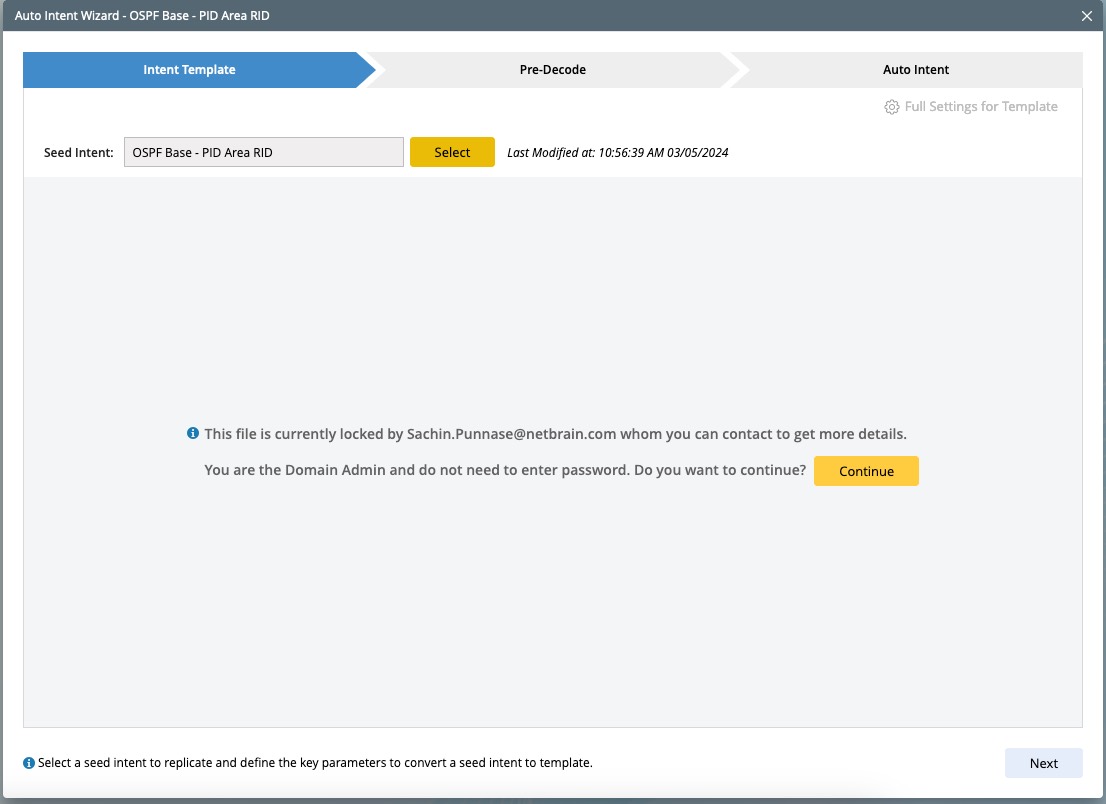
Locked Intent: When a locked intent is selected in the Intent Replication Wizard, a system displays different notifications based on the specific scenario.
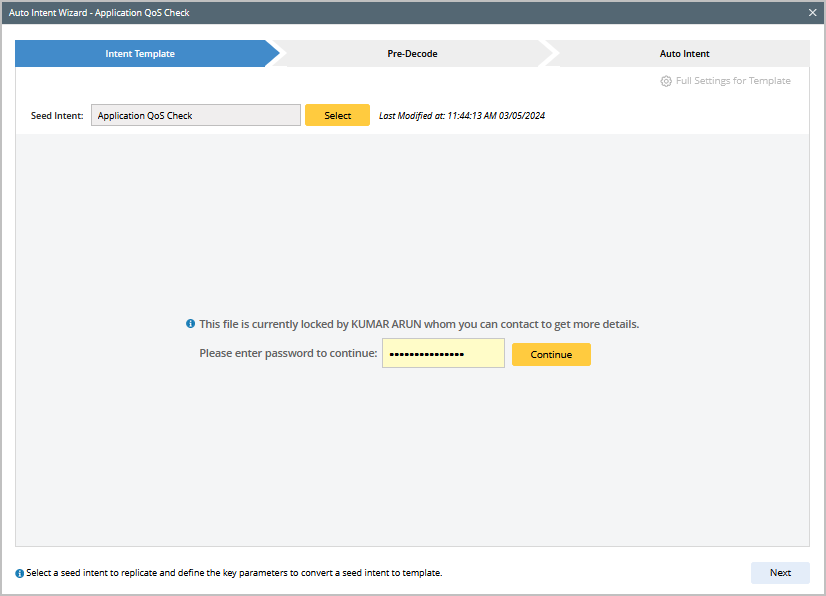
- For an intent locked with password: Enter the correct password to unlock the intent.
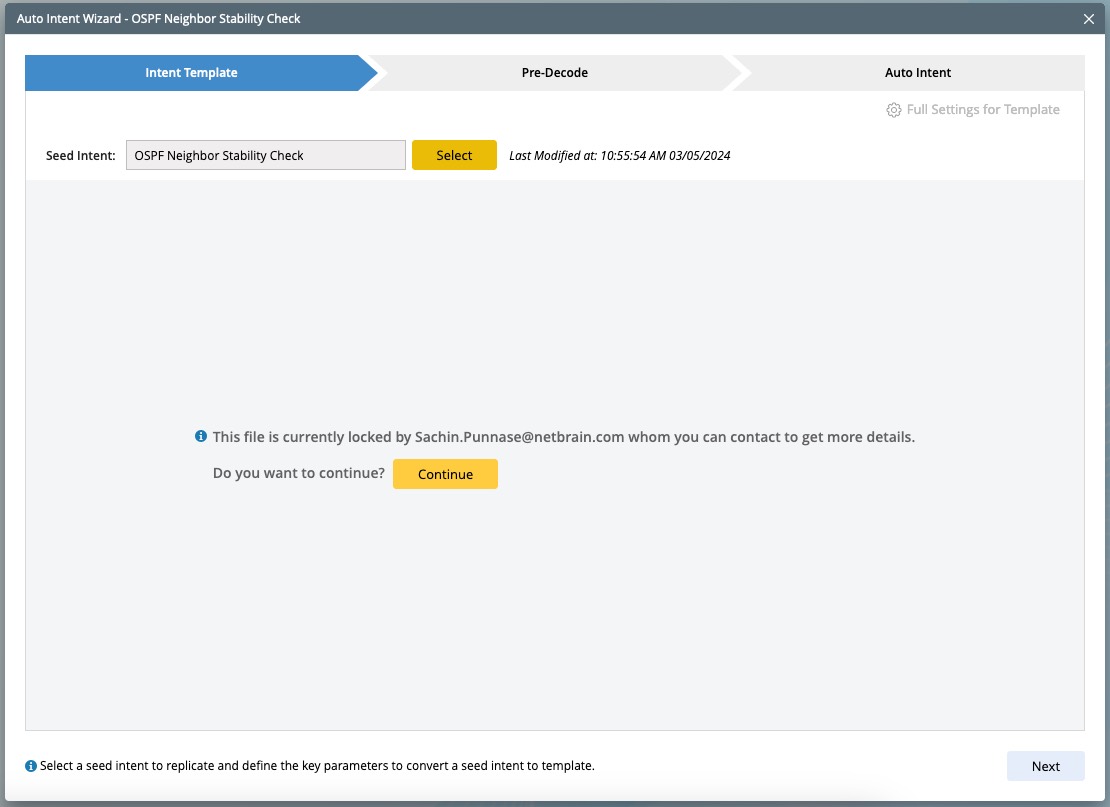
- For an intent locked without password: Conatct the user who locked the intent to resolve the issue.
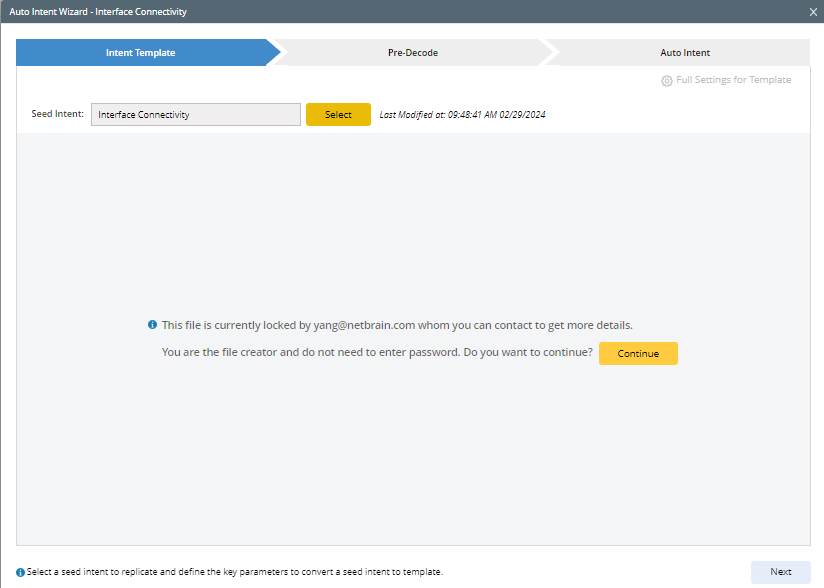
- For intent Creator: The intent creator has the privilege to edit the locked intent and can click Continue to proceed.
- For system admin and domain admin: System admin and domain admin have the privilege to edit a locked intent and can click Continue to proceed.
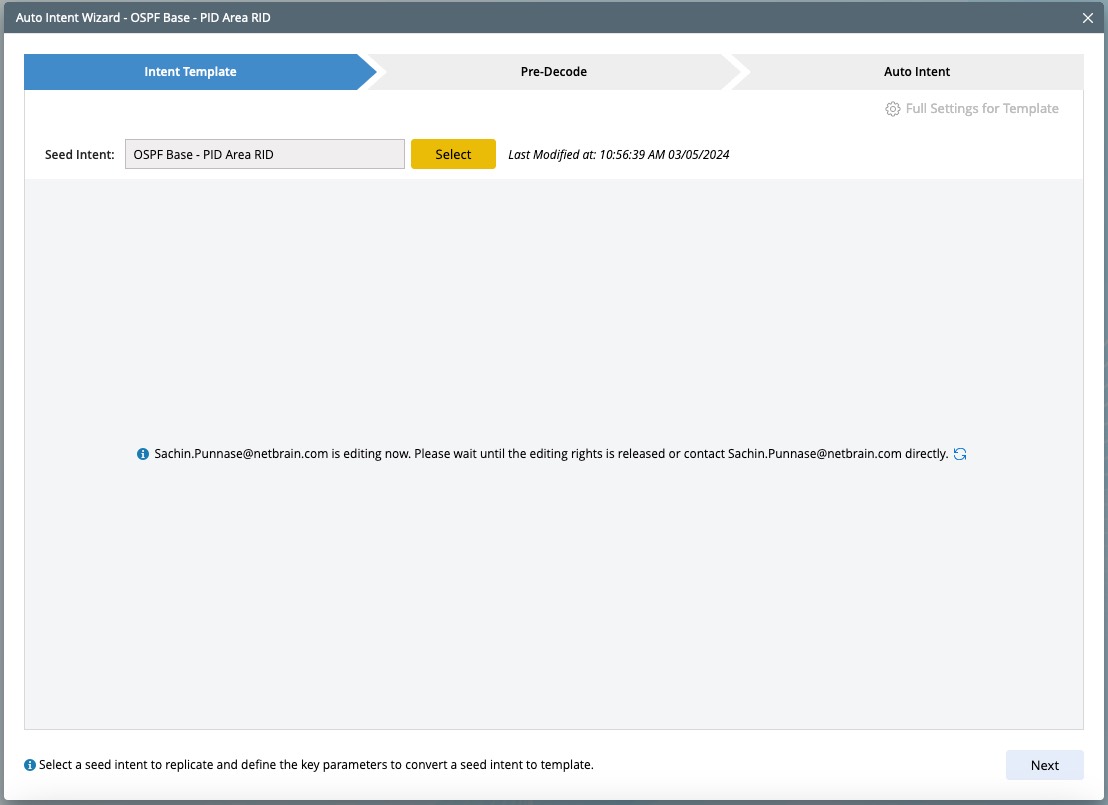
- No Editing Rights: If the selected intent is being editing by another user, editing is restricted until the user releases the lock or grant you access.