R12.1 Project Publication-2025Dec23
Publish Resource to other Domains
In Shared Automation Library, resources are shared by publishing the automation library. During the publishing process, the automation resources in the library are shared to other domain and installed in the same location as in the current domain.
- Select an automation library from the left pane, the right pane does not show any data.
- Click Publish in the right pane. |

The stop icon is shown. You can click it to stop publishing. Log is created during the publishing process.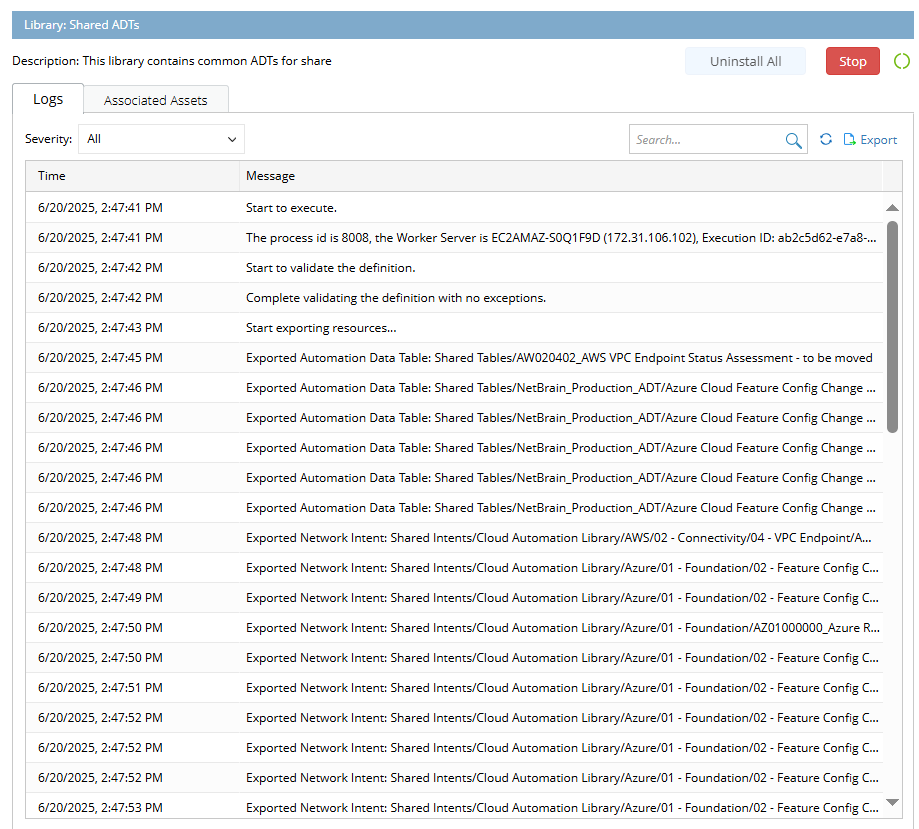
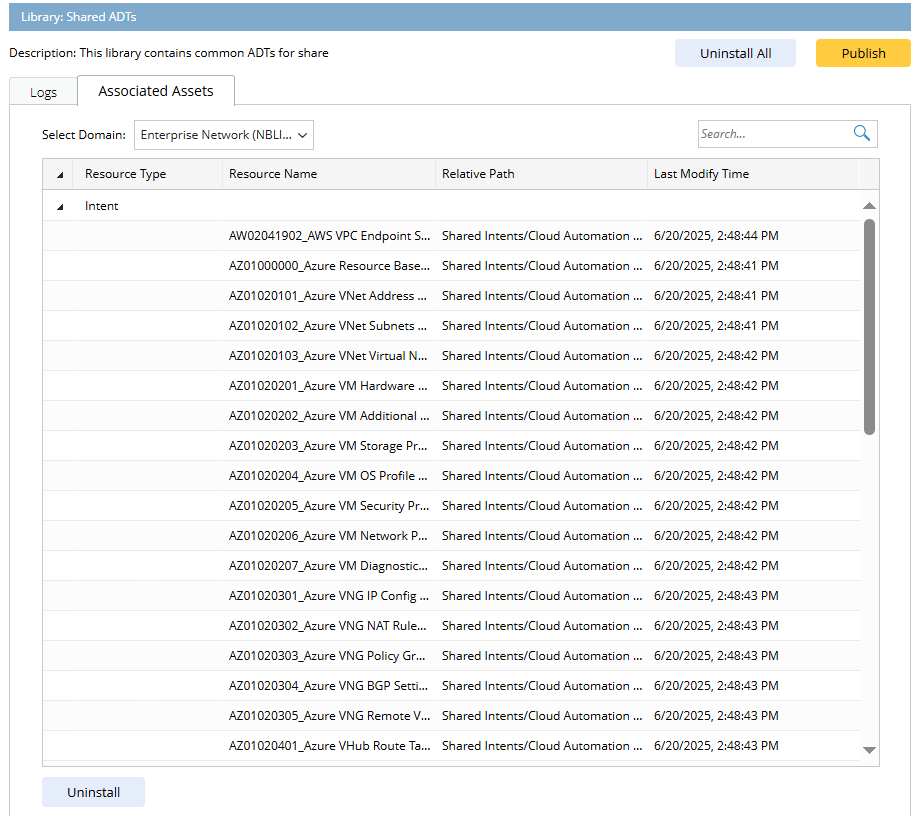
Switch to the Associated Assets tab, the resources associated with the library are displayed.
Note: You can filter log by severity (Error/Warning/Information). 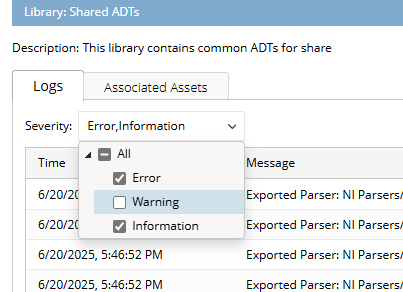
Uninstall Task
You can choose specific resources to uninstall them from one specified domain where they are shared.
- In Shared Automation Library pane, select the library to be uninstalled.
- Form the Select Domain dropdown menu, select one domain to uninstall the resources from it.
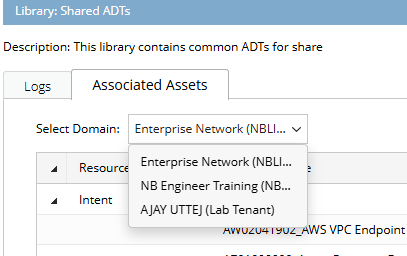
- In the Associated Assets pane, click Uninstall.
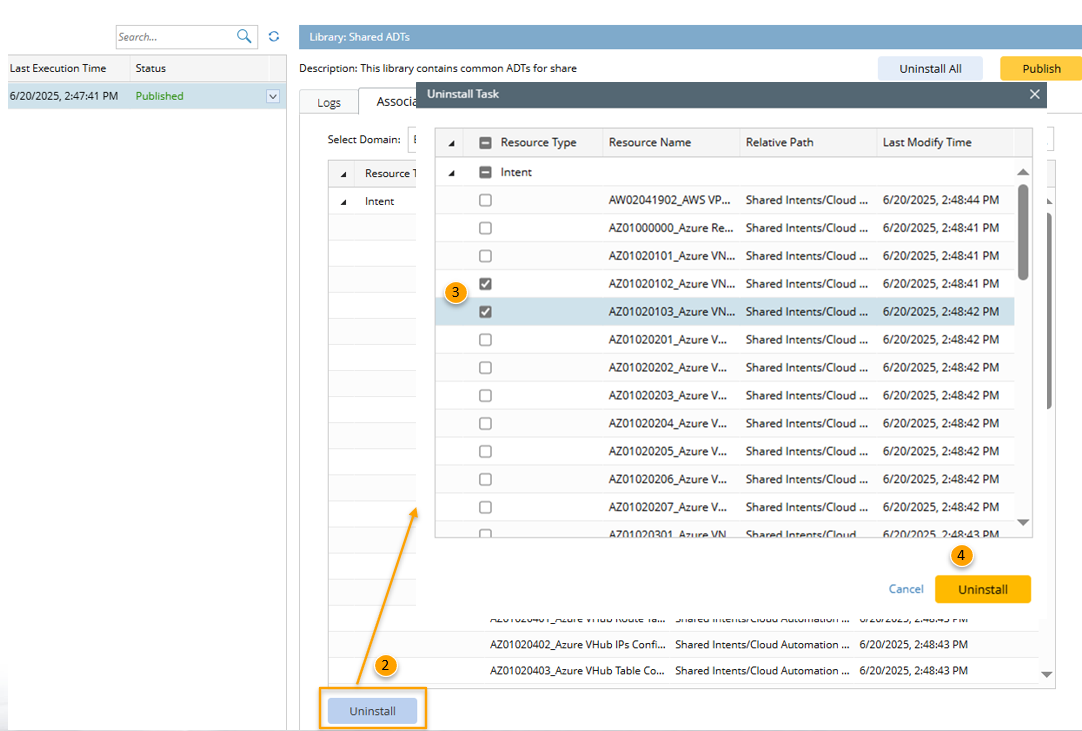
- In the pop-up window, check the checkbox to select resources.
- Click Uninstall to uninstall the selected resources from all domains to which they have been shared.
Uninstall All Resources from All Domains
It is allowed to uninstall all the resources in a library from all the domains where they are shared.
- In Shared Automation Library pane, select the library to be uninstalled.
- In the Associated Assets pane, click Uninstall All.
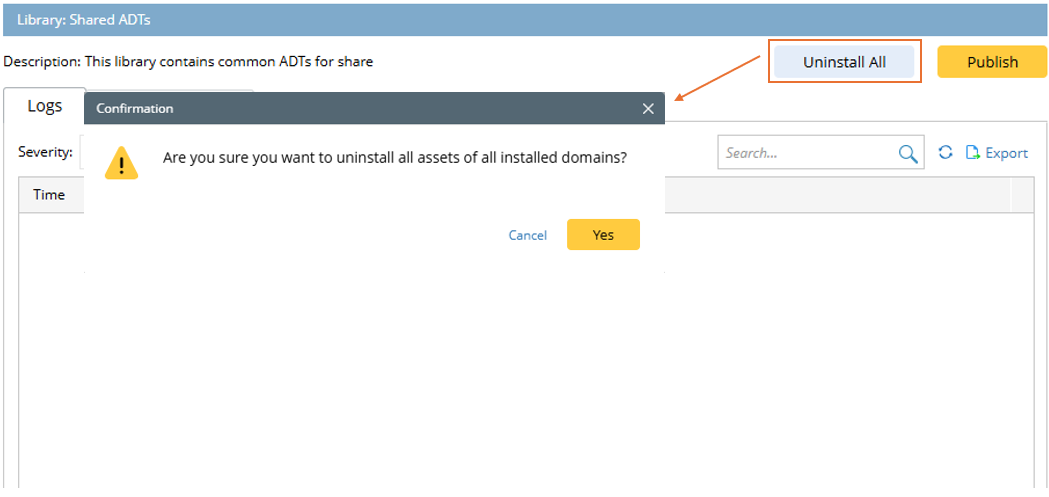
- A Confirmation dialog will appear. Click Yes to confirm this operation. The status of this library changes to "Uninstalled" after all its resources are uninstalled.
