R12.1 Project Publication-2025Dec23
Run and View Path Intent Details
After you create a path intent, you can run it and view the results in the Path Intent pane. All path intents associated with the path appear in the Path Intent list.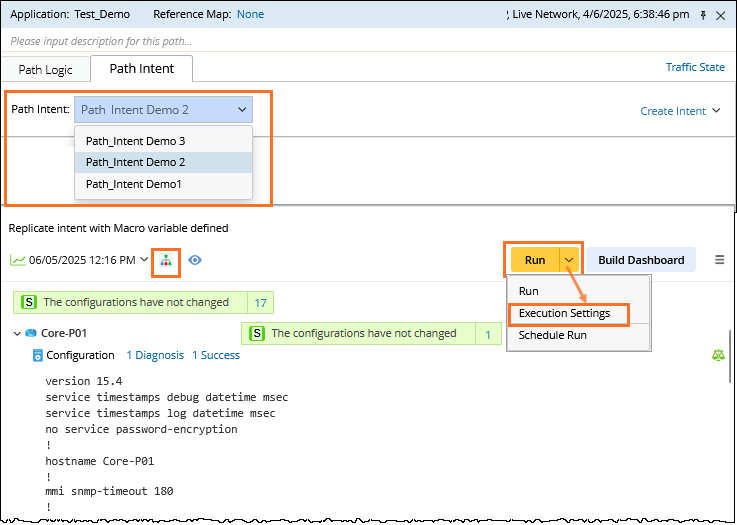
When you select an intent, its details are shown in the Path Intent pane.
-
To run the selected intent, click Run in the Path NI pane. The intent can be executed multiple times. After execution, the Path Intent pane displays the details and results.

Note: To configure execution settings, click the Run dropdown and select Execution Settings. -
The Path Intent pane displays:
-
A summary of all devices included in the path intent
-
Diagnosis summaries for each device
-
Each CLI command used in the diagnosis, fully displayed
-
Alerts generated from CLI command results, shown in the respective command sections
-
Full visibility into all devices along the path, including hop-by-hop details
-