R12.1 Project Publication-2025Dec23
Set up NSX-T Manager Access for NetBrain
To enable NetBrain to discover an NSX-T network, you need to reserve a user account with the minimum privilege to read the data from your NSX-T Manager.
Complete the following steps to double-check the configuration on your NSX-T Manager GUI.
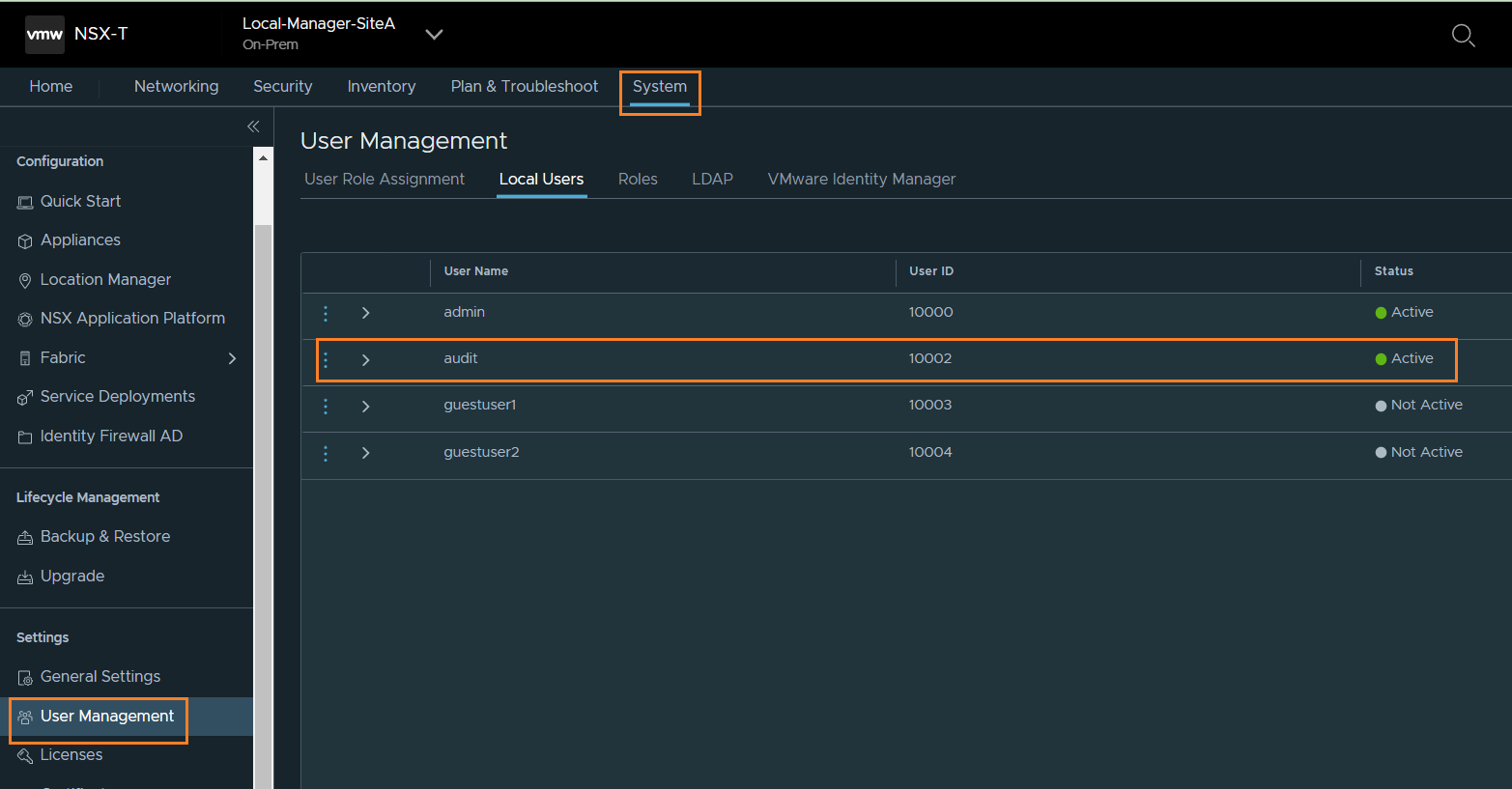
- Log in to your NSX-T Manager with the admin account, and go to the System tab.
- Create an Auditor Role user under User Management tab as shown in the below image. Then you can use this account to discover the NSX-T in NetBrain.