R12.3-2026Apr21
Add Device Variable via Device/Interface Property and Config Parameter
After selecting the device group, the table appears below. This table is organized by device and currently only has rows; you can add columns related to device variables.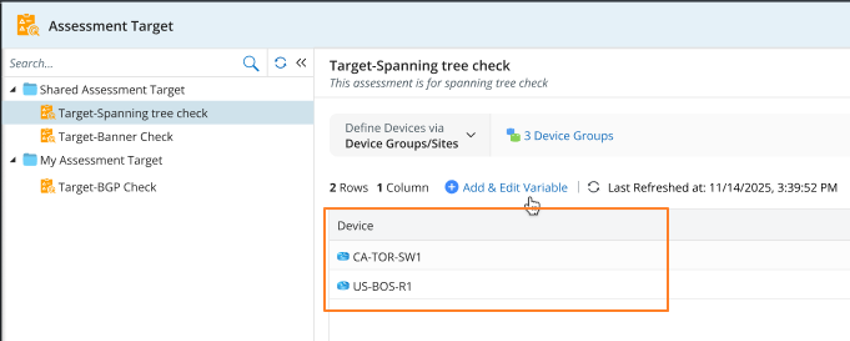
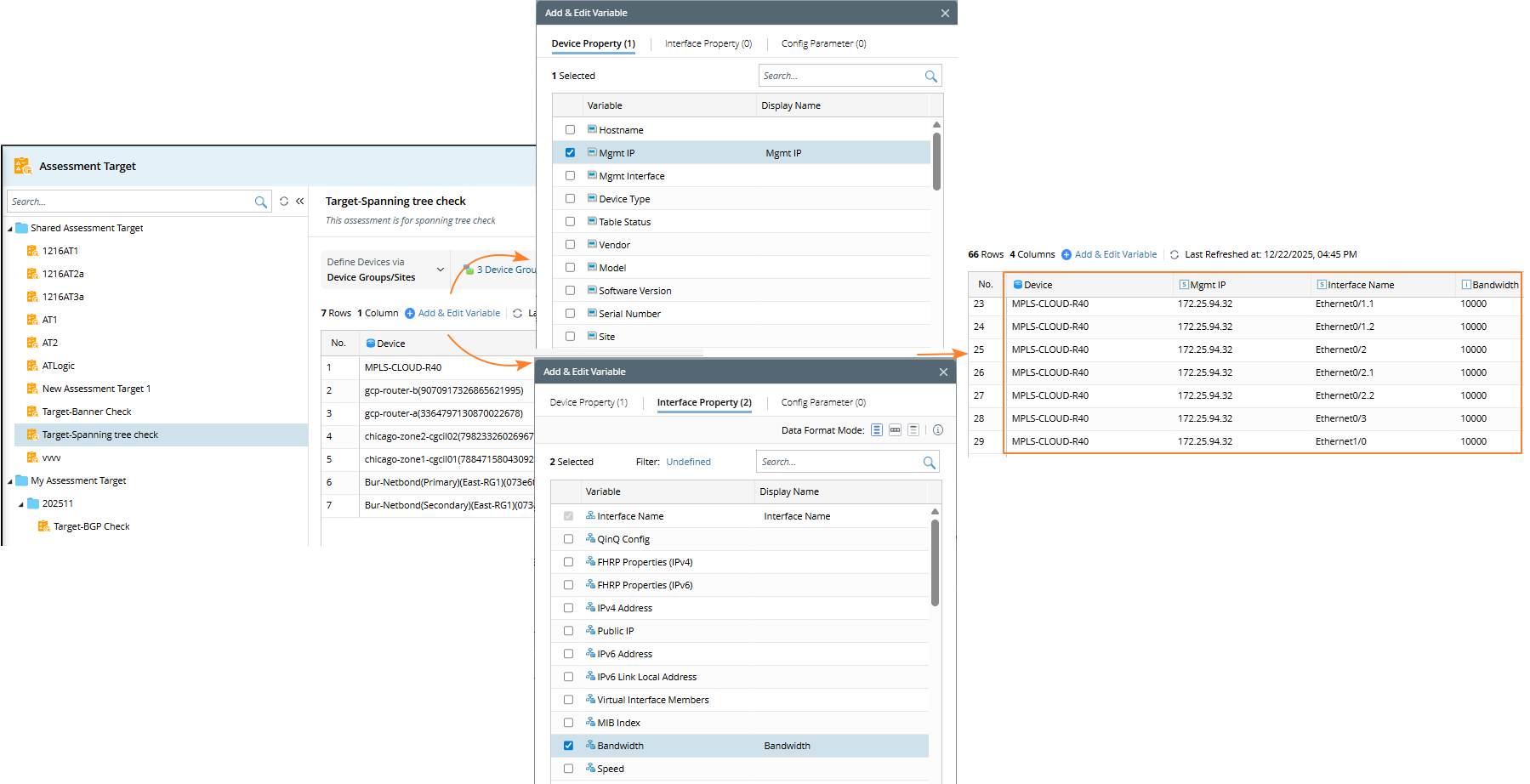
The system offers three options for defining device-level columns, including:
- Device Property
- Interface Property
- Config Parameter

|
Note: The Add & Edit Variable window is used for both selecting and maintaining variables, allowing you to modify them when needed.
|
This table lists the details when you add them to the device.
| Data Type | Description | Available Variable |
Device Property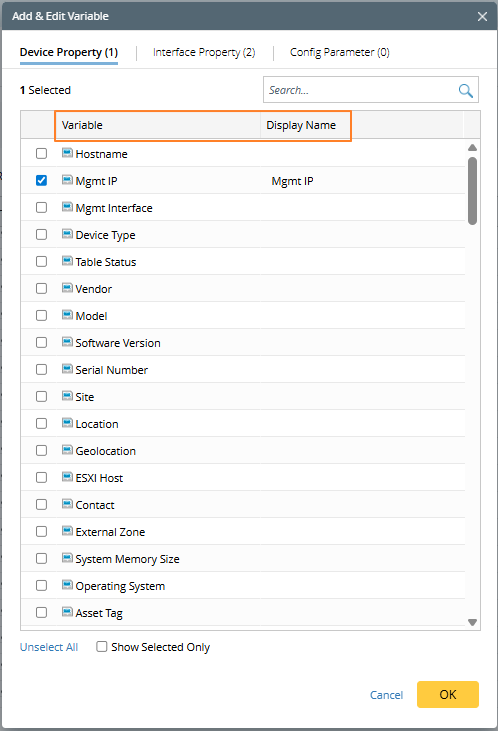 | Yuo can choose one or more device variables. The selection window displays two columns:
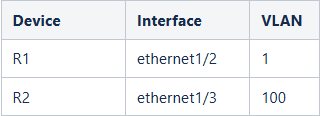
| Single Variable only Example:
|
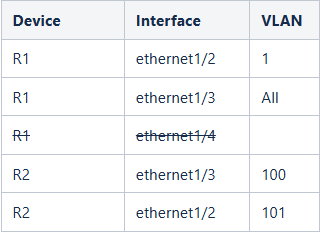
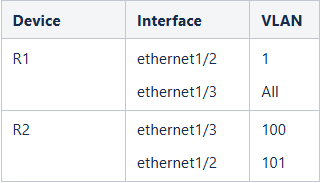
Interface Property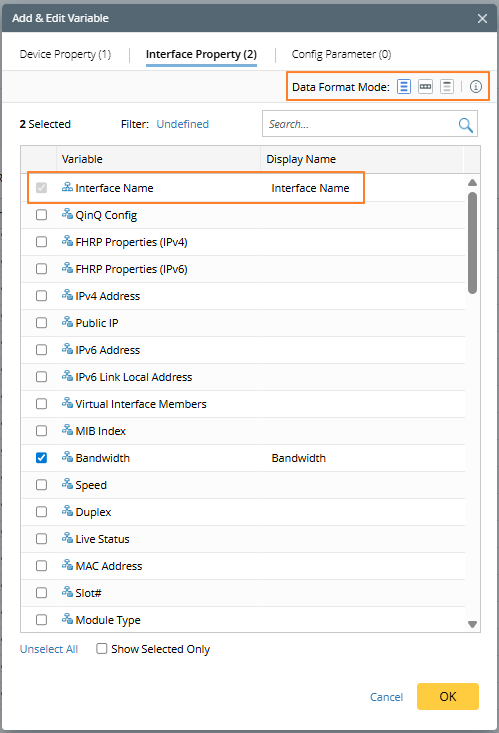 | Data Format Mode settings let you choose how to display results when a device has multiple values. Three options are available:
Note: The Interface Name option is initially unchecked but will be automatically selected when at least one interface property is chosen, indicating which interface the property belongs to. | Single Variable only |
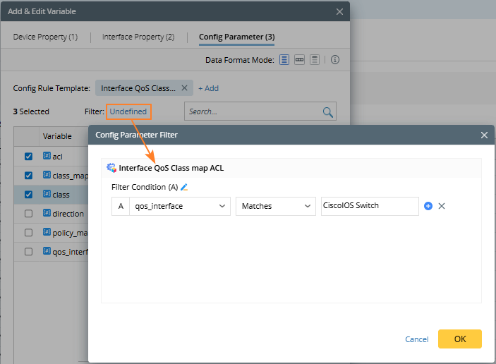
Config Parameter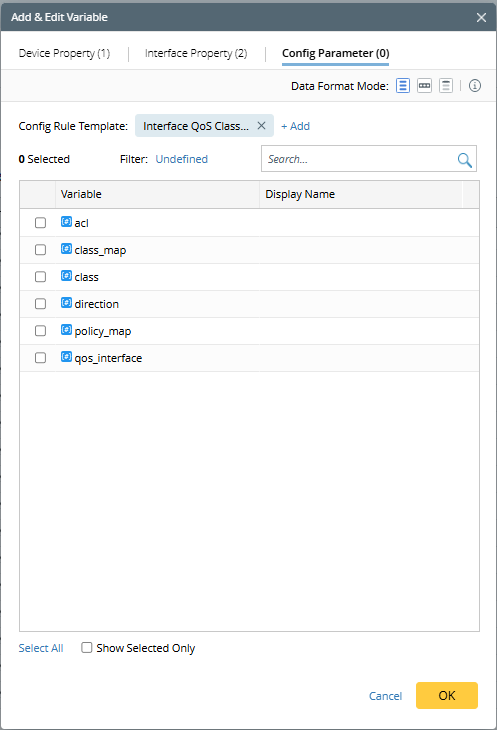 |
| All Variables |
 )
)
 )
)
 )
)