R12.3-2026Apr21
Intents in Network Intent Manager
In Network Intent Manager, click the filter icon to show the filter UI as a left-side pane, allowing you to view NI tree changes while adjusting filter conditions.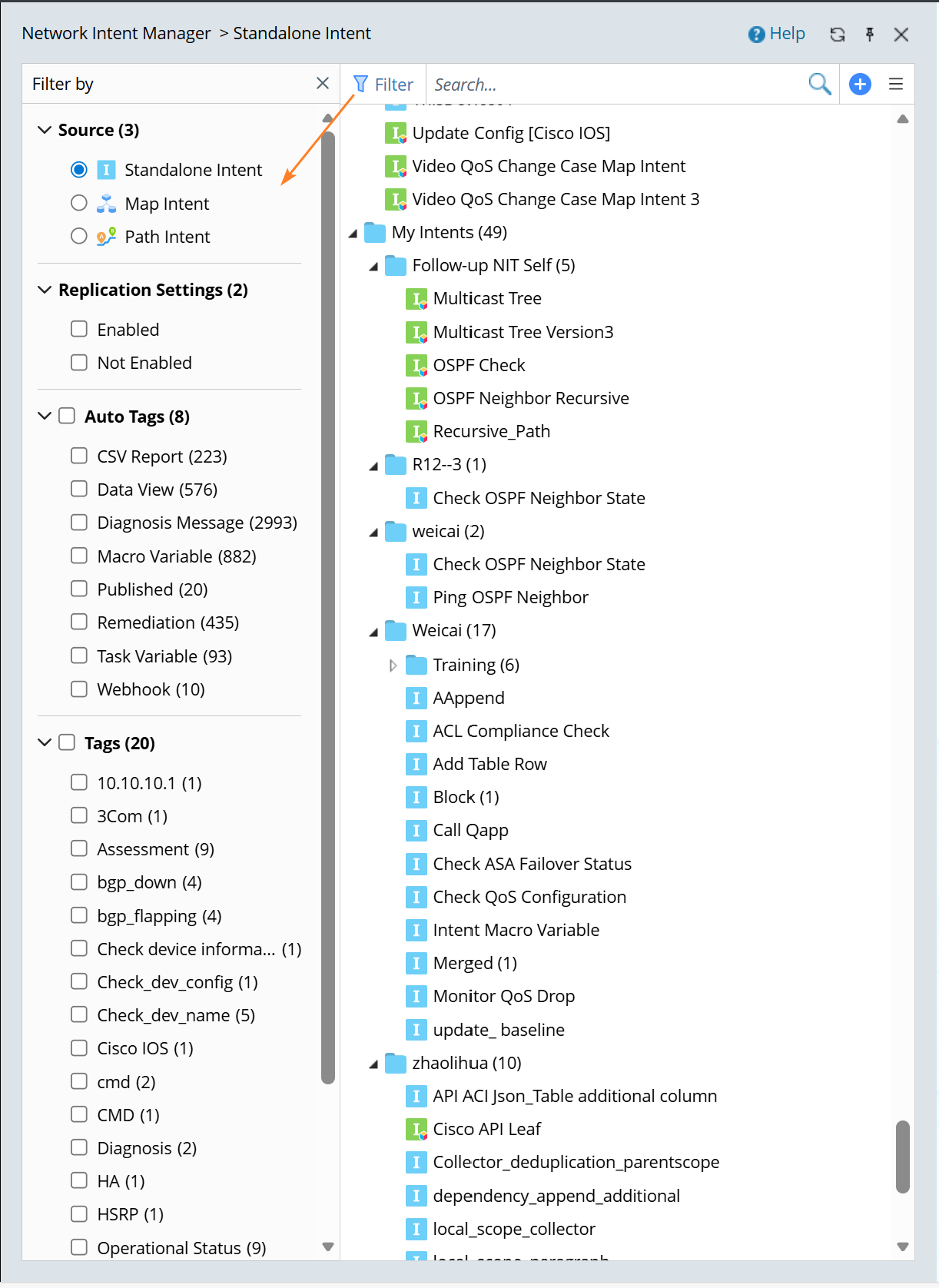
All intents are categorized into the following groups.
- Standalone Intent: All standalone intents are displayed by default.

Note: The intents in the built-in Recommended Templates folder can be used as template for creating Map/Path Intents. - Map Intent: The map intent is at the map page level, meaning a single map can have multiple associated intents.

- Path Intent: All path intents are stored in the Path Intent category. A path can have multiple built-in path intents with different names.

See also: