R12.3-2026Apr21
Manage Resources in Insight Manager – Power User
The automation results, resources and knowledge displayed on the Automation Insight tab or leveraged by the LLM are enabled or managed in Insight Manager.
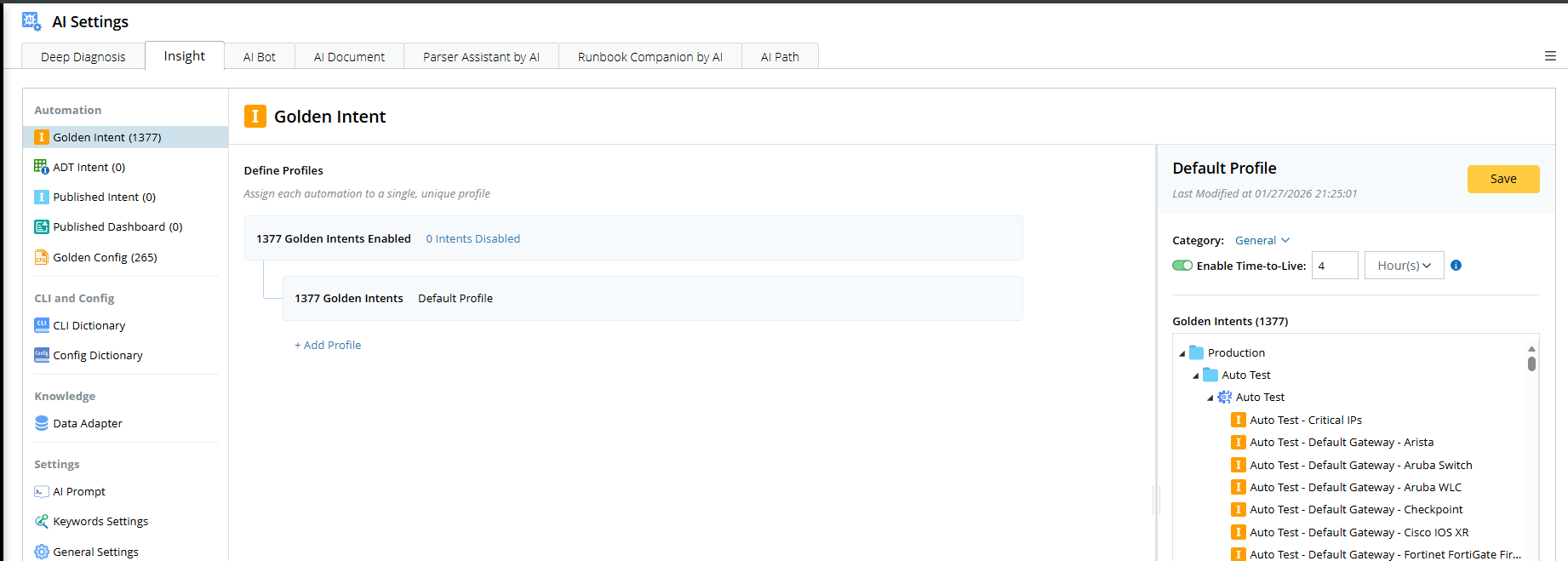
- On the Desktop, click the Start menu > AI tab > AI Settings > Insight.
- You can manage the following settings in Insight Manager.