R12.3-2026Apr21
Node Group Menu
The Node Group icon is distinct from Device Group and Link Group icons. You can use the following menu items for Node Groups: Edit, Move, and Delete.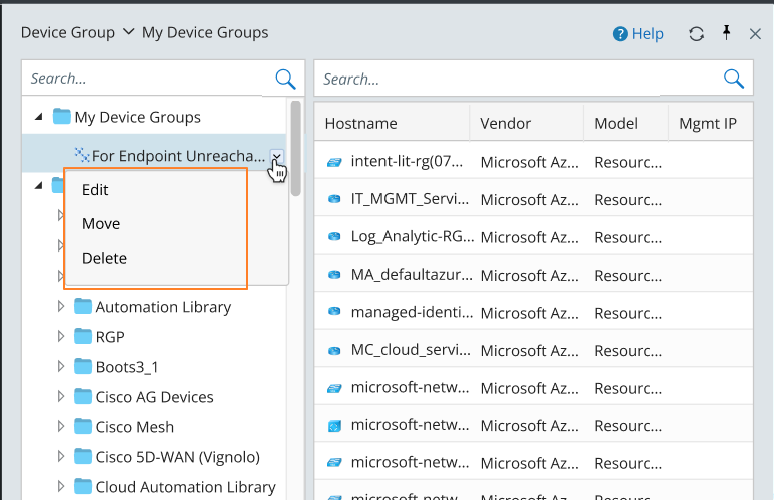
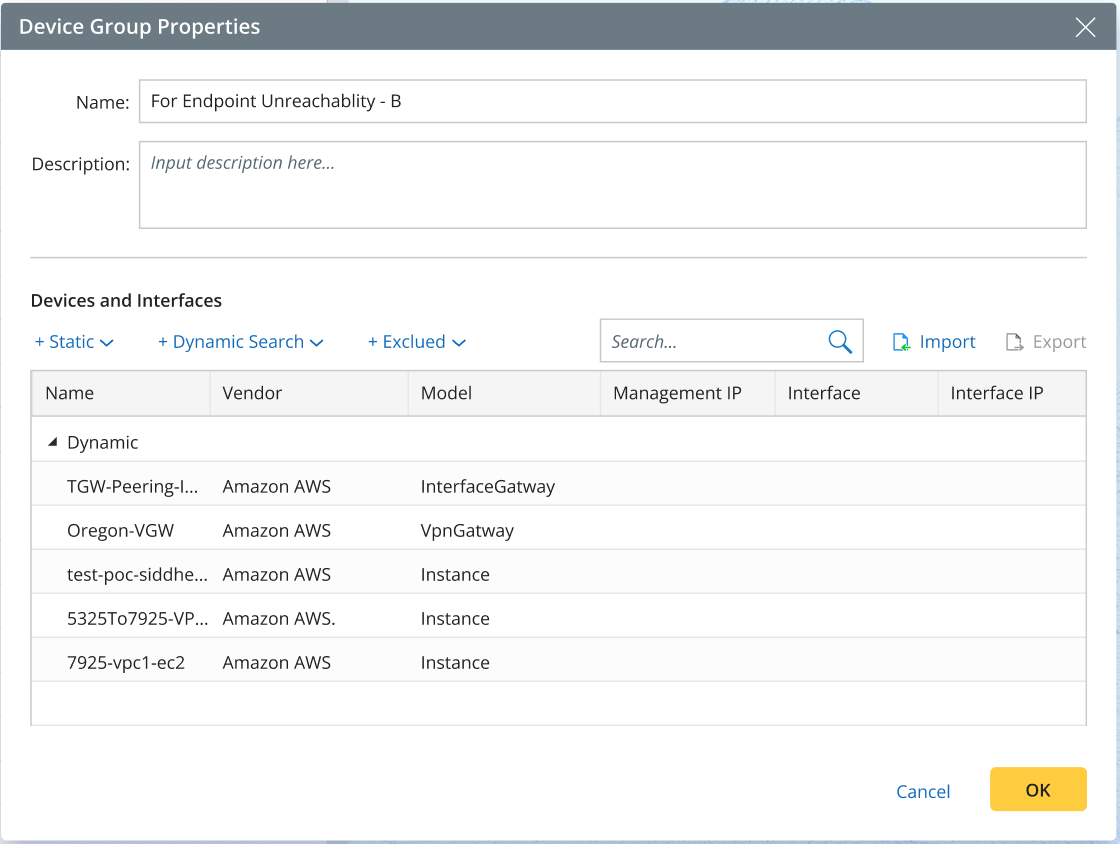
- Edit: Modify the selected node group. The pop-up dialog is identical to the one used for creating a new node group.
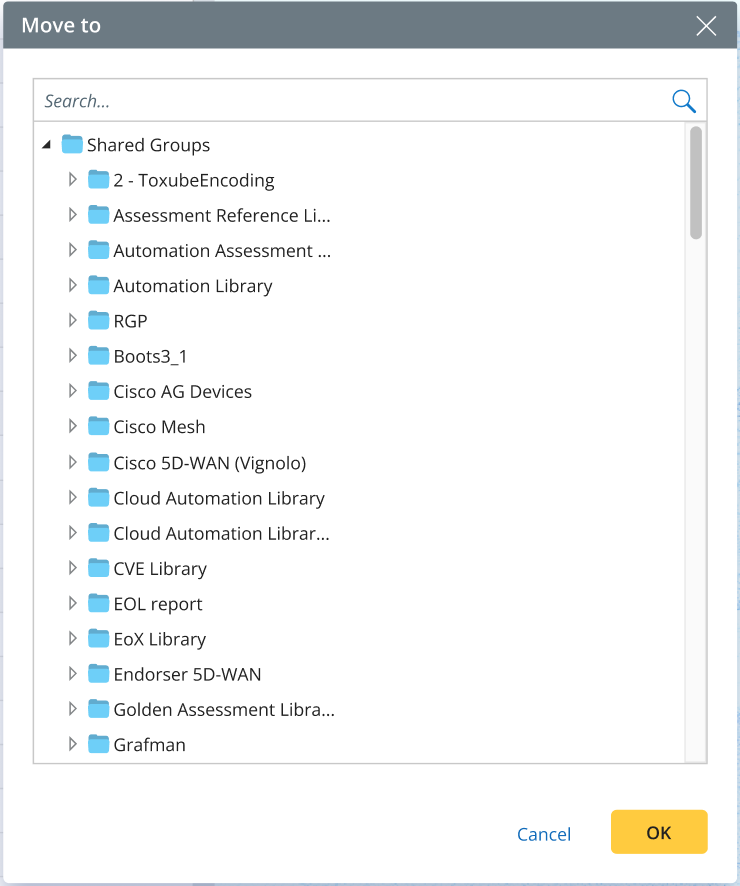
- Move: Move the selected node group to another folder.
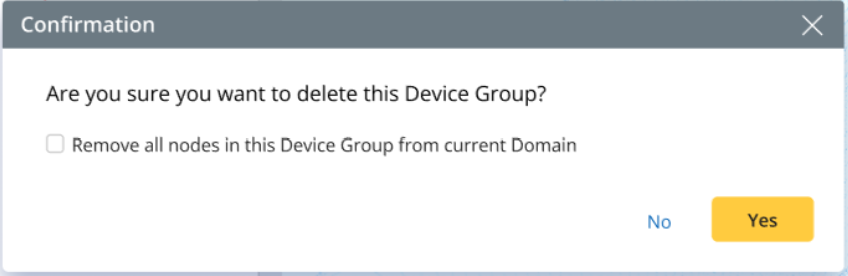
- Delete: Remove the selected node group. A confirmation dialog will appear before deletion.

|
Note: The following menu items are not available for Node Groups: Open Group Map, Draw Nodes on Map, and Draw Group on Map. |