R12.3-2026Apr21
Save As ADT
The system creates a hidden ADT for user operations by default. To use the ADT for dashboards or scheduled runs, you need first to save it to make it public.
- Click Save in the Automation Data Table area at the bottom.
- Define the basic information of the ADT and click Save.
- You can click the saved ADT link to locate it in the ADT manager, and this ADT follows the same behavior as a Feature ADT table, meaning the content is read-only to users.
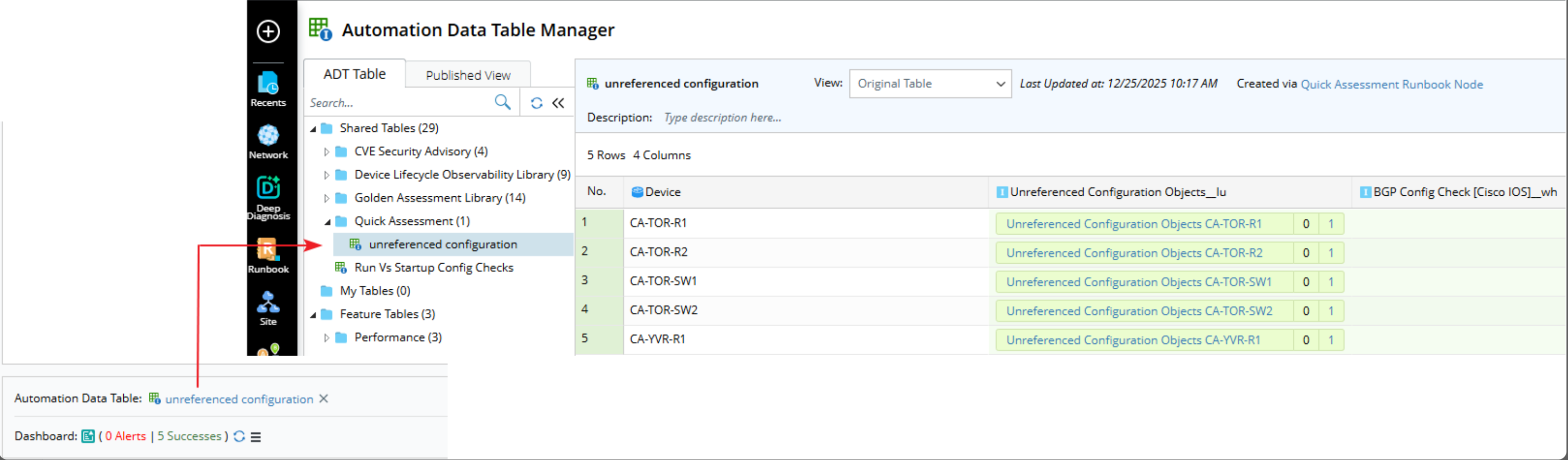
If the ADT created by the Quick Assessment node is deleted, the following behavior occurs when reopening the node: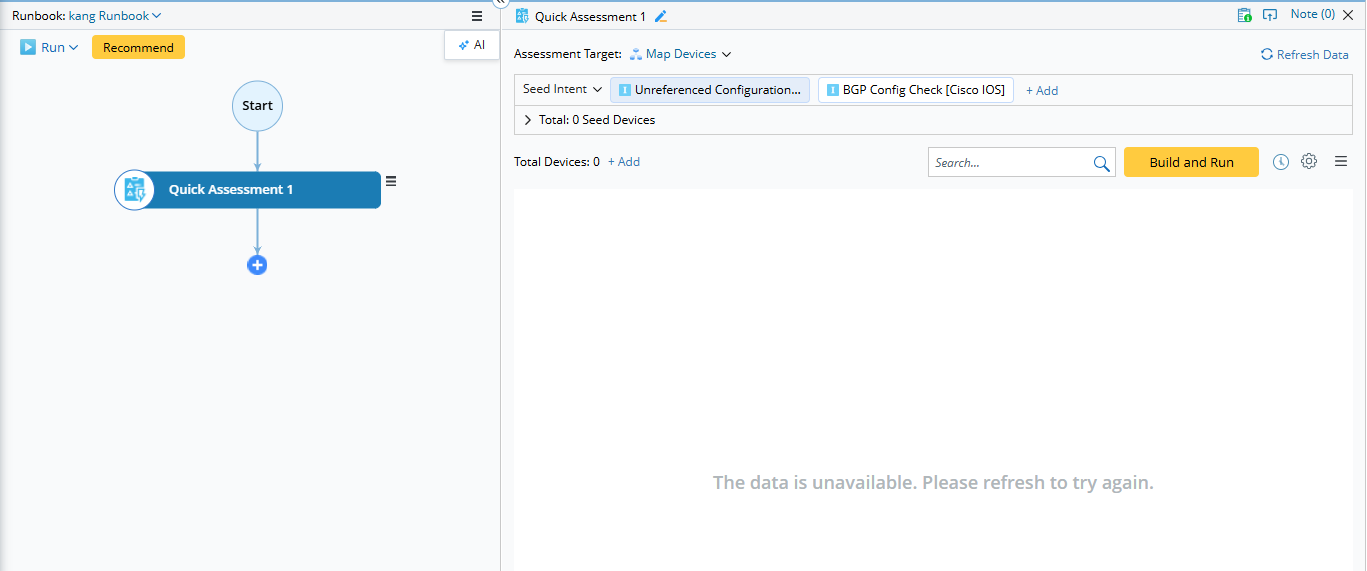
- No ADT data is displayed because the ADT no longer exists.
- You can Refresh Data or click “Build and Run” to regenerate the hidden ADT table and restore the data display.