R12.3-2026Apr21
Schedule Run
Complete the following steps to schedule the intent to run.
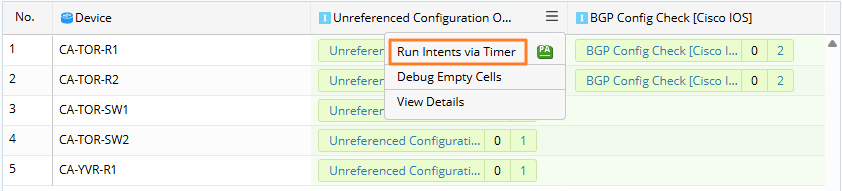
- Click the
 icon in the Intent column to open the drop-down menu.
 - Select Run Intents via Timer.

Note: If the ADT has not been saved, you must save it first. 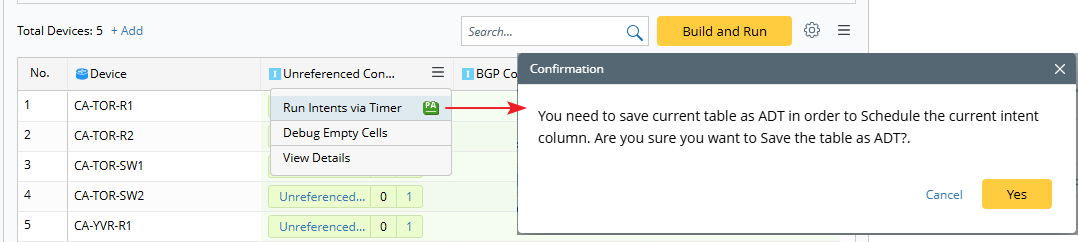
- Set up an intent timer.
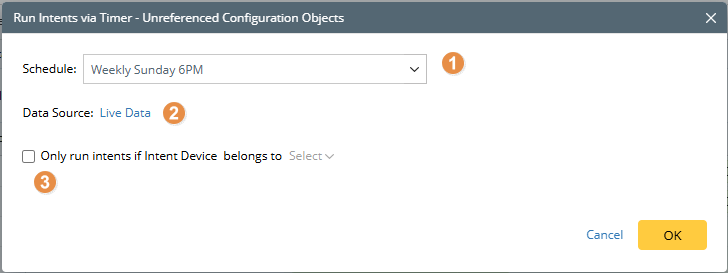
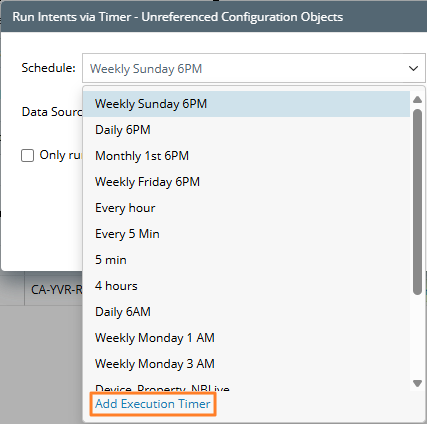
- Schedule: Select a timer or create a new one.
- Define the data source.
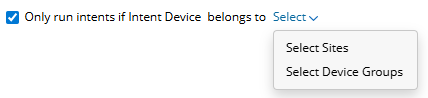
- You can set conditions for running the intent.
- Schedule: Select a timer or create a new one.