Update ADT by Row_ID
You can update ADT using Row_ID to perform direct row-level operations.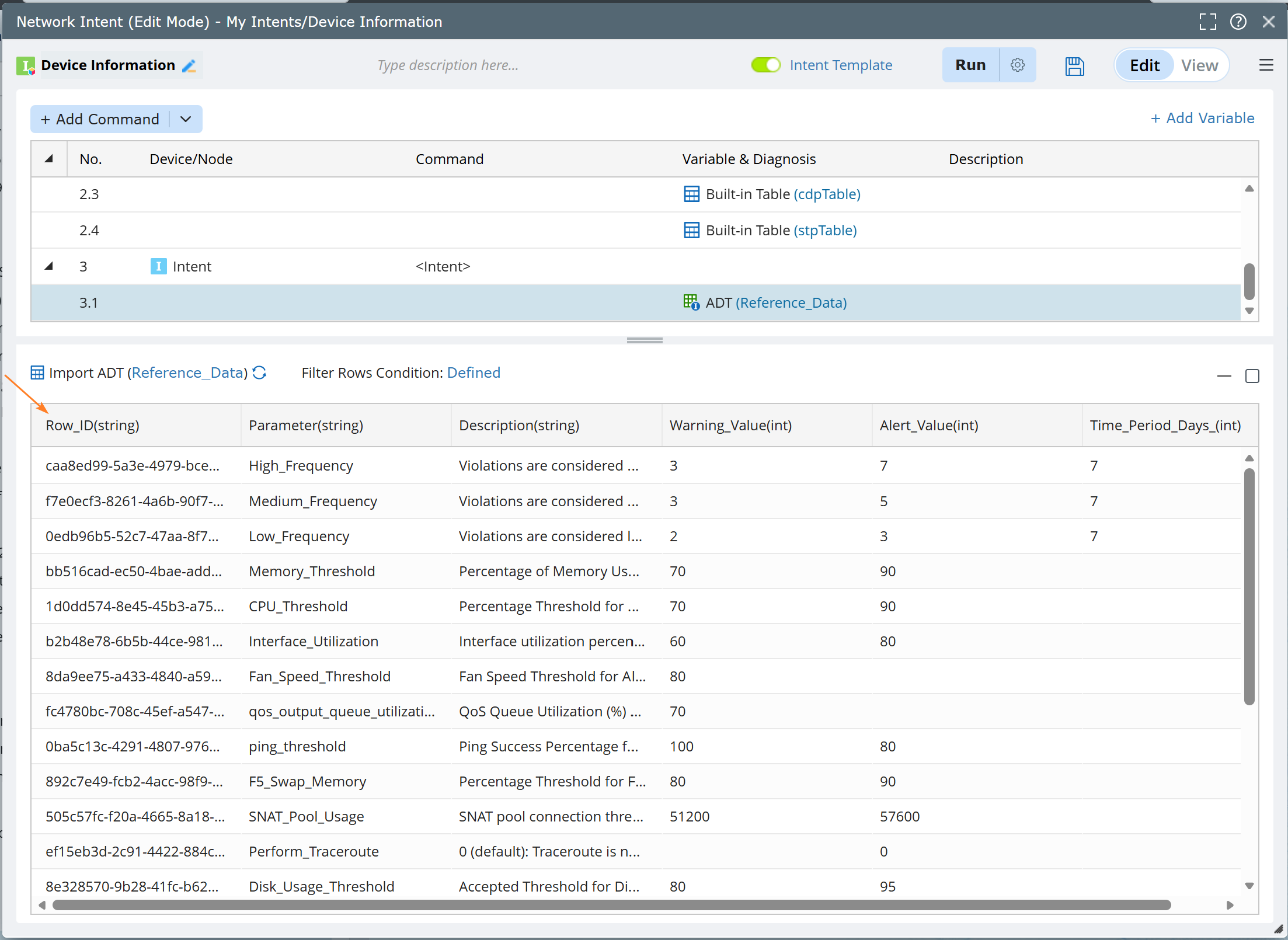
Automatic Row_ID Integration:
The Row_ID column is now automatically included in Intent when working with ADTs. This column is accessible throughout the Intent workflow — you can view it, assign its value to a local or global variable for later use, and reference it in the action Operate on Table.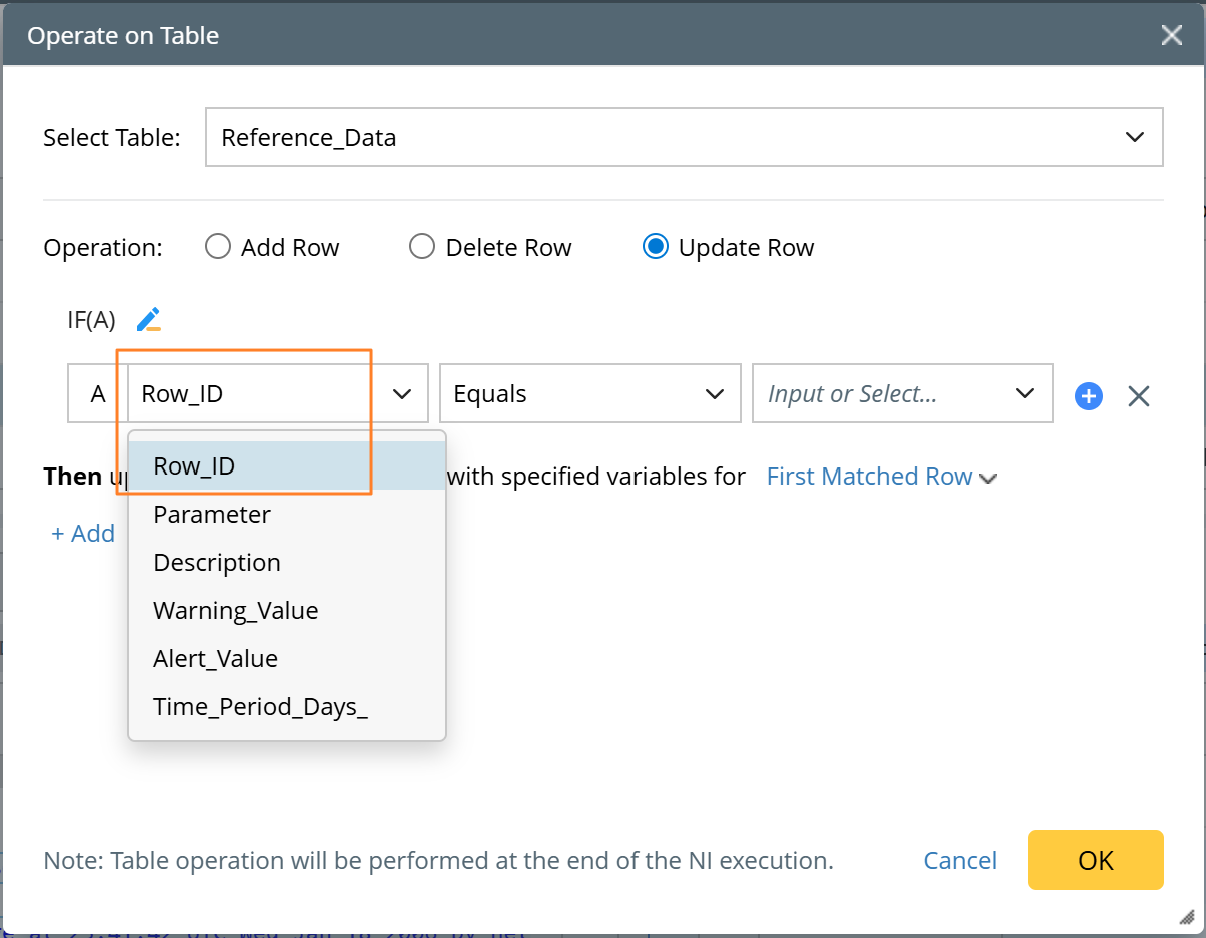
Table Updates with Row_ID:
When iterating through an ADT, you can now update the same table during a loop using Operate on Table with Row_ID as the row selector. This allows you to directly target and modify specific rows. Supported behaviors include:
- Update Row: Row_ID can be used in condition definitions to target a specific row. Updating the Row_ID value itself is not permitted.
- Delete Row: Row_ID can be used in condition definitions to identify the row to delete.
- Add Row: Row_ID is not available.
Row_ID conditions only support the Equals operator. If a variable has been assigned a row number value, it can be used directly as the condition value.

|
Note: When defining conditions for Update Row or Delete Row, a confirmation prompt is displayed upon clicking OK after selecting Row_ID and other options. Additionally, the Get Table Cell and Get Data from Table Column actions also include Row_ID support.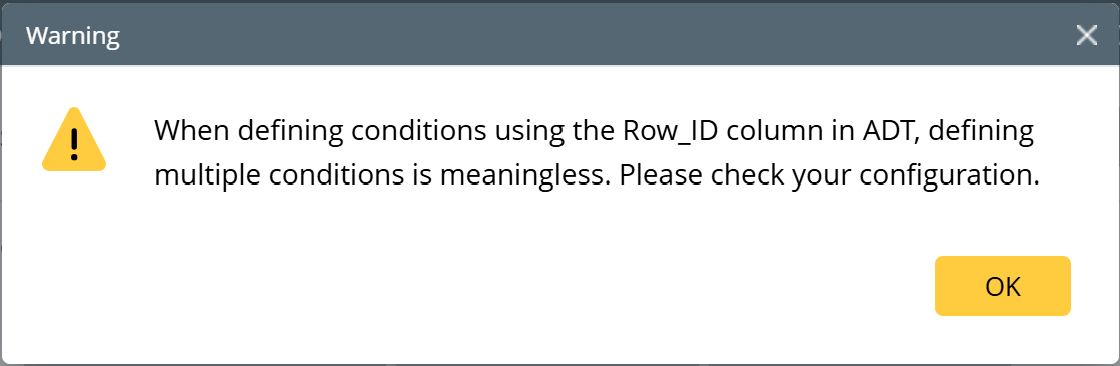 |