R12 Publication-2025July16
Add Device to View Related Golden Config Check Results
Other matched devices in the domain can be added to show its Golden Config check results. After adding new device, the summary information at the top of the pane will be updated, accordingly.
One approach is to add device from tip window from any of the four blocks. After the new device is added, it will be automatically selected instantly to show its data in the Golden Config pane.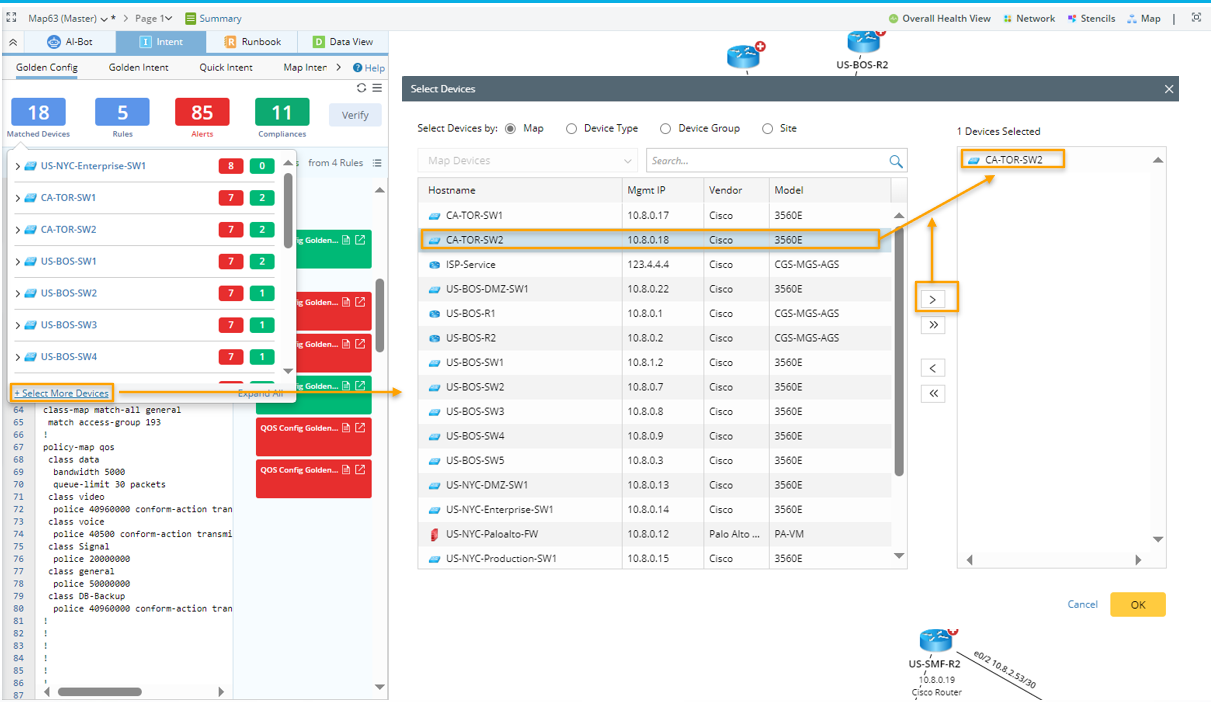

|
Note: Only the device that a Golden Config Rule applies to will be successfully added. |
To add matched device, follow the steps below: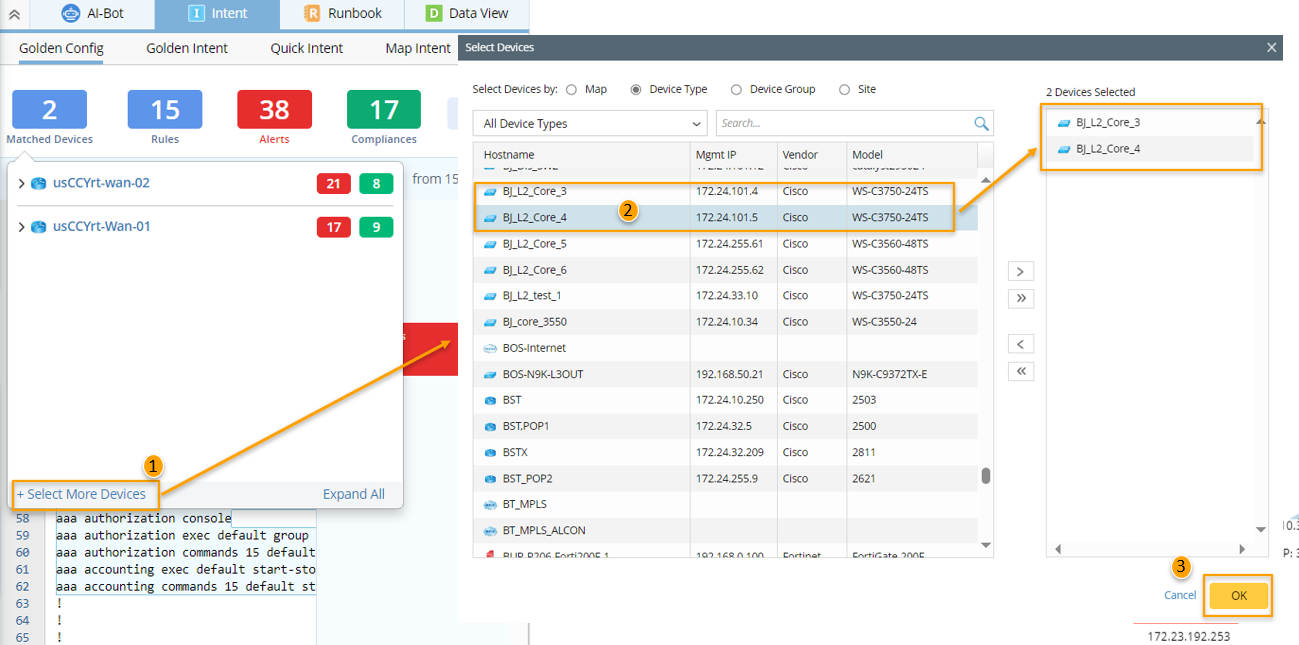
- Under the Golden Config pane, hover over any of the four color blocks in the summary information area, then click the +Select More Devices link.
- In the pop-up Select Devices window, select devices in the left pane, then click the
 icon to add the devices. The devices can be filtered by Map (only show devices on the current map)/Device Type/Site.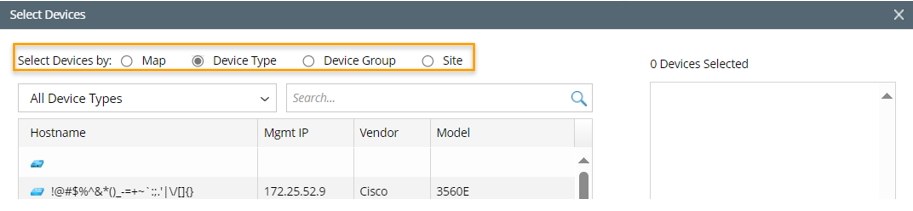
- Click OK in this window. The first added device will be selected in the Golden Config pane.
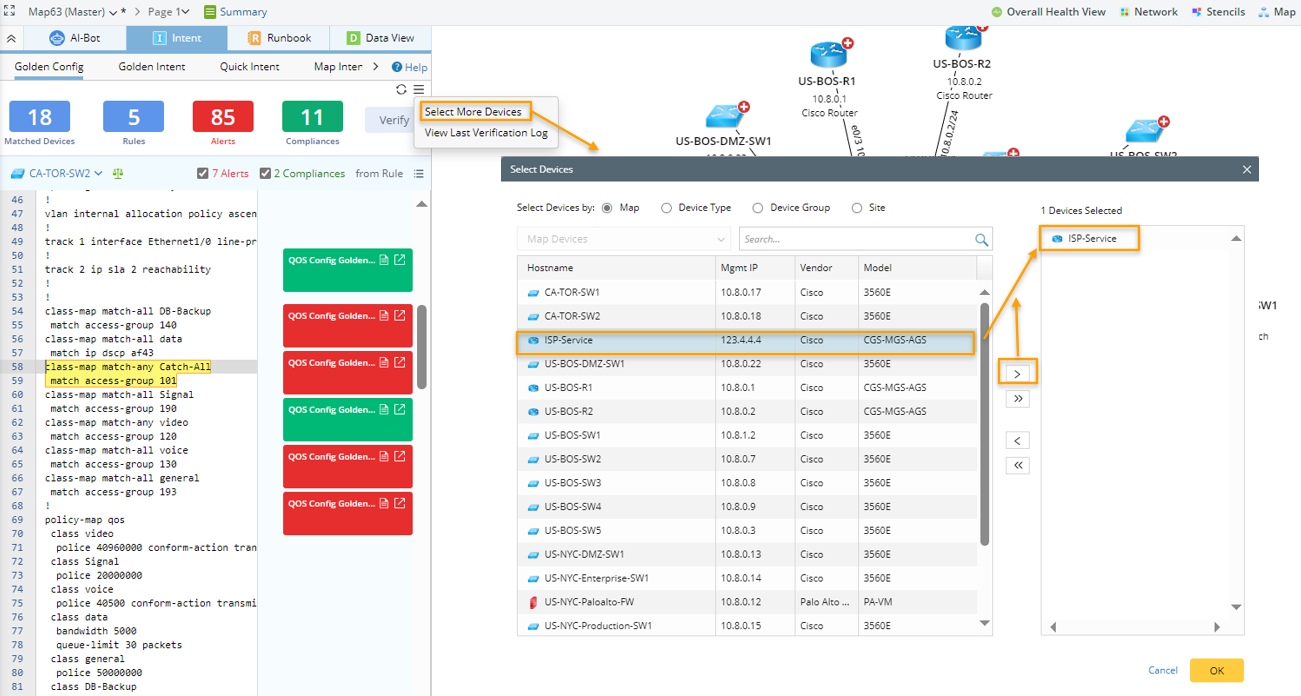
Another approach is to add device from main dropdown menu. The steps are similar to the steps described above.