2023-Nov-03-R11.1a
Add a Topology Link
After a benchmark task is finished, all the auto-built topology links can be browsed in the Topology Link Manager. However, in some cases, the auto-built topology links may not be 100% accurate or complete in a complex network environment.
To improve the accuracy and scalability of a topology type, you can manually stitch the topology links based on the auto-built results. For example, you can add a topology link to connect an unnumbered IP interface that does not have an NDP or LLDP table with an existing interface or media.
Adding a Topology Link
- Log in to the Domain Management page.
-
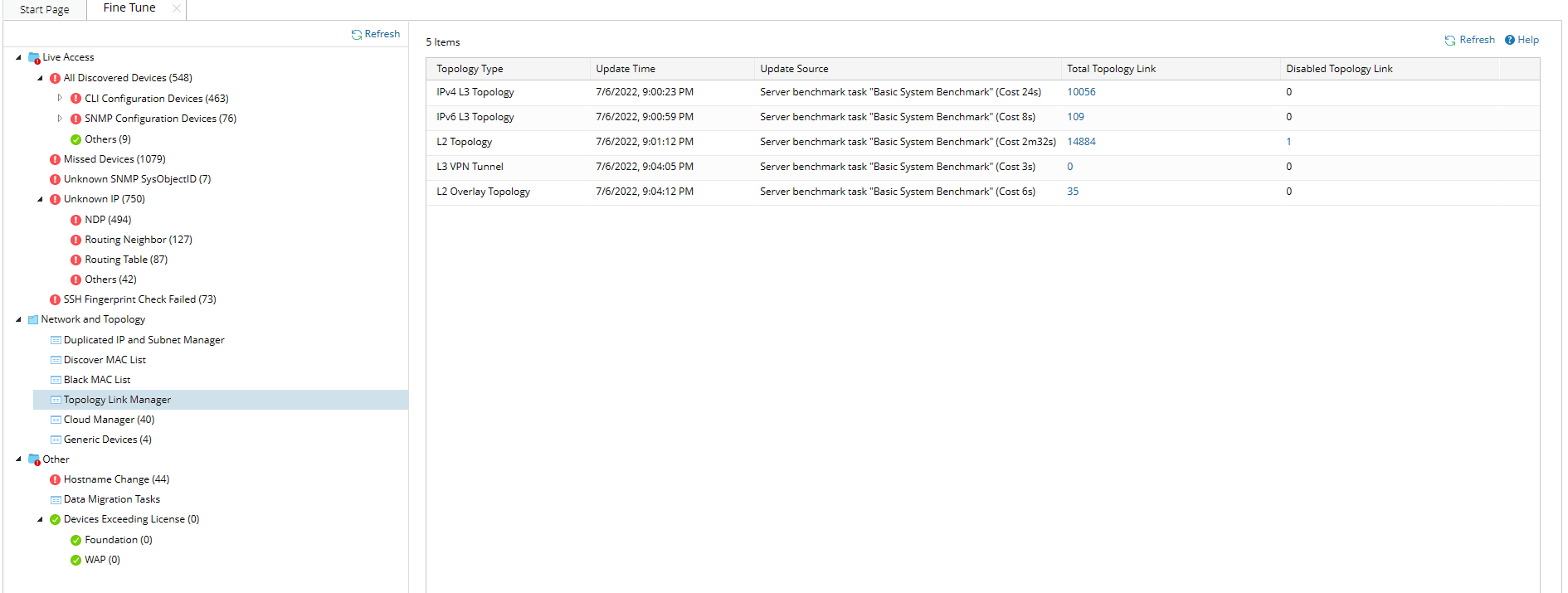
In the Domain Management page, click Fine Tune on the Start Page and then click Topology Link Manager on the left pane, or click Topology Link Manager from the
 start menu.
- In the Topology Link Manager, select the topology type you want to edit (for example, IPv4 L3 topology) and click the hyperlink in the Total Topology Link column.
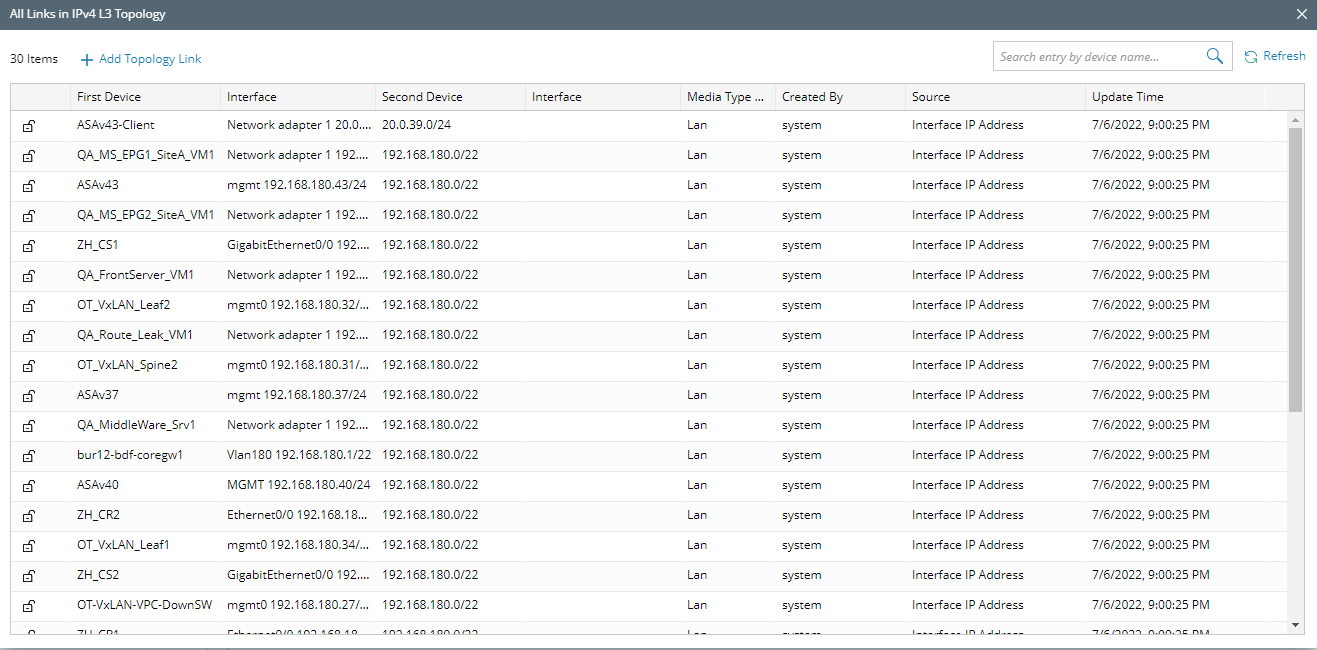
- All links in IPv4 L3 topology are listed in the following dialog. Click Add Topology Link.
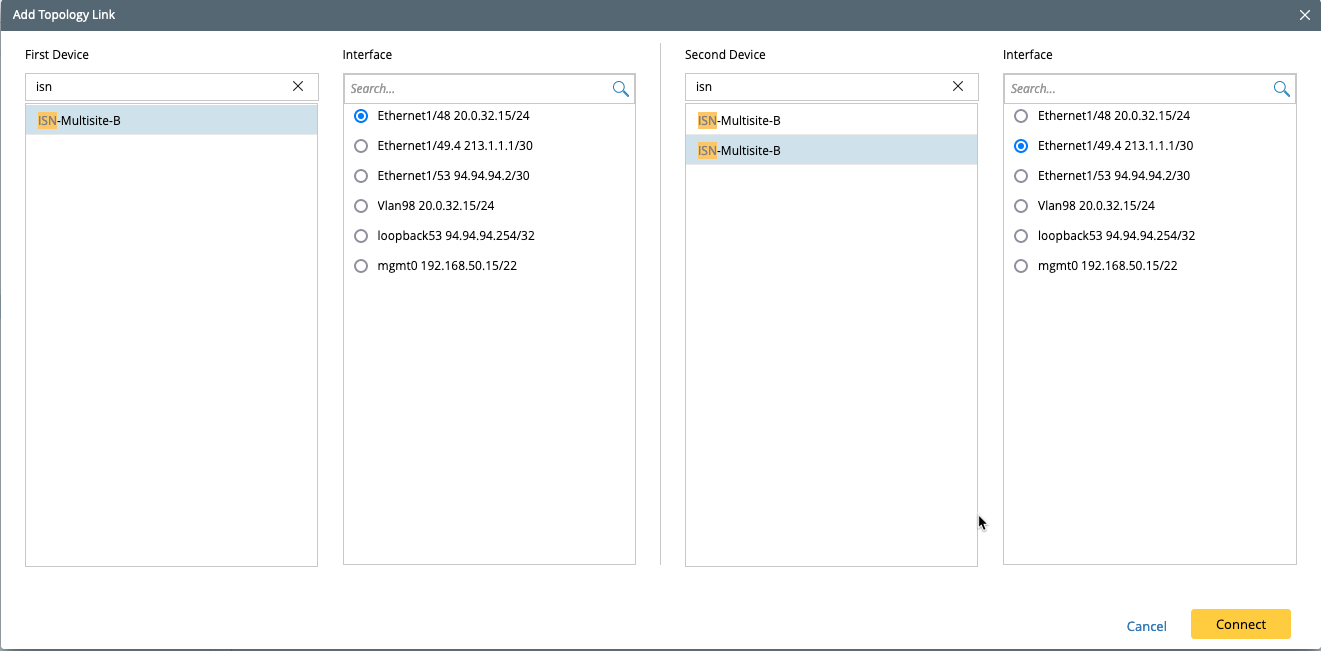
- Select the first and second devices and their connected interfaces for the topology link.
-
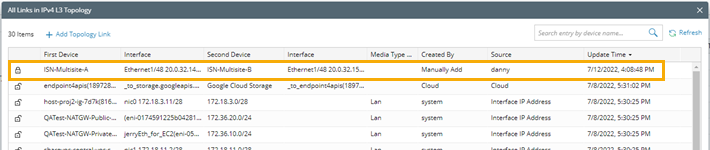
Click Connect. You will be able to see the new topology link.

Note: The topology links in a manually created zone cannot be automatically synchronized by running benchmark tasks or Qapps. -
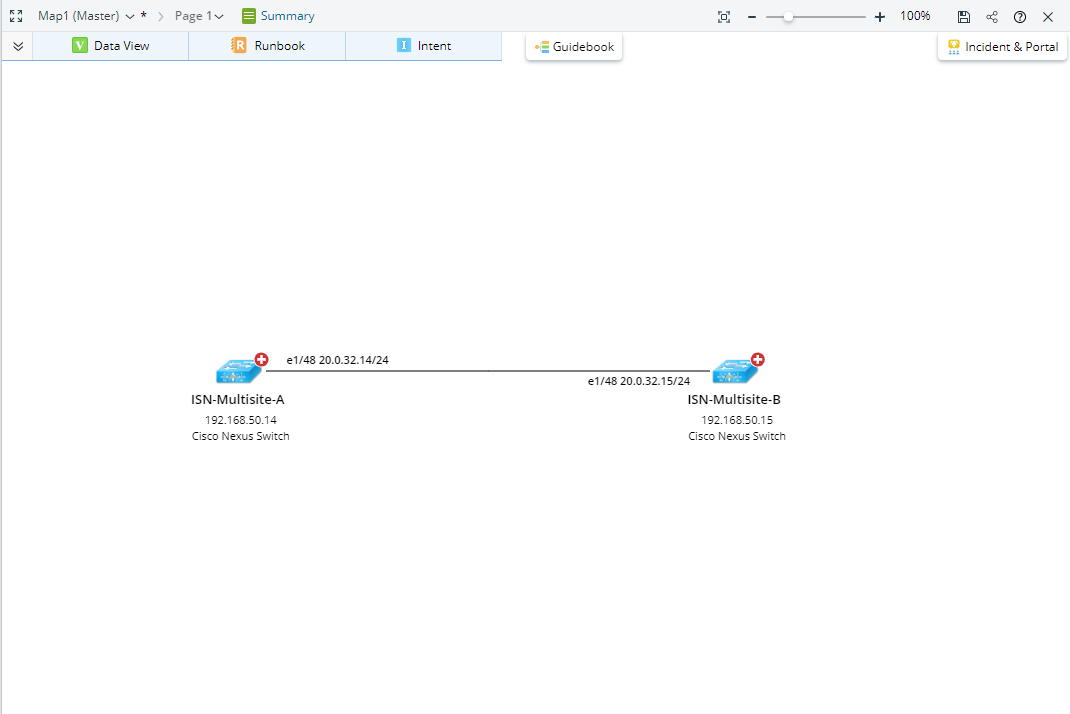
Extend the neighbor on map: you can view the topology link you just added via extending the neighbor.
|
|
Tip: Only the interfaces contained the selected topology type are listed. The topology types that an interface supports can be parsed by its device driver or a Qapp. |
See also: