R12.1 Project Publication-2025Dec23
Viewing Devices Exceeding License Limit
If you need to view the devices discovered after exceeding the license limit, go to Domain Management > Data Accuracy Resolution > other.
Under the folder Devices Exceeding License, the Foundation category and the WAP category are provided to record devices discovered after the license limit is exceeded.
Foundation Table:
The Foundation Table lists all the devices exceeding the license limit in the foundation module.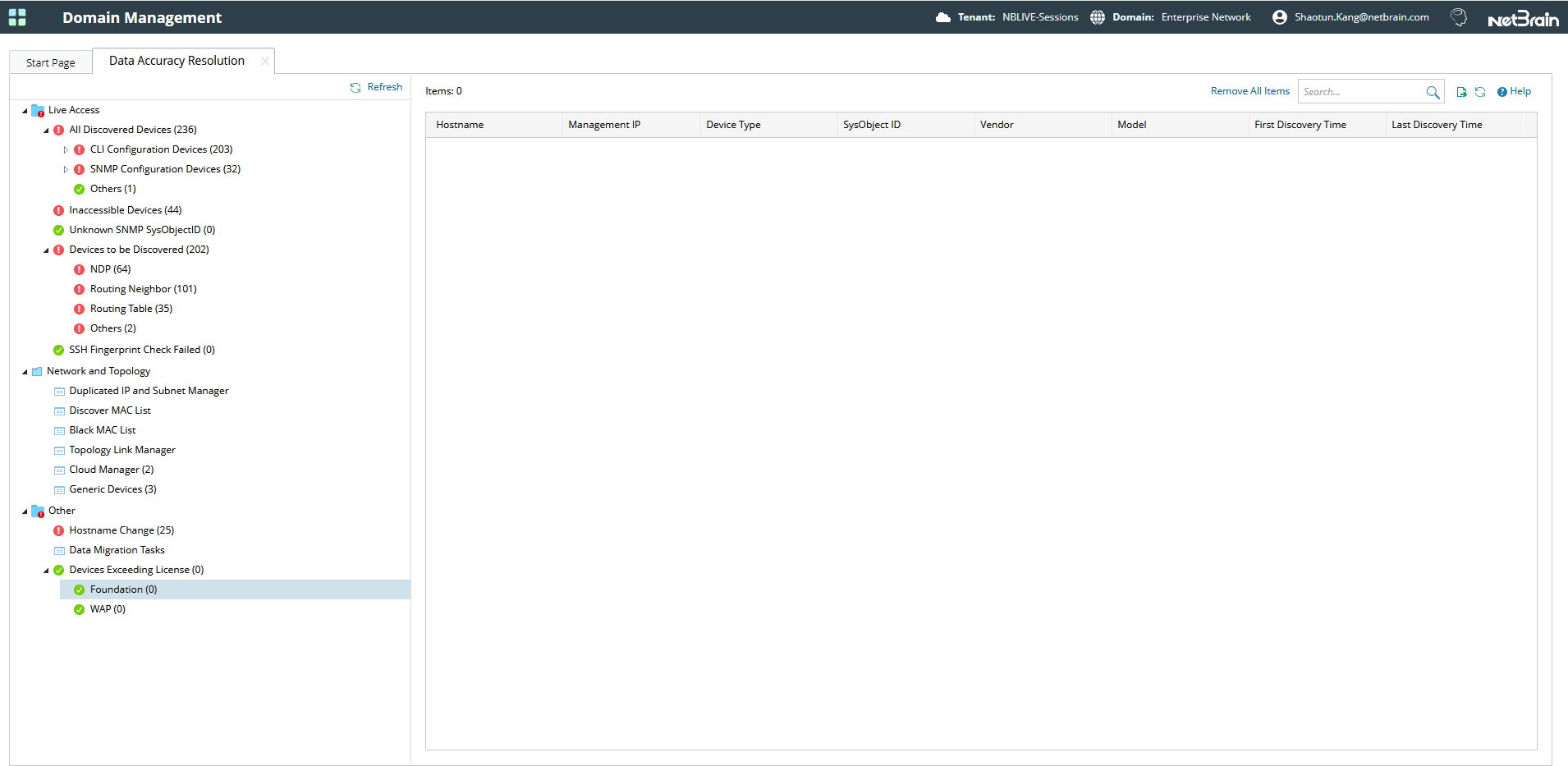
On the Foundation Table, you can perform the following actions:
- Refresh the table: Click Refresh at the upper-right corner of the left pane to refresh data in the table.
- Filter messages: Enter the keyword at the upper-right corner of the page to search for devices in the table.
- Re-discover a device: Select one device or press Ctrl/Shift to multi-select multiple devices, right-click on them and select Discover Selected Devices in the drop-down list to re-discover the device.
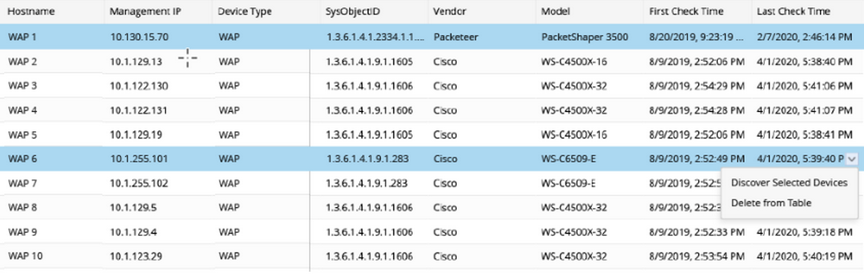
- Delete an Item from the Table: Select one device or press Ctrl/Shift to multi-select multiple devices, right-click on them and select Delete from Table in the drop-down list to delete the device.
- Export to CSV File: Click on the
 icon on the top right corner of the page to export the devices exceeding the node limit in CSV format to the local machine.
WAP table:
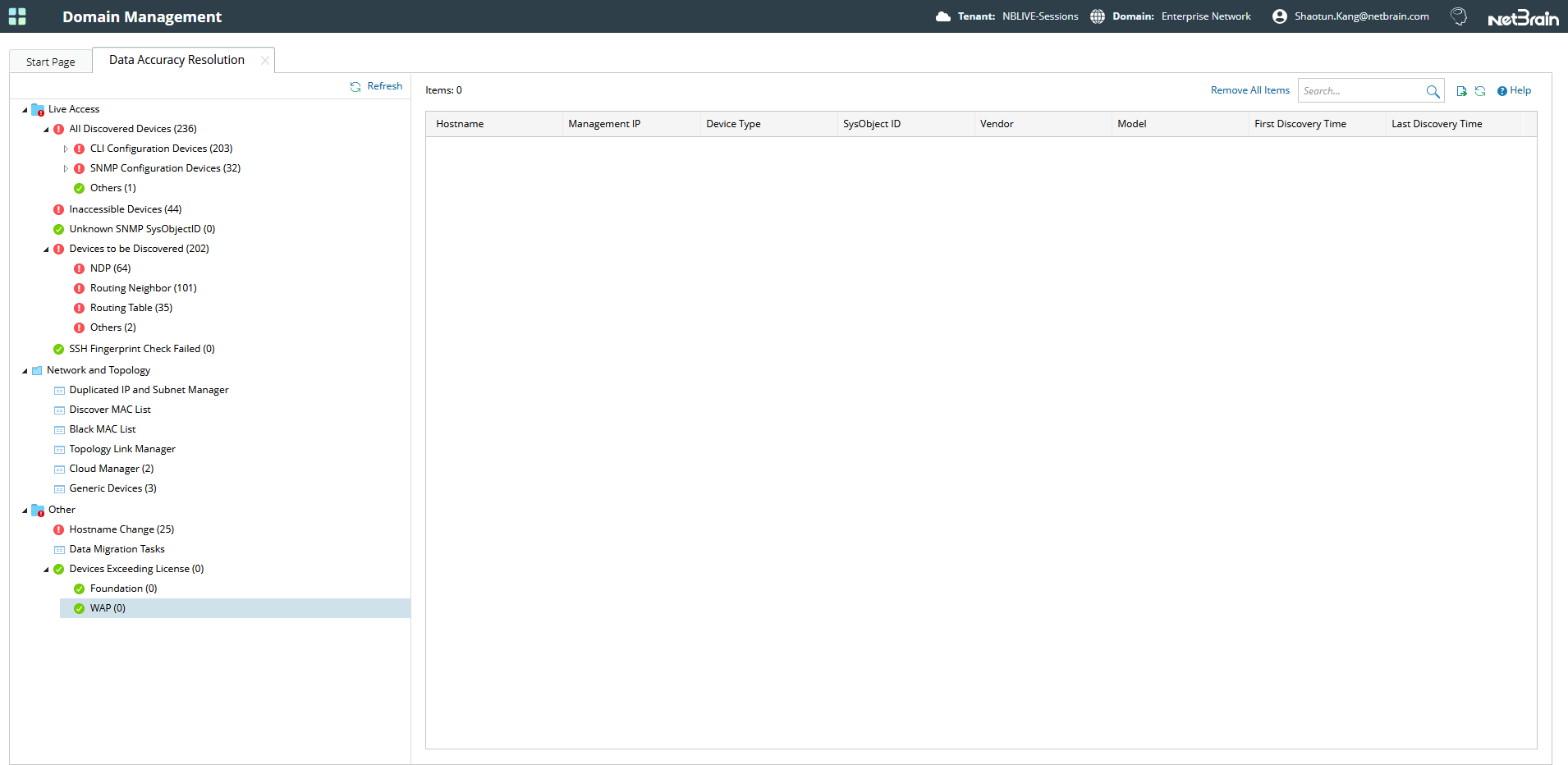
The WAP Table lists all the devices exceeding the license limit in the WAP module.

|
Note: The WAP table supports the same actions as the Foundation Module Table. |
See also: