AI Online Help - AI-Powered Document Assistant
AI Online Help is a chat-based online help powered by large language models and NetBrain’s knowledge base of its products and systems. It provides clear, contextual answers and includes links to the original NetBrain documentation, such as online help and user guides, so users can explore topics in greater depth.
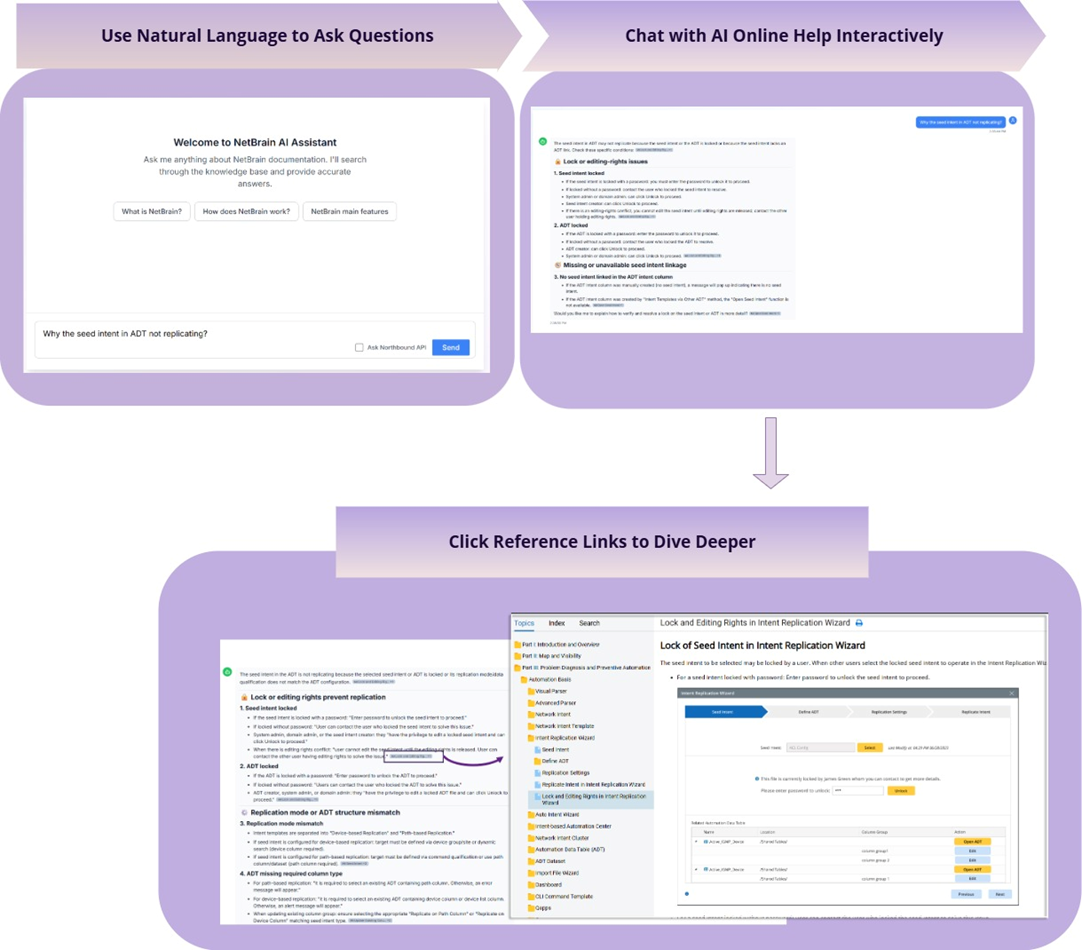
In some cases, users find it challenging to quickly locate answers within extensive documentation or identify the right information when learning new features or completing tasks. With AI Online Help, users can ask questions in natural language, for example, ‘Why the seed intent in ADT not replicating’, and receive precise answers quickly, drawn from NetBrain’s documentation.
How to Access AI Online Help
Depending on where you are logged in, you can access AI online help through these three entry points:
- In the NetBrain system, click
 and select AI Help from the drop-down list. You do not need to re-login if accessing it from the NetBrain system.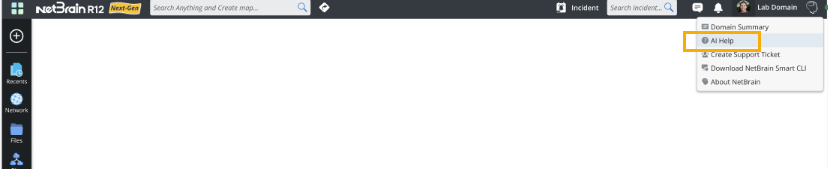
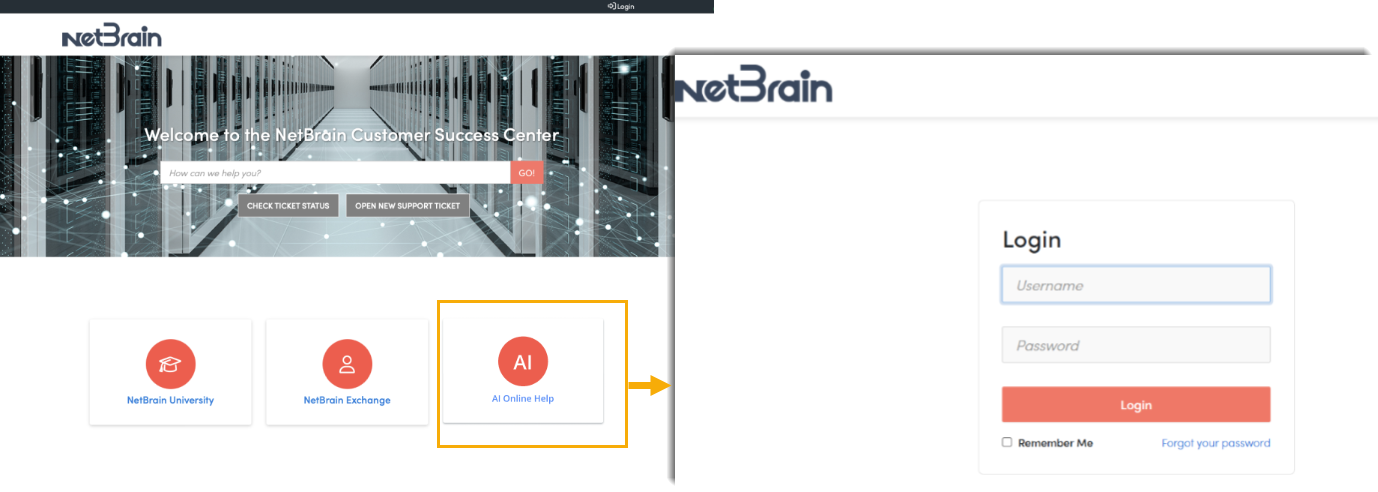
- In the NetBrain Customer Success Center, select AI Online Help. If you are already logged in, click the button to access it directly. If not, you will be redirected to the login page to enter your community portal credentials before accessing AI online help.
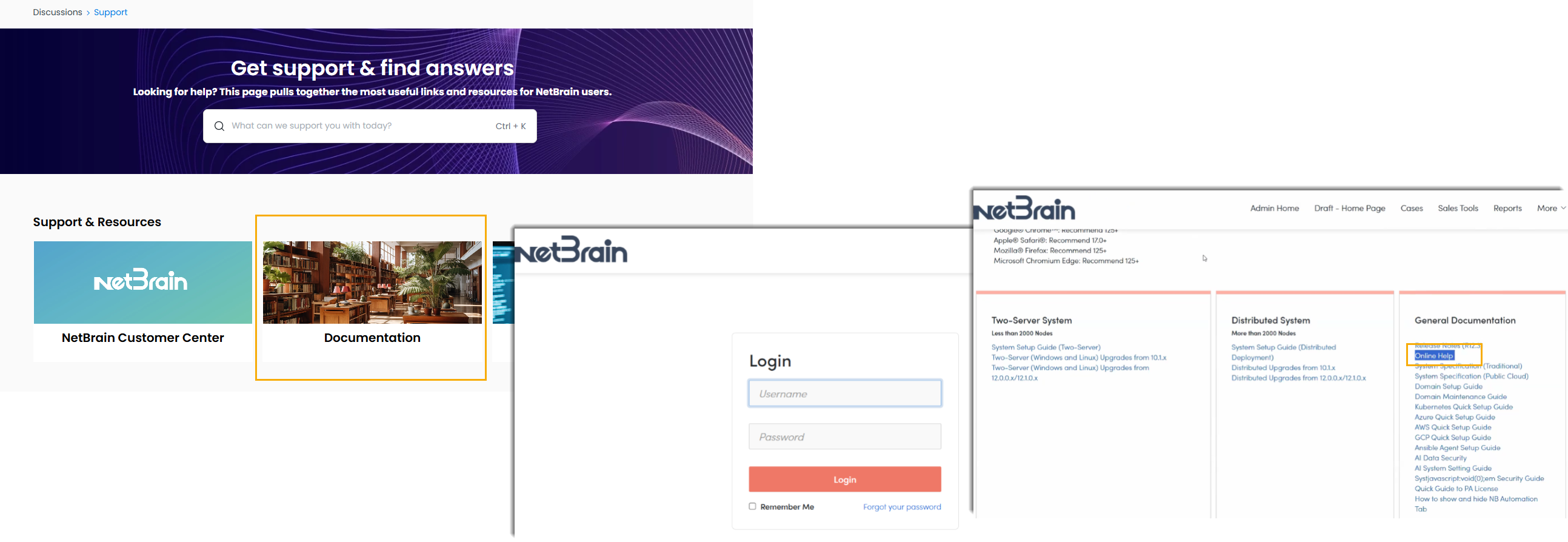
- In NetBrain Exchange, select Documentation, then log in with your credentials. Once logged in, navigate to the General Documentation> AI Online Help.