R12.3-2026Apr21
Customize Favorite Network Dashboard Templates
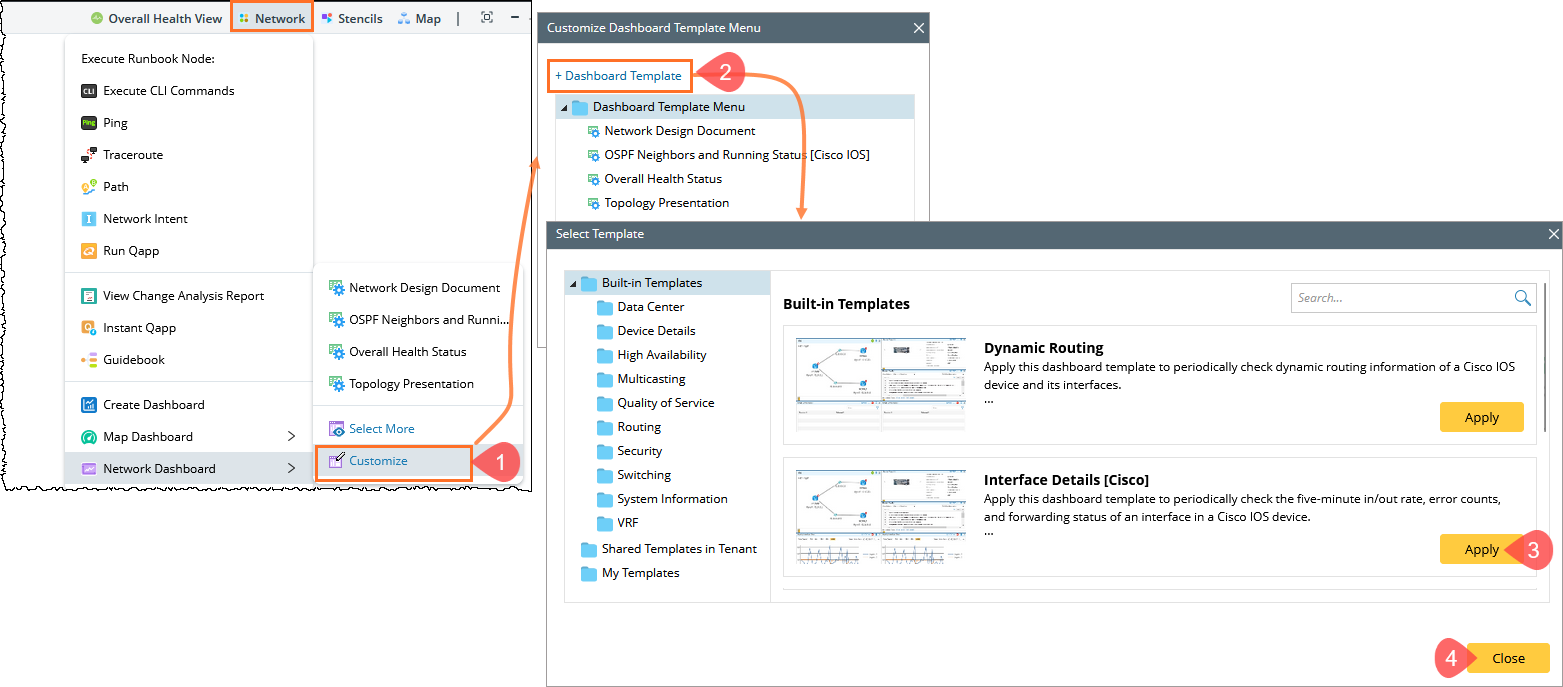
To have quick access to specified dashboard templates when creating a dashboard, you can customize your favorite dashboard templates in the dropdown menu of the map toolbar.
Adding Templates to Favorites
- On a map toolbar, click Network > Network Dashboard > Customize.
Adding Folders to Favorites
- On a map page, click Network > Dashboard > Customize from the map toolbar.
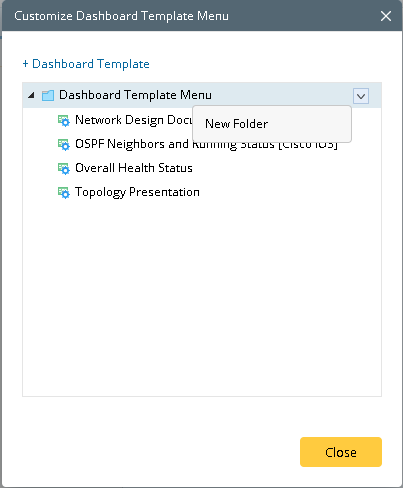
- Point to the Dashboard Template Menu node and click the
 icon to select New Folder from the drop-down menu.