R12.3-2026Apr21
Defining the Planning Node
You can define the following settings in the Planning node:
- The approval request to execute the change
- The change window
- The execution status
Define Approval Request
You can define two types of approval requests:
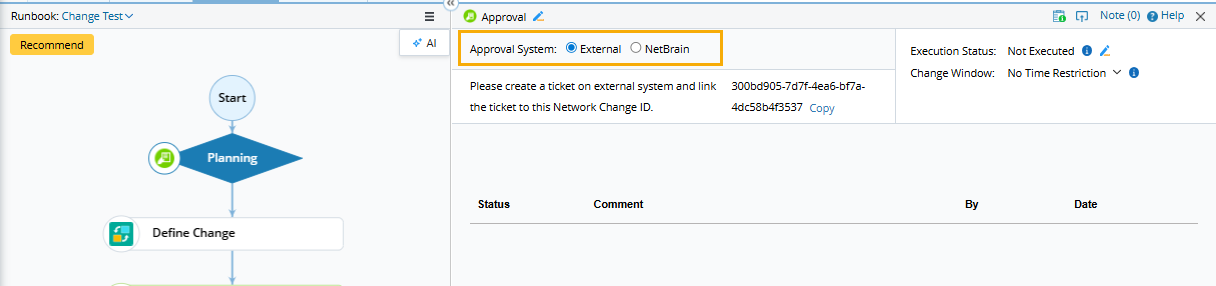
- NetBrain — define and complete an approval workflow in the system.
- External — integrate with an external ticket system and approve the task in the external system.

|
Tip: Before using this feature, ensure that you have sufficient privilege. See Access Controls for more details. |
|
|
Note: Once a Network Change task is approved, the Define Change node will be locked, and you cannot make any changes.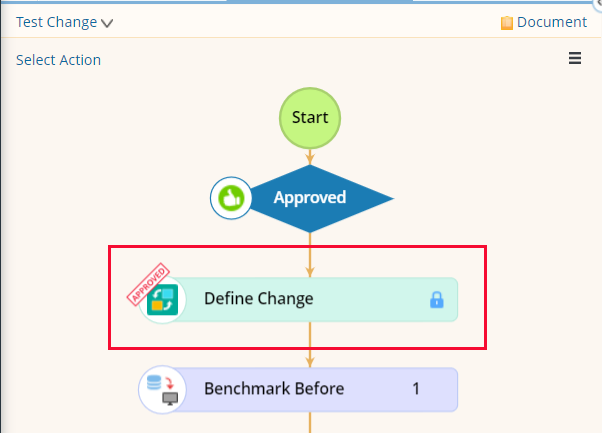 |
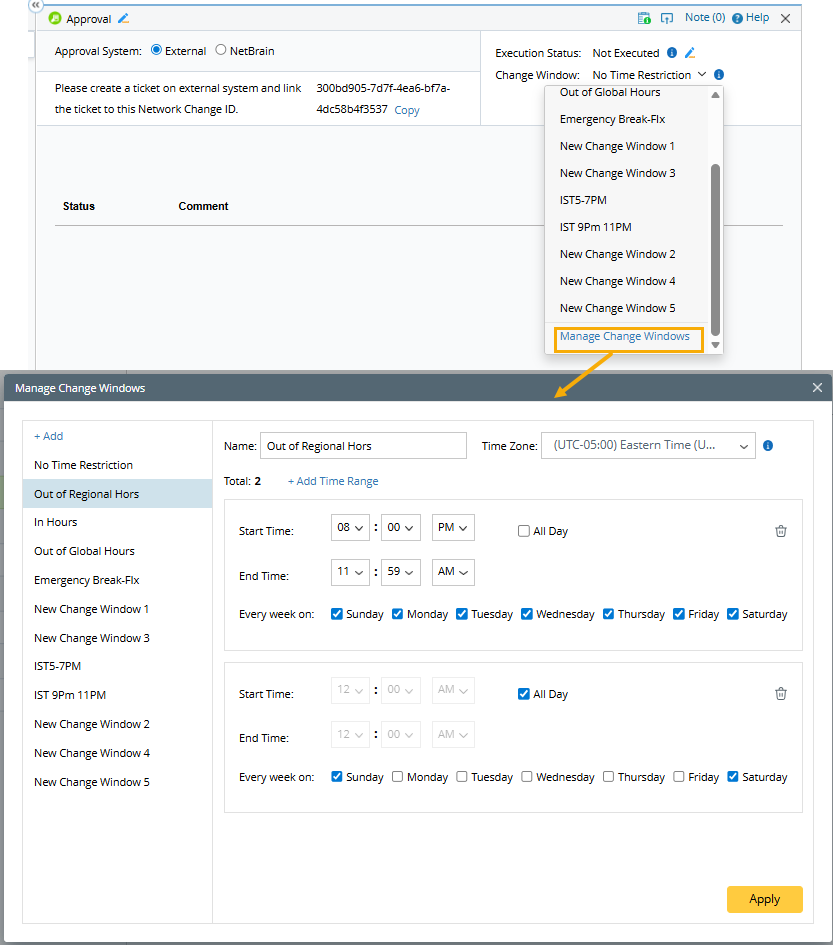
Define Change Window
The change window can serve as a reference for others, indicating the most appropriate time to execute the change.
|
|
Note: The change window is for reference only and does not prevent users from executing the template outside the change window. |
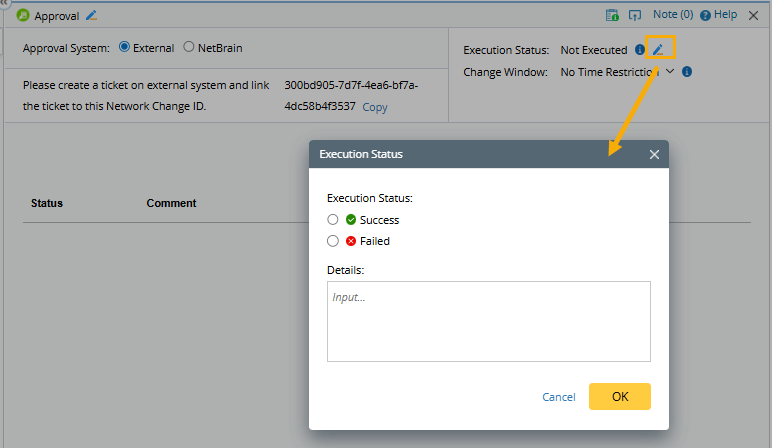
Define Execution Status
You can view and edit the execution status. Before execution, the status displays Not Executed.