CVE Automation - Intent Dashboard
The intent dashboards are placed in the CVE Security Advisory folder. You can locate them by clicking the start menu, and navigating to Intent-Based Automation > Intent Dashboard > the All tab> the Intent and Universal tab > Shared Dashboards folder > CEV Security Advisory folder.
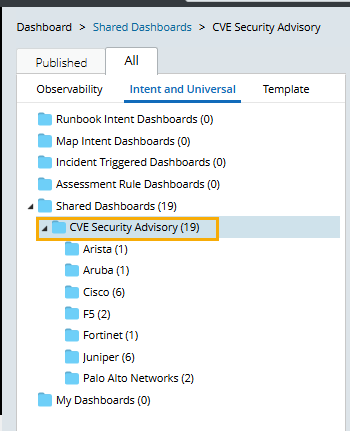
The intent dashboards use CVE network intents as their input and are created per vendor.
The NIST_CVE_ADT_Update_dashboard plugin can update the intent dashboard directly, so you do not need to configure or update the intent dashboards manually.
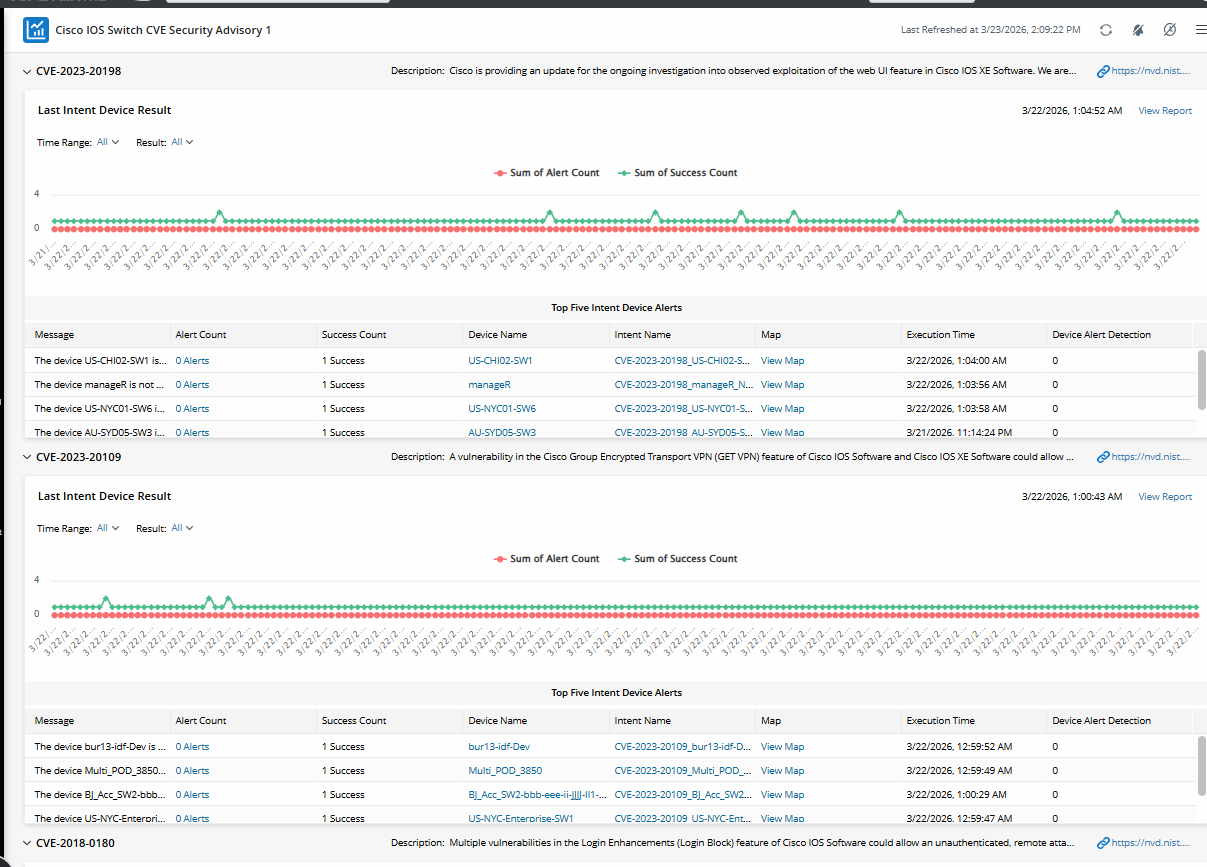
Example: Cisco IOS Switch Security Advisory 1
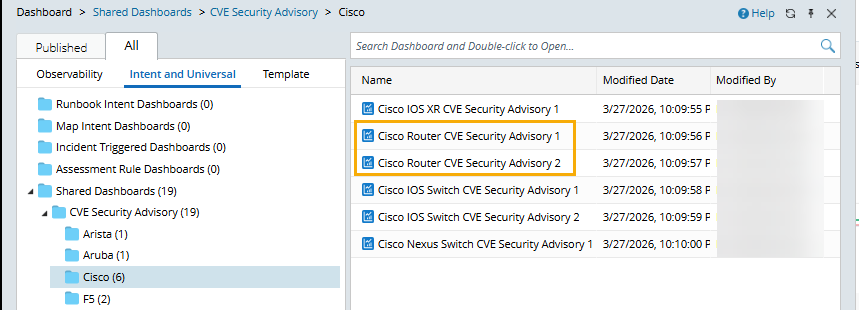
When a vendor has more than one intent dashboard, its dashboard names contain a number to differentiate them from one another.
Example: Cisco Router CVE Security Advisory 1 and Cisco Router CVE Security Advisory 2.