Remediation by Device
Add Remediation by Device Diagnosis Action
- In an NI diagnosis, navigate to Action > Advanced > Remediation by Device to complete the remediation definition.

In the Remediation dialog, define the following information:
- Change Template: Select a change management template.

When the CM template contains template variables, an alert message is displayed recommending the use of Remediation by Template.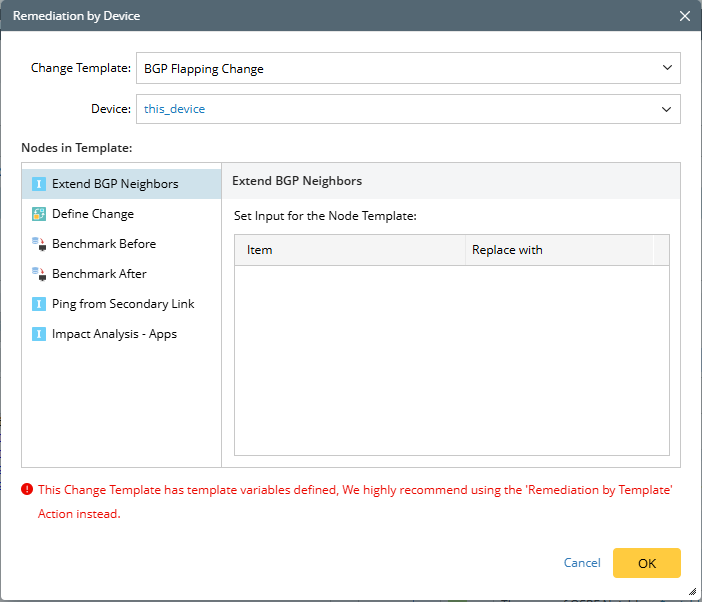
- Device: Select a device variable, and the $this_device is selected by default.

 Note: You can choose either a device object variable or a list of device object, allowing remediation to be applied to multiple devices simultaneously. Therefore, the supported NI variable types include device object, string (for hostname or IP), list of device, and list of strings.
| Node Type | UI | Description |
| Define Change | 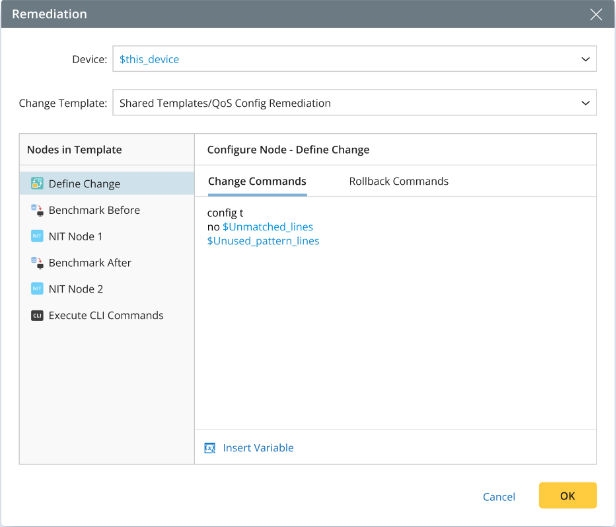 | You can directly define the command to change network and define the rollback command in case of the network change needs to be cancelled. NI variables can be inserted in these commands, and during NI execution, they will be replaced with actual values. The rules for inserting variables here are the same as those used in defining variables within diagnosis messages. |
| Retrieve Live Data | 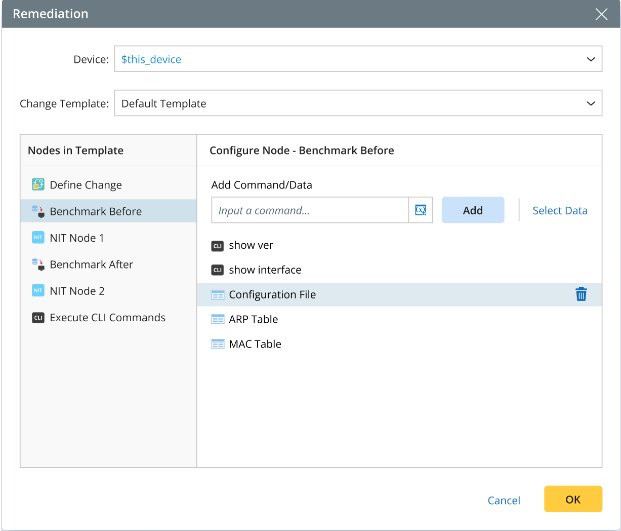 | Define how to benchmark before/after the change, especially by specifying CLI commands or built-in data. NI variables can be used in the CLI commands, for example, show interface $intf.
|
| Execute CLI Command | 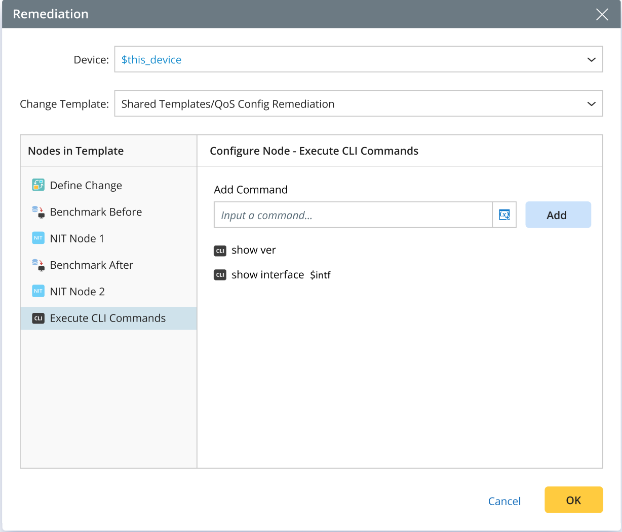 |
|
| Intent Node | 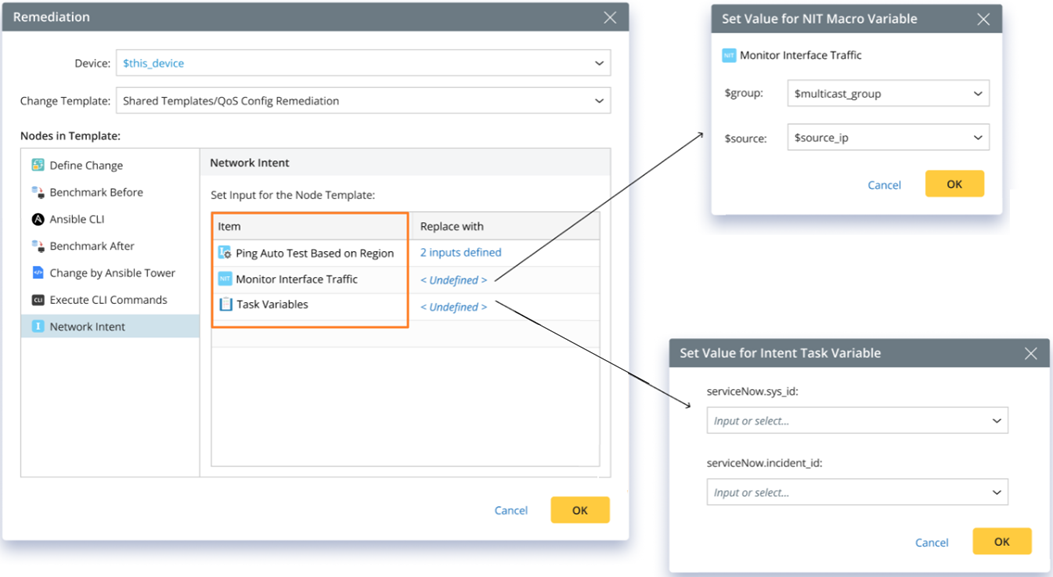 | See NI Remediation with Intent Node for more details. |
| Ansible Node | 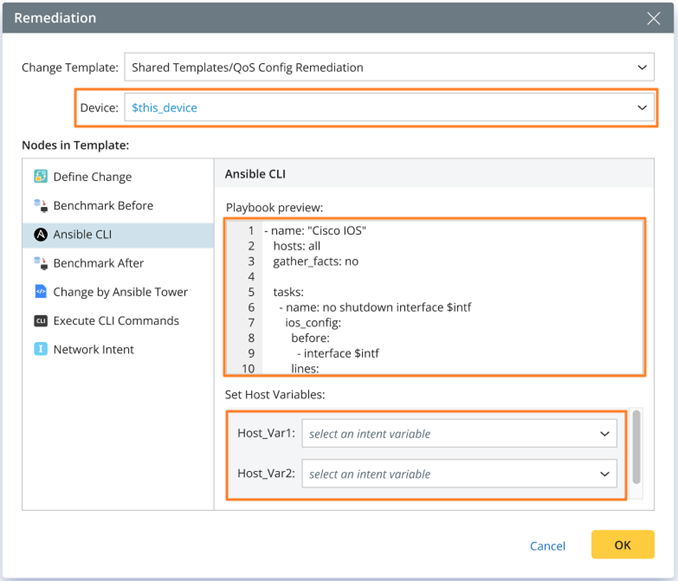 | See NI Remediation with Ansible Node for more details. |

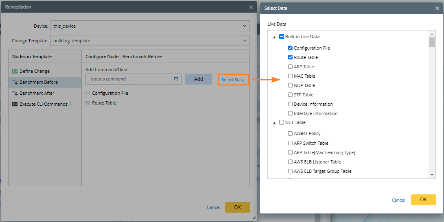
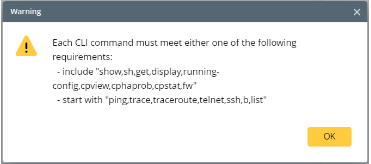
After executing this intent, you can view the remediation results in the NI result in the intent view mode.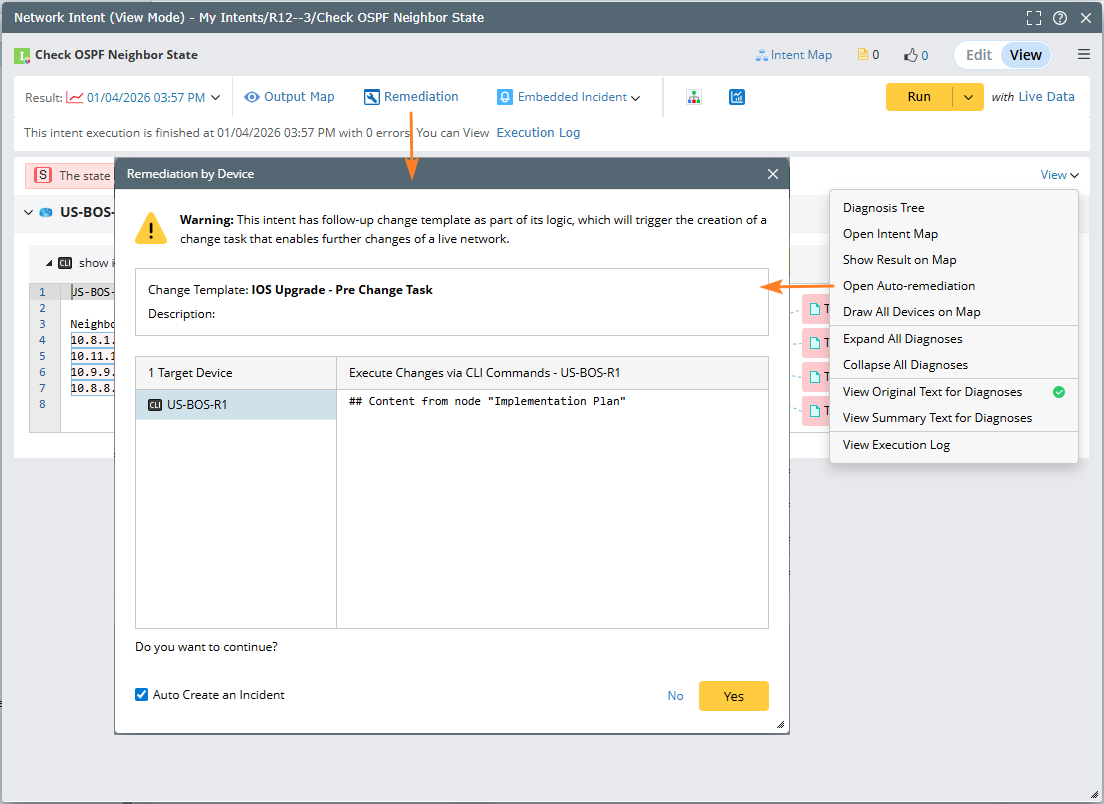
Logics for Merging Multiple Remediations
A remediation logic is often called multiple times within an NI (whether in the home intent or follow-up intents), with each call for one device. All instances will be merged into a single CM task according to the following rules:
- If different CM templates are specified, only the first one will be used, and any subsequent CM templates in the remediation logic will be ignored.
- For the same device, if different Change/Rollback commands are specified, they will all be appended; benchmark commands will also be merged.
- For different devices, if you assign values for the input variables of the host variable in the Ansible node, they will be merged, with the distinct assignments for each device retained to generate the final inventory instance.
- For the same Ansible node in NI remediation, if multiple target devices are specified, the configurations for these target devices and their host variables will be automatically merged.
- For the Ansible node, if the same device is assigned different input variable values in different host variables, only the last assignment will be retained.
| Remediation 1 | Remediation 2 | Merging Result | Description |
CM Template 1 Device 1 Change Command1 | CM Template 1 Device 1 Change Command2 | CM Template 1 Device 1 Change Command1 Change Command2
| When different Change/Rollback/Benchmark commands are specified for the same device, they will be merged for execution. |
CM Template 1 Device 1 Change Command1 | CM Template 2 Device 2 Change Command2 | CM Template 1 Device 1 Change Command1 Device 2 Change Command2
| If different CM templates are specified, only the first one will be used.
Note: The merging rule is that both the type and name of the CM nodes must be the same.
For example: If a node specified in template 2 cannot be found in template 1 with the same type and name, that node will be discarded. |
CM Template 1 Device 1 - Benchmark Before ShowCommand1 | CM Template 2 Device 2 - Retrieve Live Data 1 ShowCommand2
| CM Template 1 Device 1 - Benchmark Before ShowCommand1 | |
CM Template 1 Intent Template 1 Include Device 1 | CM Template 1 Intent Template 1 Include Device 2 | CM Template 1 Intent Template 1 Include Device 1 Include Device 2
| Merge the replication devices. |
CM Template 1 Intent Template 1 Include Device 1
| CM Template 1 Intent Template 1 Not Include Device 2 | CM Template 1 Intent Template 1 Include Device 1 | |
CM Template 1 Intent Template 1 Not Include Device 1 | CM Template 1 Intent Template 1 Include Device 1
| CM Template 1 Intent Template 1 Include Device 1
| |
CM Template 1 Intent Template 1 Include Device 1 Macro Var Setting 1 | CM Template 1 Intent Template 1 Include Device 1 Macro Var Setting 2 | CM Template 1 Intent Template 1 Include Device 1 Macro Var Setting 1
| For the same NIT and device, if there are conflicts in the macro variable settings, only the first one will be taken. |