R12 Publication-2025July16
Manage AI Bot System Settings
Users can manage the AI Bot System Settings on the System Management page.
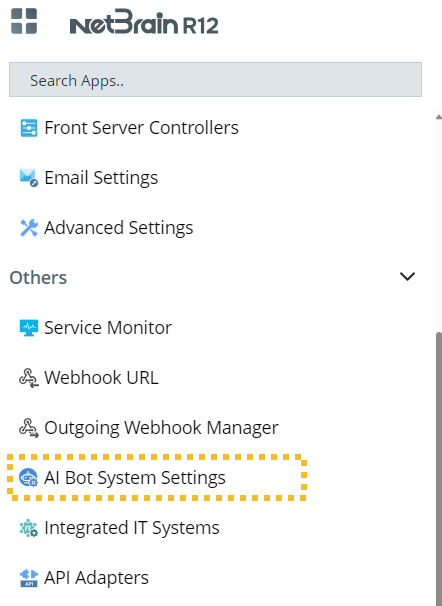
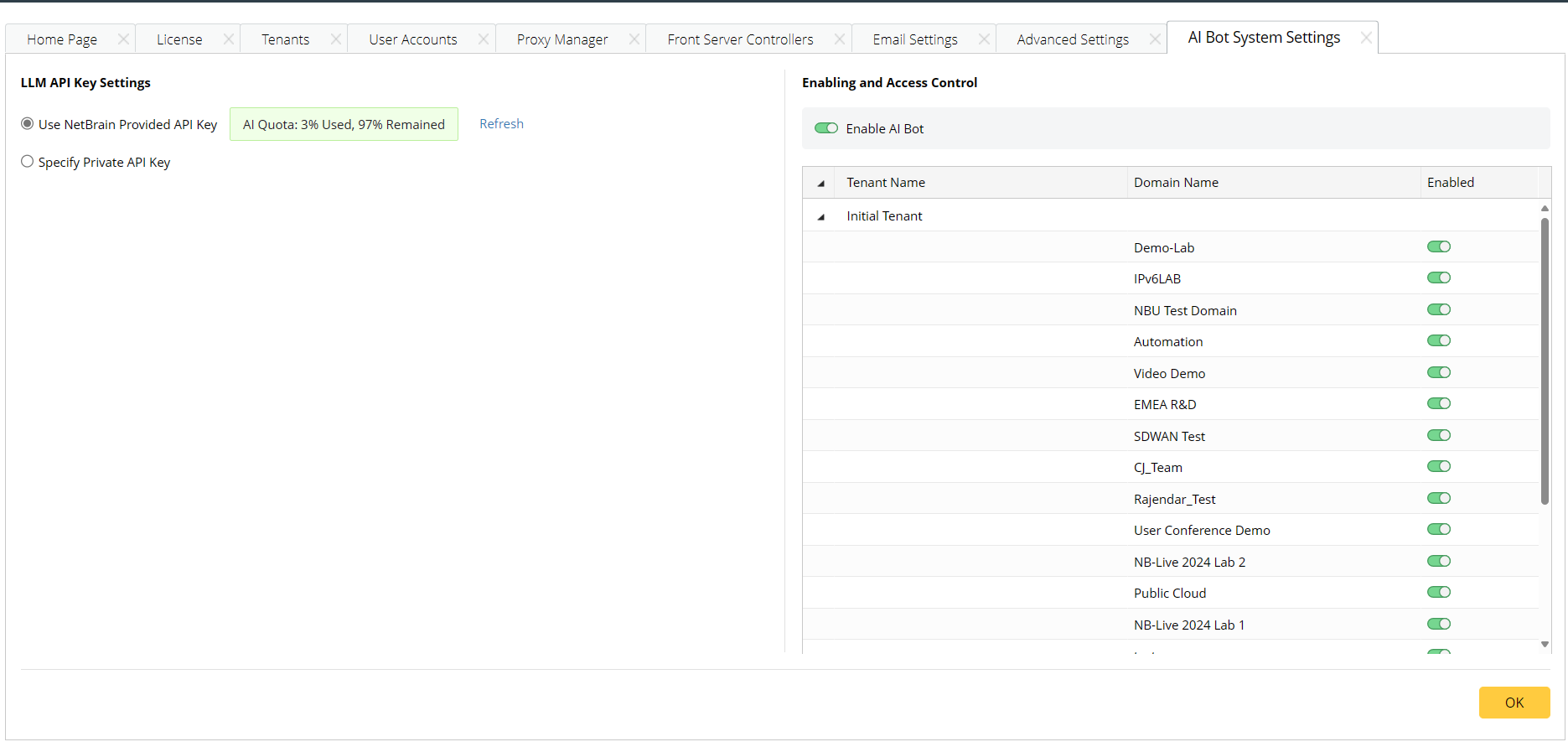
Users can manage LLM API key settings, enable the AI bot, and define access control.

|
Note: Please ensure the Web API Server can access the URL https://api.openai.com. |
-
LLM API Key Settings. Users can choose to use the API key provided by NetBrain or their private one.
- Use NetBrain Provided API key.
- Specify Private API key. Users can enter their private API Key.
-
Enabling and Access Control
- Enable AI Bot. Users can enable or disable the AI Bot.
-
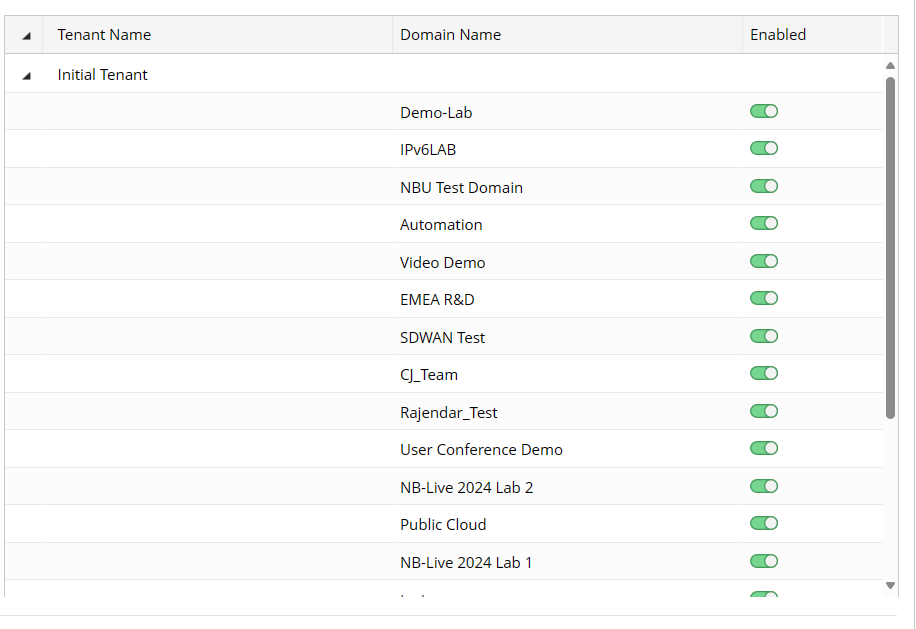
Users can select which domain to enable.
Before Using API Keys
After the API key provided by NetBrain is ready, before start using the feature, please follow the steps to refresh:
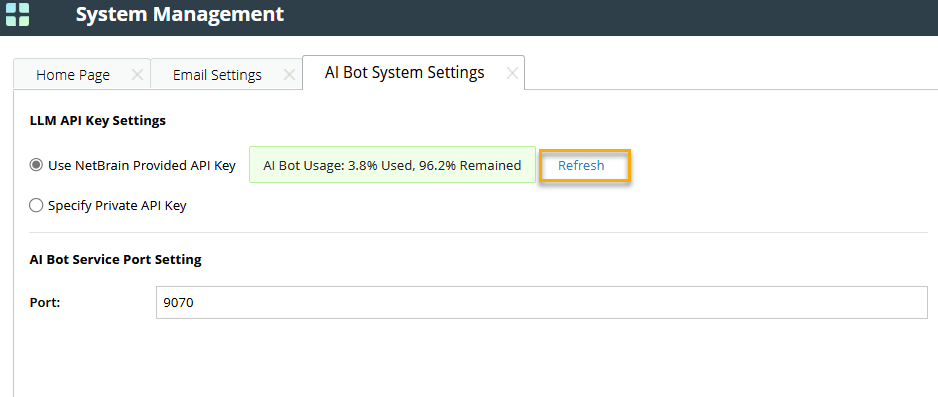
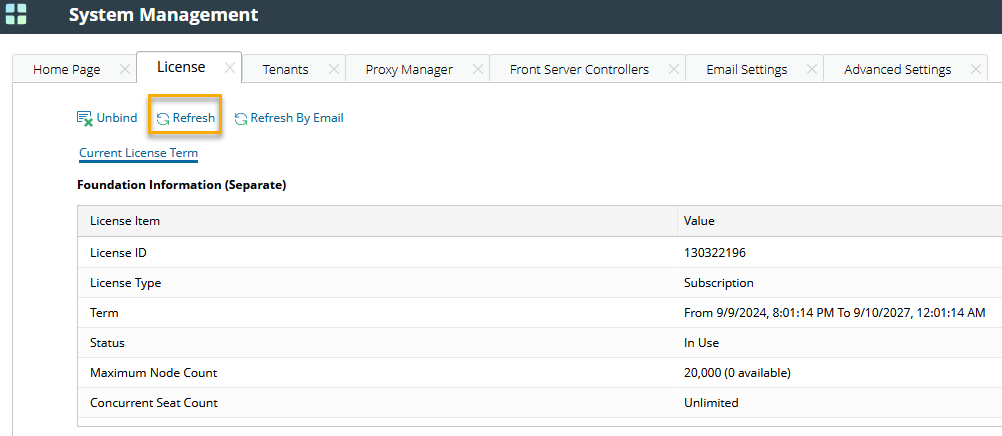
- Navigate to the License tab on System Management page and click Refresh.
- Navigate to the AI Bot System Settings, and click Refresh.