10.1.9 JA Publication
Set Up Sites
A site is a geographical grouping of network devices, which can be used as device scopes, asset filters, and map/topology views. For example, you can divide your network into a hierarchy of sites based on country, state, city, region, and office location.
There 2 types of Sites:
- Container Site (
 ) — a parent site that contains leaf sites and other container sites. No devices are directly nested under a container site.
 - Leaf Site (
 ) — a child site that contains devices. The devices can be added manually or searched dynamically. One device can only belong to a leaf site.
Site Manager is the central place where you can add new sites and edit existing sites.
Open Site Manager
- Click
 on the Desktop and log into Domain Management.
- Click Site to Open Site Manager.

|
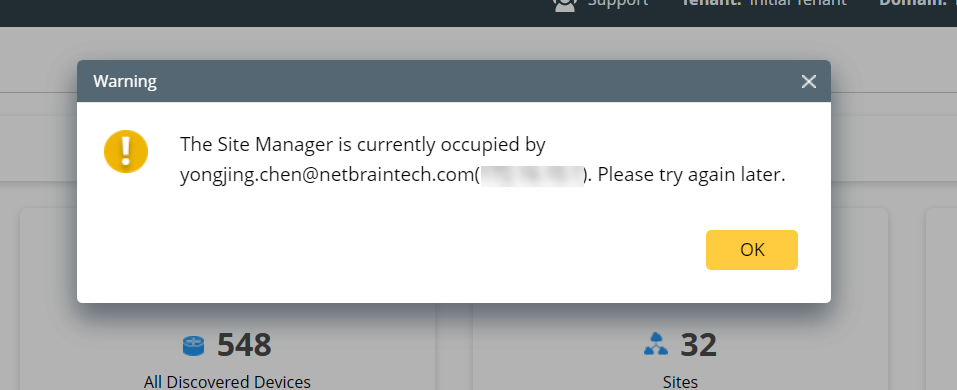
Tip: Only one user can log into Site Manager at a time. You might receive a warning message if other people open the Site Manager |
- In Site Manager, you can manage your sites by adding more sites, rebuilding sites, exporting sites, deleting sites, and more.
|
|
Tip: a given device can only be assigned to one leaf site, meaning that site members are exclusive for each site. If you wish to assign a given device to multiple sites for specific usage, please go to Device Group for more details. |
See also: