Customize Automation Definition
By default, the automation items inherit their description and tags configuration from the original automation and are updated automatically whenever the original automation is modified. You can modify the description and tags, and when the automation is customized it will be clearly indicated as Customized Definition or Linked to Automation definition.
The enhancements and behavior is same across all the automation's Golden Intent, ADT Intent, Published Intent, Golden Config, Intent Template and Runbook template.
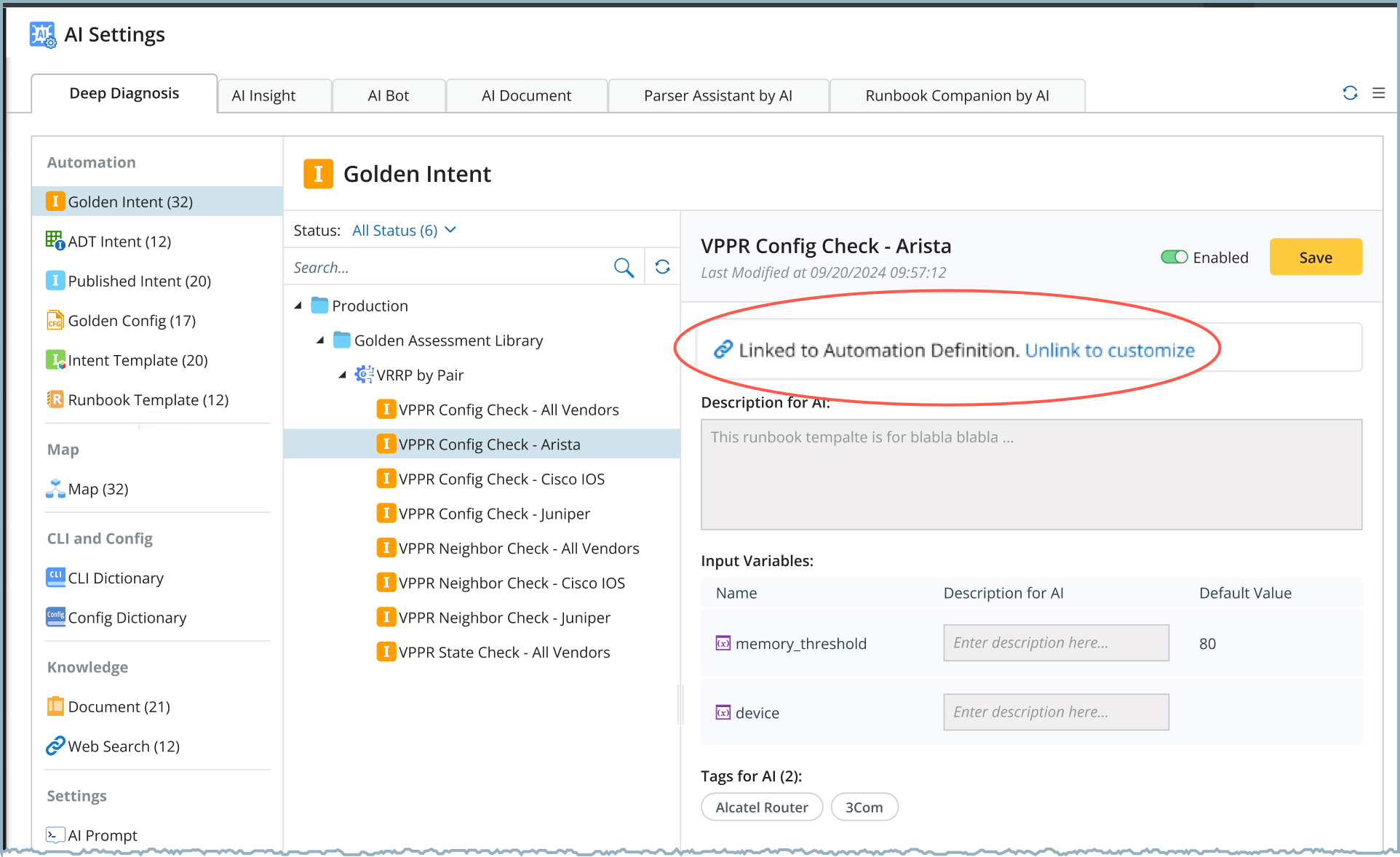
Configuration Status - Linked to Automation Definition
By default, automation items added to Deep Diagnosis Manager are Linked to Automation Definition. When an automation is linked:
- The description, input variables, and tags are read-only.
- These fields are automatically updated when the source automation definition changes.
- The configuration remains synchronized with the automation definition.
To modify the configuration, click Unlink to customize, which switches the status to Customized Definition.
Configuration Status - Customized Definition
When an automation is customized, its configuration is managed independently within Deep Diagnosis Manager. In this mode:
- The description, input variables, and tags become editable.
- The current values inherited from the automation definition are used as default values.
- Changes in the original automation definition do not update the customized configuration.
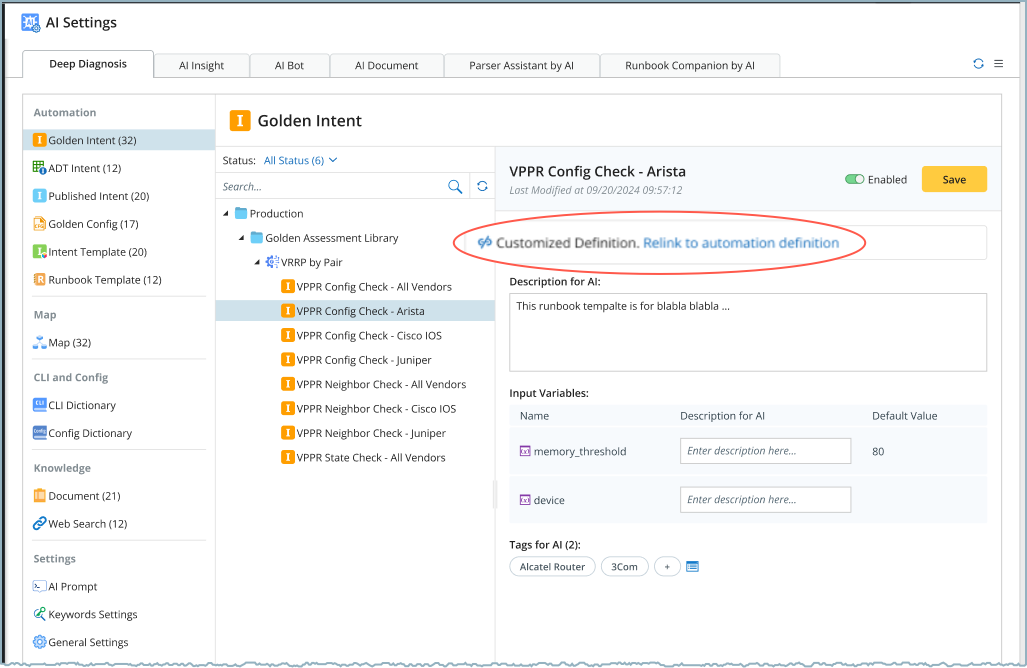
You can restore synchronization at any time by clicking Relink to Automation Definition, it replaces the customized values with those from the automation definition.